

Yu Gi Oh Forbidden Memories Recompiled
Port nativo de Yu Gi Oh Forbidden Memories Recompiled para PC.
Yu Gi Oh Forbidden Memories Recompiled
Port nativo basado en su ficha de origen.
README del repositorio
Yu-Gi-Oh! Forbidden Memories Recompiled
Yu-Gi-Oh! Forbidden Memories (PS1, USA) rebuilt from its decompiled source as a native PC game for Windows and Linux, with a macOS ARM64 source build. Bring your own disc image; no game data is included but the text of the European translations (below).
This is not a static recompilation: the game code was decompiled by hand and AI that matches the original byte for byte, then ported to PC.
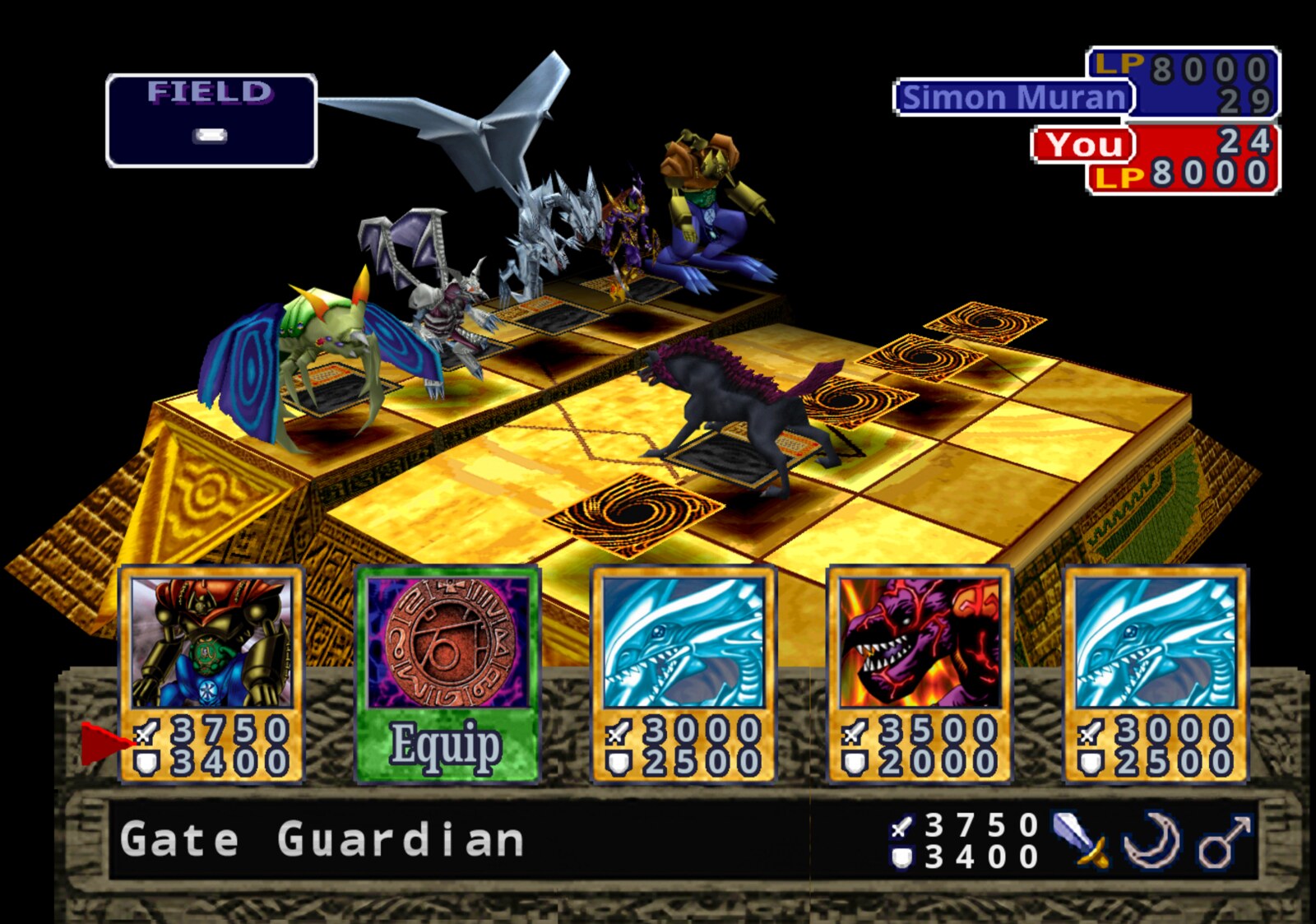
Features
- Up to 4x internal resolution, widescreen and HD text
- 3D Monsters: face-up monsters stand on the field as their battle models
- Optional Forbidden Memories HD pack: redrawn cards, frames and portraits
- Mods: framework for new cards past the original 722, fusions, textures, music, gameplay tables
- FM Editor: make mods without writing JSON: cards, art, fusions, duelists, decks, packs, the title screen and more (guide)
- Save slots, fusion helper, card drop rates, rebindable controls
- Game > Language: the European releases' own English, French, German, Italian and Spanish
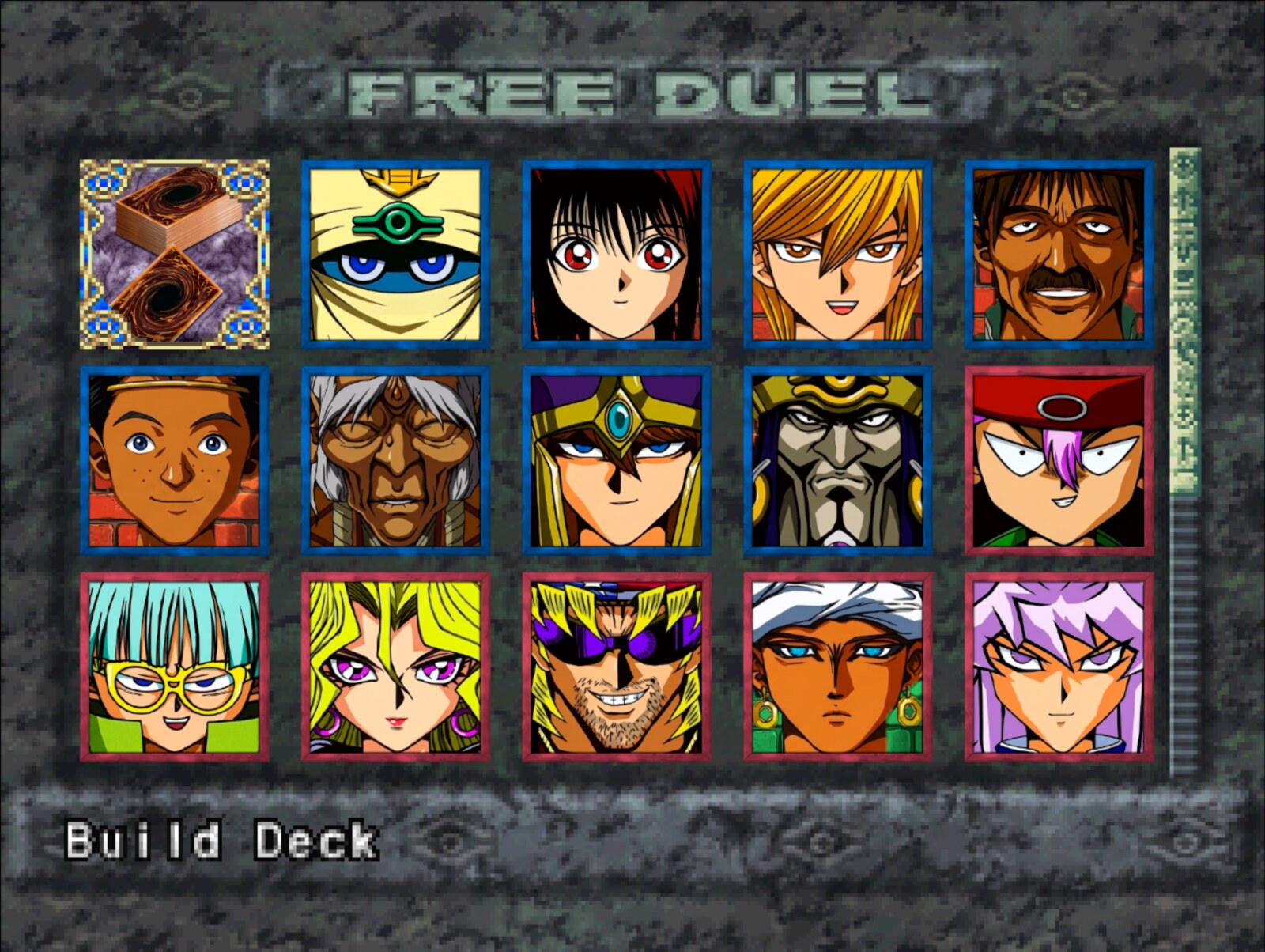
Play
Download the latest build from Releases,
extract it and run memories-pc.exe (Windows) or ./memories-pc (Linux). On first
launch, pick your USA disc's .bin. The game can tell you when a newer release is out
(Help > Check for updates at start turns it off; see Updates).
Bring your save from an emulator
Your save from the original game (an emulator's memory card, or a PS1 card copied to a PC)
loads in the port. Copy the memory card file (.mcr, .mcd, .srm, .gme, .mcs, .psv,
...; DuckStation keeps its cards in its memcards folder, ePSXe in memcards) into the
port's saves folder: Documents\My Games\YFM Re-Decomp\saves on Windows,
~/.local/share/YFM Re-Decomp/saves on Linux. Then pick LOAD on the title screen: the
save is copied into an empty slot (the card file is renamed .imported) and you can load it.
Emulator save states are not memory cards and cannot be imported; save in game first.
HD pack
- From the same release, download
yfm-redecomp-hd-mod-<version>.zip. - Close the game and extract the zip into the game folder, the one with
memories-pc.exeormemories-pc. You should end up withmods/assets-hdbeside the other mods. - Start the game. The pack is on by default: press F10 for the menu bar and open Game > Mods to check it, or to turn it or any of its parts off.
- For the best look, pick Video > Resolution > Internal 4x and turn on Video > HD text.
From source: put the .bin in game/ and run play.bat or ./play.sh. The first
run builds everything (Linux needs gcc and python3). See PC build.
On Apple Silicon, ./play.sh builds and runs the macOS target using Python 3,
Xcode command-line tools, and verified dependencies installed under tmp/.
See macOS build and the ARM64 runtime guide.
Native save states use F5/F7 and have build and platform compatibility limits;
see save-state compatibility. Code mods
need a macOS ARM64 build; existing i386 code-mod binaries cannot be loaded.
See macOS code mods.
Languages: languages/*.txt is the text of the five European releases, read off the
PAL discs by the port itself. With the discs in game/pal, python3 tools/pc/export_languages.py
writes them again, and --check compares them (Translations,
"The official languages"). They are the only game data in the repository: text, no pictures.
Decompilation
Every game function matches the original executable byte for byte:
make tools   # pinned toolchain
make match   # rebuild SLUS_014.11 exactly (see notes/setup.md)
| Metric | Current |
|---|---|
| Game C-decompilation targets matched | 1,134 / 1,134 (100.00%) |
| Game C-decompilation target bytes matched | 356,080 (0x56EF0) / 356,080 (0x56EF0) (100.00%) |
| Remaining game C-decompilation targets | 0 functions, 0 (0x0) |
| Evidence-backed handwritten game assembly | 61 functions, 40,116 (0x9CB4) |
| Total game-owned functions | 1,195 |
| Preserved Psy-Q CRT/SDK assembly | 591 functions, 117,348 (0x1CA64) |
| Total discovered functions | 1,786 |
| Embedded/unassigned resident text | 1,780 (0x6F4) |
Runtime overlay modules:
| Module | Matching C functions | Matching C bytes |
|---|---|---|
free_duel | 9 / 9 (100.00%) | 4,140 (0x102C) / 4,140 (0x102C) (100.00%) |
main_menu | 31 / 31 (100.00%) | 17,724 (0x453C) / 17,724 (0x453C) (100.00%) |
overworld_after_coup | 15 / 15 (100.00%) | 6,184 (0x1828) / 6,184 (0x1828) (100.00%) |
overworld_before_coup | 15 / 15 (100.00%) | 6,184 (0x1828) / 6,184 (0x1828) (100.00%) |
password | 27 / 27 (100.00%) | 10,884 (0x2A84) / 10,884 (0x2A84) (100.00%) |
Generated from config/slus_01411/functions.csv and config/slus_01411/overlays/*_functions.csv by tools/project/progress.py.
Docs
Modding · FM Editor · More cards · Fusion helper · Card drops · Card packs · Translations · Updates · Setup · Build · Releases
Community
Join the Discordto follow development, ask questions and report issues.
License
The PC port (src/pc/, tools/pc/, tests/pc/, mods/, examples/ and the build
and play scripts) is MIT: keep the copyright notice and please link back
here. The decompilation builds on memories-decomp
by its authors. Yu-Gi-Oh! and Forbidden Memories belong to Konami.
Comentarios (0)
Inicia sesión para dejar un comentario.
Sé el primero en comentar sobre este juego.