
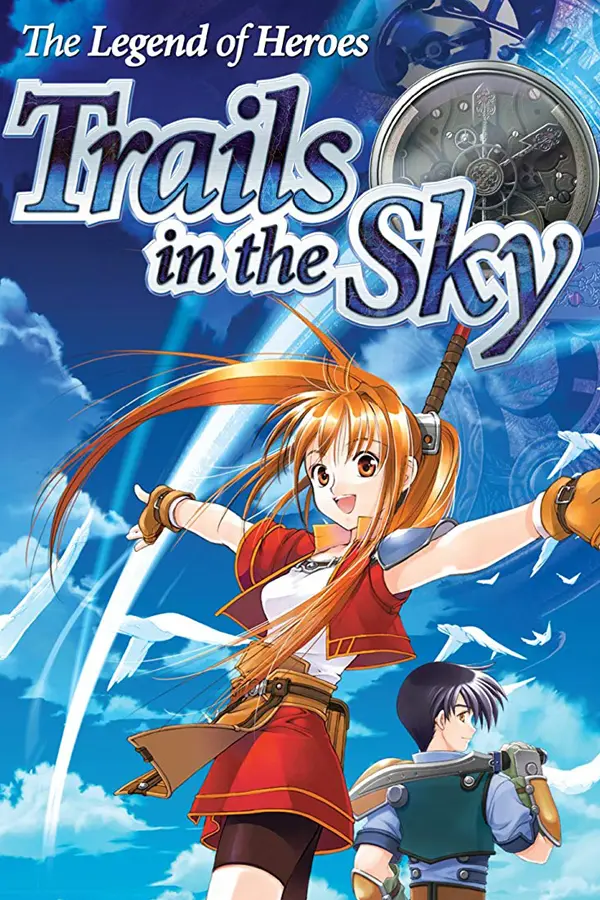
The Legend of Heroes: Trails in the Sky
Port nativo de The Legend of Heroes: Trails in the Sky para PC.
The Legend of Heroes: Trails in the Sky
Port nativo basado en su ficha de origen.
README del repositorio
Trails in the Sky FC Recompiled & Switch Port
A native port of The Legend of Heroes: Trails in the Sky (the first chapter, Steam's PC release) for Windows, the Nintendo Switch and Linux. The game's own code, translated from its x86 machine code to C and built again, runs on each of them; the game's art, text, music and voices come from your copy.
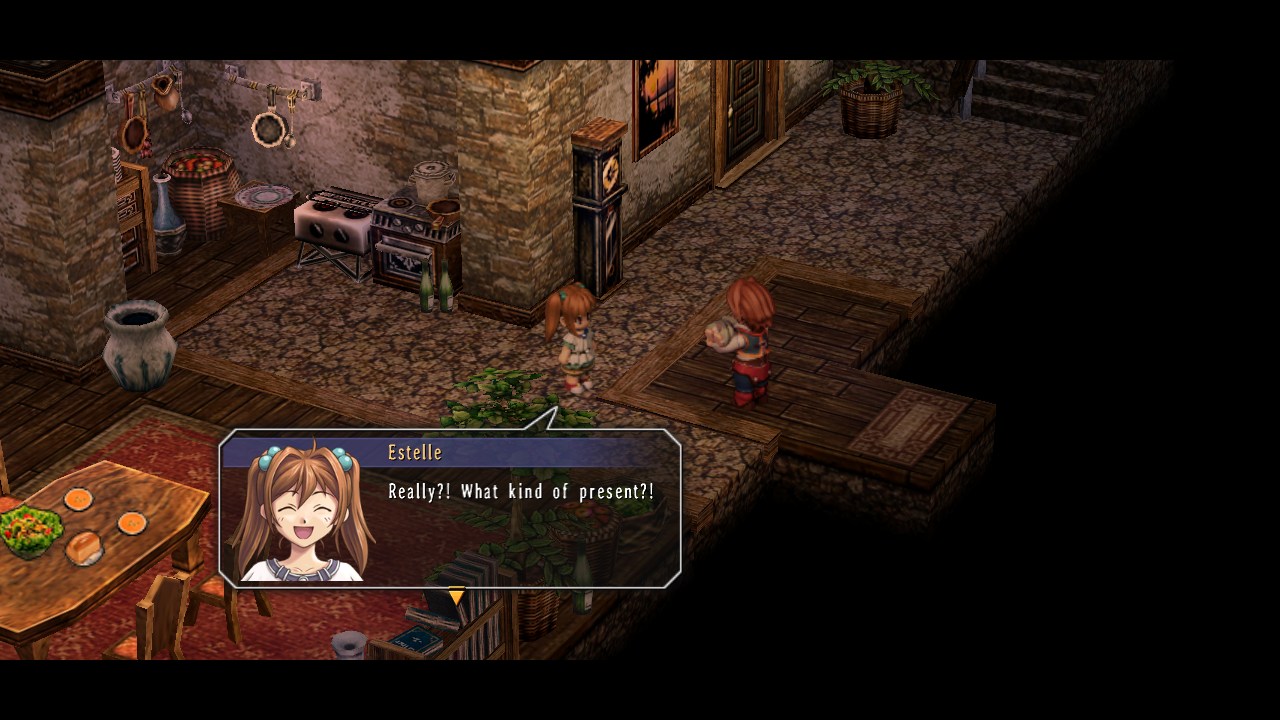
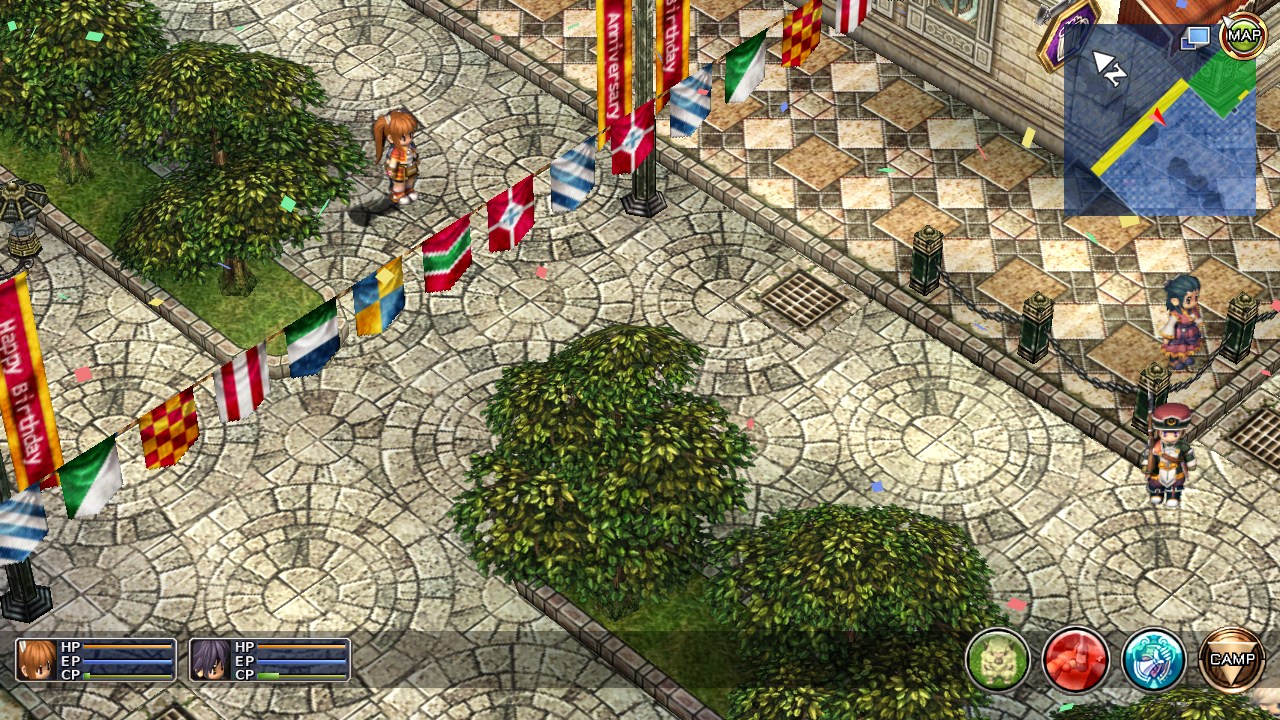
On Windows it is the game as you know it, with a settings menu of its own (no launcher needed), an exact frame rate of your choice, and a Vulkan renderer if you want one. On a Switch it plays docked or handheld, with the Joy-Con or a Pro Controller and the touch screen. Mods that come as files (SoraVoice's voices, the Evolution soundtrack, retranslations) work on every platform.
If this helped you, consider buying me a coffee
Installing
You need the game: the Steam release of The Legend of Heroes: Trails in
the Sky, kept up to date (the port is made for its 2022-09-22 build, and
says so if it is given another). To find its folder, right-click the game in
Steam, then Manage, Browse local files: the folder with ed6_win_DX9.exe in
it.
The downloads are on the releases page.
Windows
- Download
trails-fc-recomp-<version>-windows.zip. - Unzip
trails.exeinto the game's folder, besideed6_win_DX9.exe. - Double-click
trails.exe. A shortcut to it on the desktop or the Start menu works too.
Your saves and settings are the game's own (Saved Games\FALCOM\ED6 in
your user folder), so the saves you have load as they are, and the original
game still plays them afterwards. What the port says while it runs goes to
trails.log beside it: that file is what to look at, or to send, if
something goes wrong.
If Windows says d3dx9_43.dll is missing, start the game once from Steam
(which installs the DirectX it needs) or install Microsoft's DirectX
End-User Runtime.
Nintendo Switch
You need a Switch that runs homebrew (Atmosphère and the Homebrew Menu), and about 3 GB free on its SD card.
- Download
trails-fc-recomp-<version>-switch.zipand unzip it onto the root of the SD card: that makes/switch/trails/trails.nro. - Copy everything in the game's folder on your PC into
/switch/trails/game/on the card, so that there is a/switch/trails/game/ed6_win_DX9.exe. - Optionally, copy your PC saves (
Saved Games\FALCOM\ED6in your user folder) to/switch/trails/save/FALCOM/ED6/. - On the Switch, open the Homebrew Menu by holding R while you start any game, and keep R held until the menu appears. Choose Trails in the Sky FC.
Start it that way, not from the Album: a program started from the Album is
given too little memory for this game, and says so. The log is
/switch/trails/trails.log.
A modded copy can sit beside the stock one: make another folder, say
/switch/trails_modded/, with its own copy of trails.nro and the modded
game in its game/ folder. Each folder keeps its own saves.
Ryujinx: put the same files in the emulator's SD card (File, Open
Ryujinx Folder, then sdcard): sdcard/switch/trails/game/ for the game.
Then open trails.nro with File, Load Application From File. Ryujinx needs
its keys and firmware, as for any Switch program.
Linux
- Download
trails-fc-recomp-<version>-linux-x86_64.tar.gzand unpacktrails-portableinto the game's folder (copied from a Windows PC, or installed by Steam for Windows under Proton). - Run
./trails-portablethere.
It needs SDL2, SDL2_ttf, OpenGL ES 3 (Mesa) and FFmpeg 7 (libavformat61)
from your distribution; it was built and tested on Debian 13. The saves and
settings go in a save folder beside it. The keyboard, the mouse and a
controller all work, the keys as the game's own bindings have them.
Mods
Install a mod into the game's folder (or into a copy of it, to keep the
stock game too) the way its instructions say, and the port uses what it puts
there: replaced archives (ED6_DT*.dat), music (BGM), movies, and
SoraVoice's voices (voice\scena, voice\ogg), which the port plays
itself. A mod's DLLs (dinput8.dll, d3d9.dll and the like) are made for
the original exe and are not loaded; the log says so for each one it finds.
Playing
Settings. The game's own OPTION screen (in the camp menu) has the camera, the mini map, music, sound effects, voices and the frame rate: Frame Rate is Uncapped, 120, 60 or 30 FPS Limit on a PC, 60 or 30 on the Switch, and changes at once.
On Windows, F2 (or both sticks of a pad pressed in) opens the port's
settings menu over the game: resolution; a window, a borderless window or
full screen; vertical sync, anti-aliasing, the renderer, the frame rate,
texture filtering, shadows, the mouse on or off, the movies. A change is
saved as it is made; the frame rate and the mouse change at once, the rest
the next time the game starts. All of it is in the game's settings file,
Saved Games\FALCOM\ED6\config.ini, whose [Recomp] section is the port's
own:
| key | |
|---|---|
Renderer | d3d9 (the default), vulkan (needs DXVK's 32-bit d3d9.dll in a dxvk folder beside trails.exe) or d3d12 |
Fps | frames a second, 0 for no limit (default 120): the same setting as Frame Rate in the OPTION screen |
Borderless | 1, with WindowMode=1: a window without a frame that covers the screen |
Mouse | 0: no pointer, and the mouse does nothing (for a pad or the keyboard alone) |
On the Switch the touch screen is a mouse: touch a menu item to choose
it. The game runs at 60 frames a second in most places; the busiest towns
(a festival crowd, say) still fall below that, and 30 FPS Limit holds an
even 30 there for those who would rather have that. Options for testing go
in args.txt beside trails.nro, on one line (--fps 30, --voice-log).
Known problems
- Direct3D 12 shows nothing in a window (the game runs; full screen is fine), so a window always uses Direct3D 9.
- The busiest scenes run below 60 frames a second on a Switch.
Building from source
docs/building.md has how to make the port from your own copy of the game, for every platform, and docs/bringup.md how it was brought up.
Legal
This project is not affiliated with or endorsed by Nihon Falcom or XSEED Games. The Legend of Heroes: Trails in the Sky and all of its assets belong to their owners. None of the game's files are in this repository or in the downloads, and the port runs only from a copy of the game you own. The repository holds no code of the game's either: the C it is translated to is made from your copy when you build. A download's program is built from that translation.
The code in this repository is under the MIT License. It builds on pcrecomp (MIT) and includes Dear ImGui (MIT); see THIRD_PARTY_NOTICES.md, which also lists what the Linux and Switch programs are linked with.
Credits
- pcrecomp by sp00nznet: the
lift32lifter, thenative32host and thewin32hlelayer that the Linux and Switch builds stand on. This port's changes to it are in the soyjxck/pcrecomp fork, thepcrecomp/submodule, which also carries Steve Albrechtsen's guest address space for 64-bit hosts. - Dear ImGui by Omar Cornut: the settings menu.
- SoraVoice by ZhenjianYang: the voice mod whose files the port reads and plays itself.
- DXVK: the Vulkan renderer, if you put
its
d3d9.dllbeside the exe. - devkitPro and libnx: the Switch toolchain, and Ryujinx, where the Switch build was brought up before it met a console.
Comentarios (0)
Inicia sesión para dejar un comentario.
Sé el primero en comentar sobre este juego.