

Super Mario Bros. 2 (Japan) (FDS Recomp)
Port nativo de Super Mario Bros. 2 (Japan) (FDS Recomp) para PC.
Super Mario Bros. 2 (Japan) (FDS Recomp)
Port nativo basado en su ficha de origen.
README del repositorio
Super Mario Bros. 2 (Japan) — FDS Static Recompilation
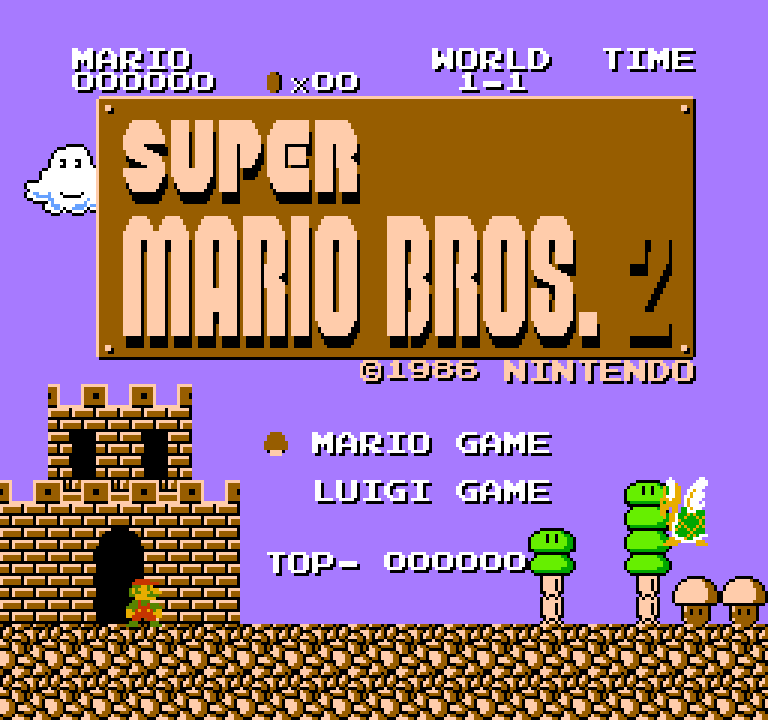
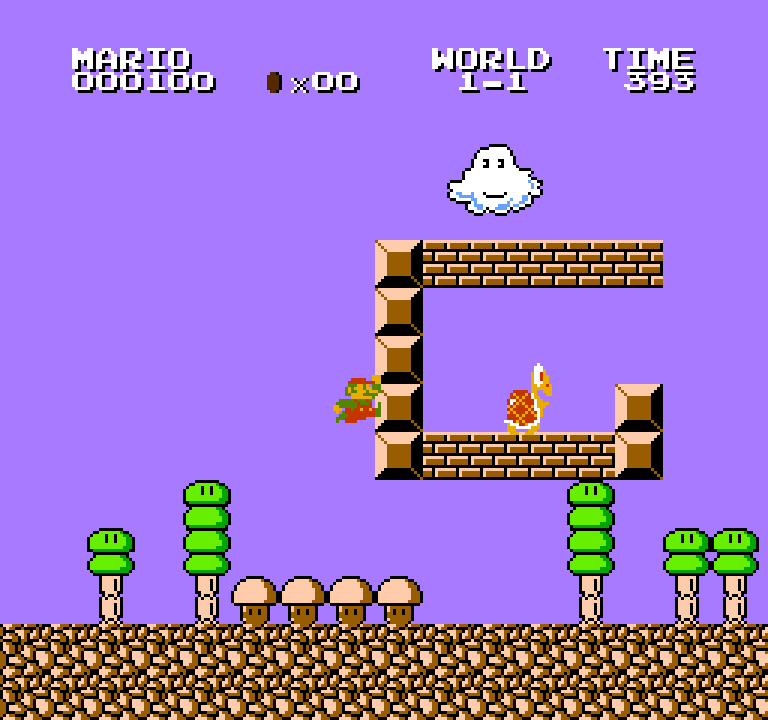
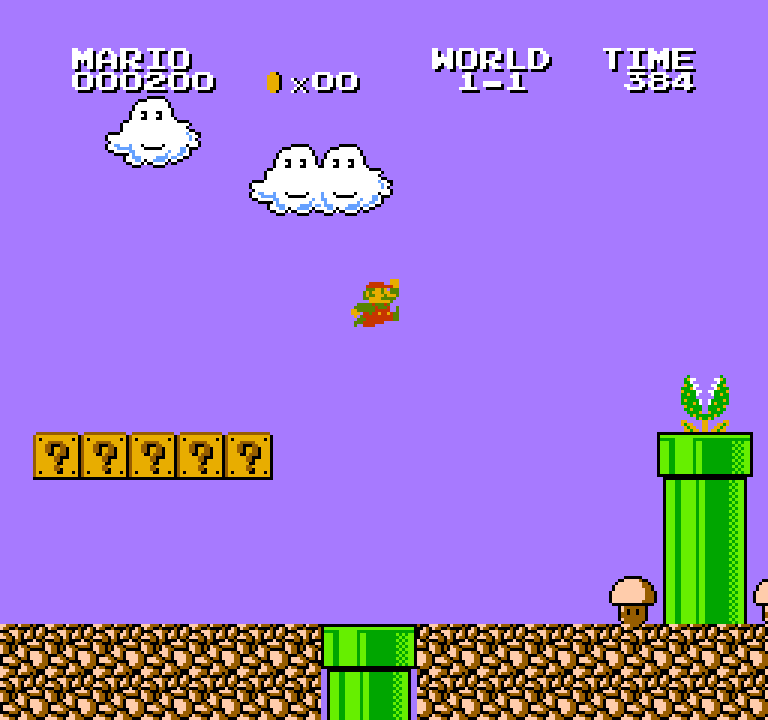
A native PC build of Super Mario Bros. 2 for the Famicom Disk System, produced by statically recompiling the game's 6502 code to C with nesrecomp's cycle-accurate backend.
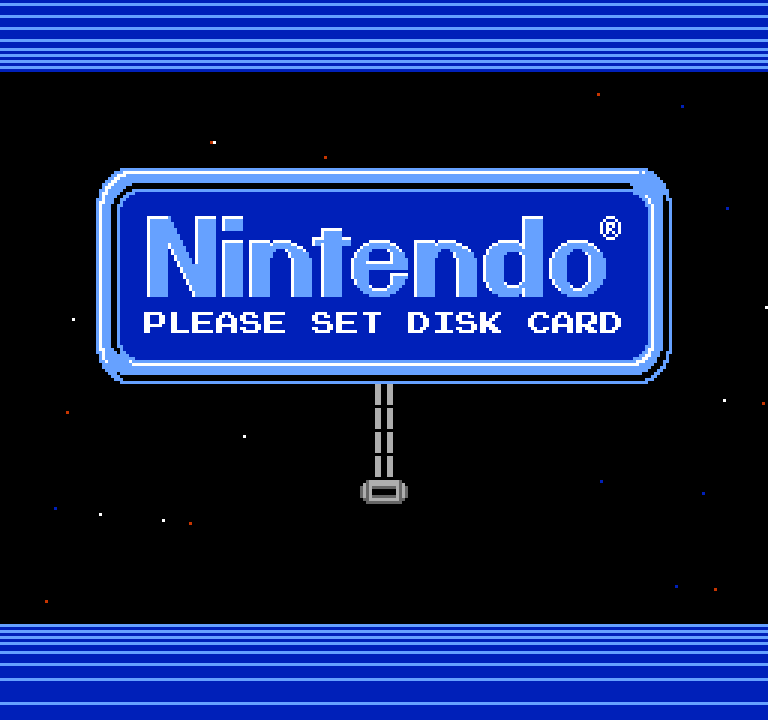
The real FDS BIOS runs (LLE): you see the Nintendo boot screen and the disk load exactly as on hardware. Every program file on the disk is compiled ahead of time at its load address. Anything the game builds in RAM at run time falls back to an interpreter built from the same code templates.
This is the first public release of a Famicom Disk System title built with nesrecomp: the first FDS game on its cycle-accurate backend, running the real BIOS and recompiling code loaded from disk.
No game data is included. You supply your own disk image and FDS BIOS.
 |  |
 |  |
Requirements
| File | Identity |
|---|---|
| Disk image | Super Mario Bros. 2 (Japan) (Debug Value 0).fds (No-Intro), SHA-1 3b8c8998b4887d6dd676965943d69a320738ab9c, SHA-256 3200fa7325ff110e03518689245116707952aa8222bc283f94c4e774f4fcadbc |
| FDS BIOS | Any file name; 8192 bytes, CRC32 5E607DCF (the RAM Adapter BIOS, often called disksys.rom) |
Playing (release zip)
- Unzip anywhere and run
SuperMarioBros2JapanFDSRecomp.exe. - In the launcher, select your disk image.
- Open Settings → System → Select BIOS... and pick your FDS BIOS. It is
checked by size and CRC and remembered in
config.ini. - Press Play.
| Action | Keyboard | Controller |
|---|---|---|
| D-pad | Arrows | D-pad |
| A / B | Z / X | A / X |
| Start / Select | Enter / Backslash | Start / Back |
| Disk | D | LB |
| Menu | Escape | RB |
| Fast-forward | Tab (hold) | RT |
| Save / load state | F8 / F9 | - |
All bindings can be changed on the launcher's Controls page.
Disk button. Press it once to see the drive state. Press it again while the
notice is showing to swap to the next side. SMB2J has one side, so it just
re-inserts. Disk saves go to saves/ beside the executable; the image itself is
never written.
Widescreen (experimental)
An opt-in mod: enable Widescreen (Experimental) on the launcher's Mods screen or in the in-game menu's Mods section (Fit window, 16:9, 21:9 or 32:9, status bar at the edges or centered, original or wide-view enemy activation). Off by default; with it off the game is unchanged. See docs/WIDESCREEN.md.
Building from source
Windows, Visual Studio 2022 and CMake 3.20+. Put your disk image in the repository
root and your BIOS at bios/disksys.rom. The BIOS is recompiled into the program
and checked against bios/disksys.toml. Neither file is tracked.
setup.bat            # or ./setup.sh: checks out nesrecomp + recomp-ui
cmake -S . -B build -G "Visual Studio 17 2022" -A x64
cmake --build build --config Release
powershell -File tools/make_release.ps1   # optional: release zip in release/
The default build derives additional guarded disk-code views from your image
using tools/coverage_sites.json. This metadata contains executed addresses,
disk-profile associations and conservative rewrite hints, without game bytes.
It also accounts for World 9 retaining part of the World 8 disk overlay. Every
compiled view retains its byte guards and interpreter fallback.
-DNESRECOMP_HEADLESS=ON builds without a window, for scripted runs. routes/
holds scripted play routes (python routes/run_routes.py <exe>). The same routes
can also produce a local RAM capture file (--capture-log cyc_captures.txt, then
configure with -DNESRECOMP_CYCLE_CAPTURES=cyc_captures.txt), which compiles the
code the game copies into RAM as well. That file contains game code, so it is
gitignored and must never be committed.
Progression coverage validation
The October 2026 pass used the original area/disk loaders with explicit start and protection assists at all 54 regular area entries in worlds 1–8 and A–D, plus all four World 9 areas after the original ending disk load. Per-frame machine hashes and screenshots matched independent interpreter runs. These entry and movement checks do not establish an unassisted full playthrough.
With engine 2b4fcdb98c9e702be3fb365cfc645003c50b5fc1, a fresh build without
private captures reduced interpreted cycles across the 54 regular routes from
6,563,350 to 188 (64 instructions). The four World 9 routes fell from 134,312
to zero interpreted cycles. The widescreen seam, enemy, plant, platform, wind,
flag, World 9, save-state, preset and saved-mod checks also passed against that
build. These measurements apply to the recorded routes and approved image.
License
For this project's code covered by the PolyForm Noncommercial License, PERMISSIONS.md grants standing permission for voluntary donations, sponsorships, and advertising revenue, including support for broader development initiatives. Payment must not buy access to the software, games built with it, or their updates, features, or game content, including early access.
Matthew Stanley has authority from the relevant copyright holders to grant these permissions for the project's PolyForm-covered code. Third-party components and code explicitly licensed under other terms retain those terms.
PolyForm Noncommercial 1.0.0; see LICENSE. Super Mario Bros. 2 and the Famicom Disk System are trademarks of Nintendo. This project is not affiliated with or endorsed by Nintendo.
Comentarios (0)
Inicia sesión para dejar un comentario.
Sé el primero en comentar sobre este juego.