

Port nativo
Strike Commander (libRealSpace)
Port nativo de Strike Commander (libRealSpace) para PC.
Strike Commander (libRealSpace)
Port nativo basado en su ficha de origen.
README del repositorio
libRealSpace
A cross-platform open-source project aimed at recreating the RealSpace engine originally developed by Origin Systems for games such as Strike Commander and Wing Commander.
Features
File Format Support
- Full TRE Support
- Full IFF Support
- Full PAK Support
- Comprehensive parsing for all game assets
Rendering Capabilities
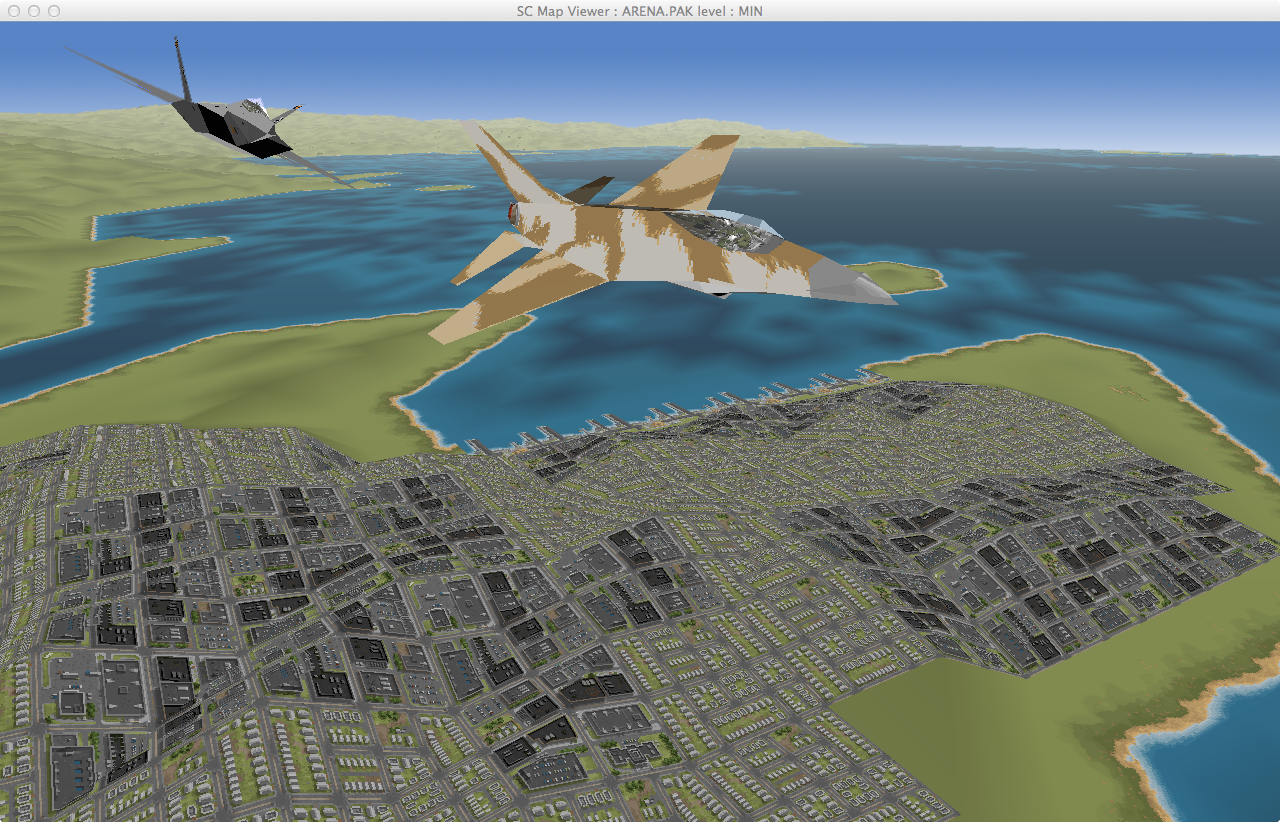
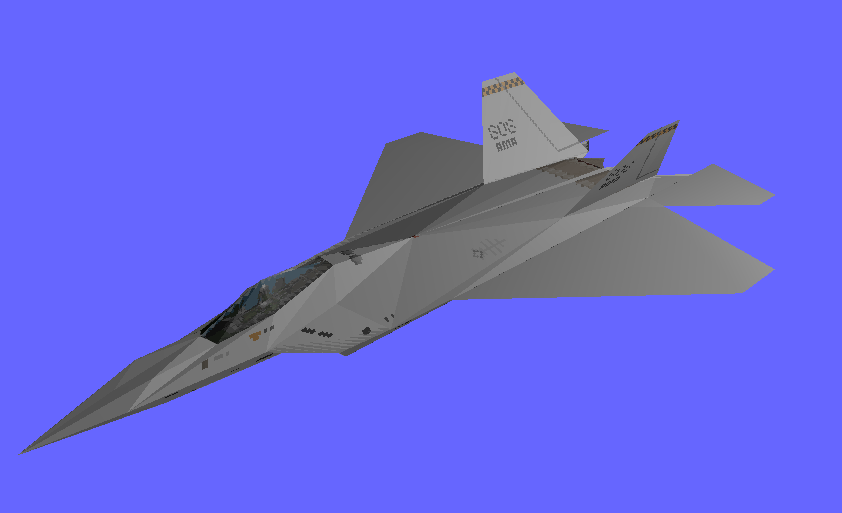
- Render Textures 3D Jets for all Level Of Details
- Render animation layers (individually)
- Render Map Textures
- Render ingame screen (conversation, transition animation, scenes)
- Environment and terrain rendering
- Cockpit and instrument simulation
Gameplay & Systems
- Flying with realistic flight physics
- GameFlow logic and mission scripting
- Complete mission system with event-based scripting
- User interface and menu systems
Asset Handling
- Guess PAK contents:
- VOC sound effects
- XMidi music
- Animations
- IFF
- Images
- Map Textures
- Sub-pack structure
Development Tools
- Debug interface with ImGui integration
- Performance profiling and monitoring
- Asset browser and inspector
Platform Support
- Windows
- Linux
- macOS
Goal
The long term goal is to be able to play Strike Commander with a Virtual Reality Headset (Oculus Rift)
Dependencies
- SDL 2: https://www.libsdl.org/
- Dear IMGui: https://github.com/ocornut/imgui
- SDL-Mixer-ext: https://wohlsoft.github.io/SDL-Mixer-X/
- Legacy OpenGL
Eye Candies
Last update
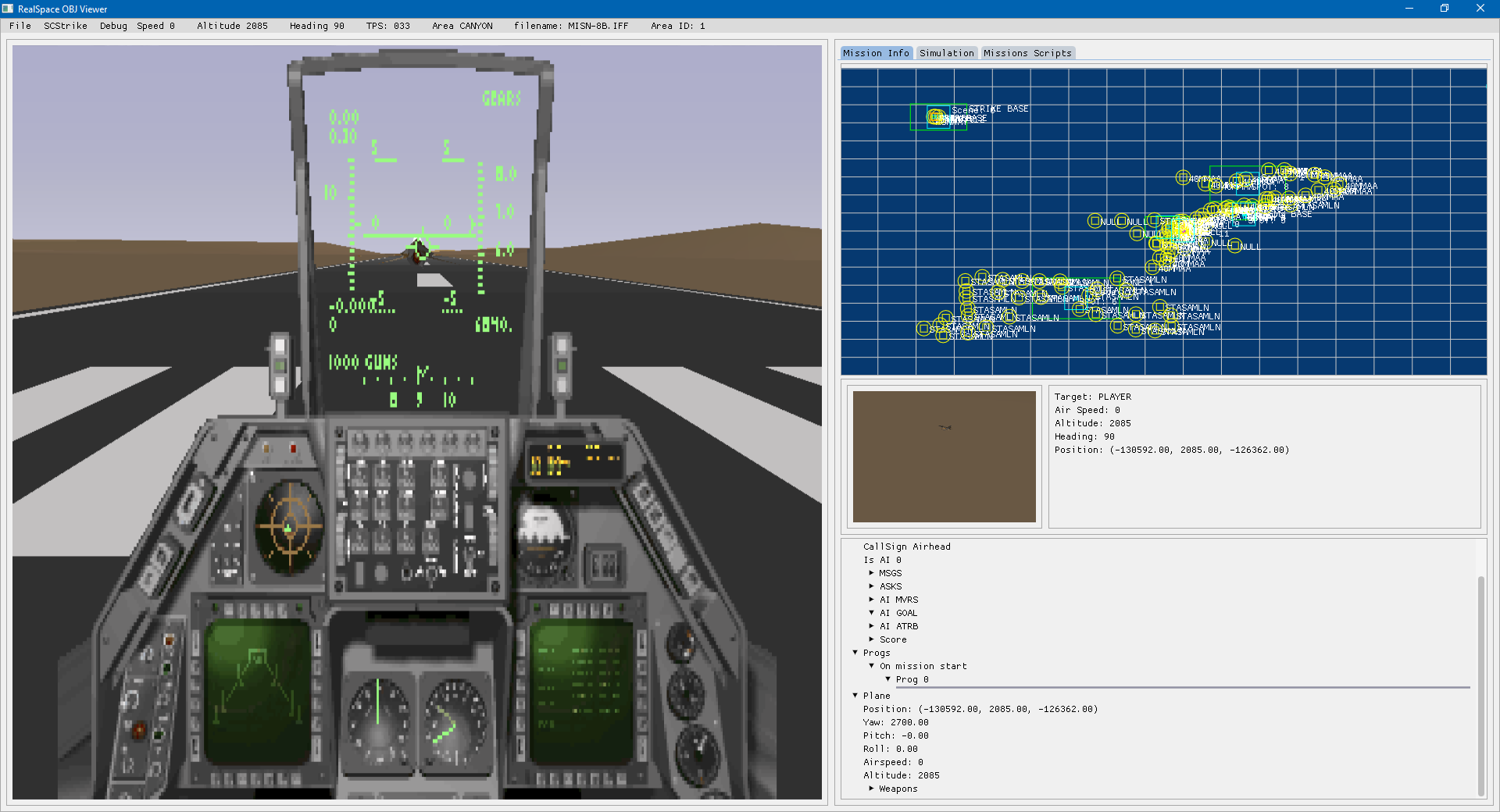
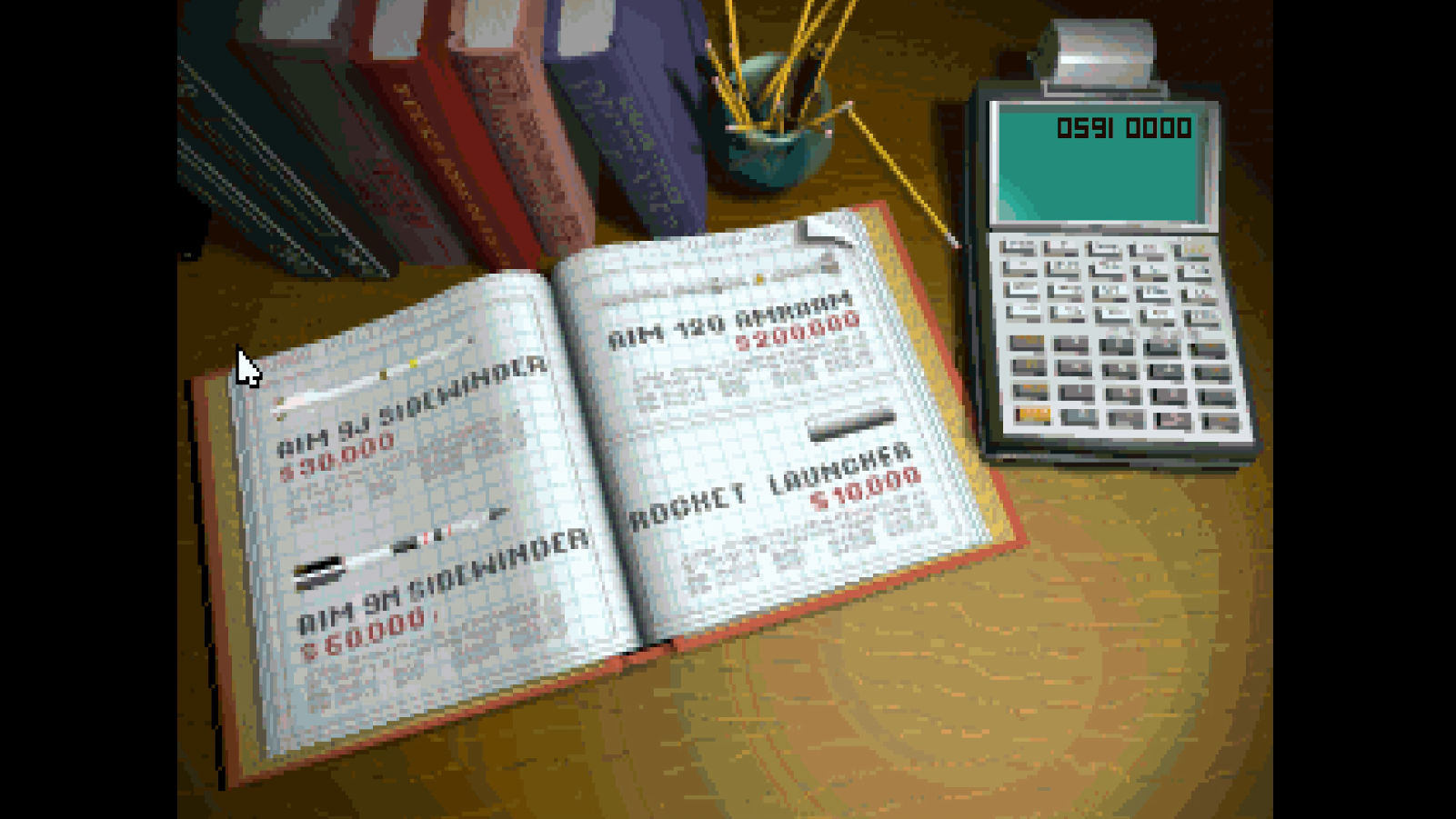
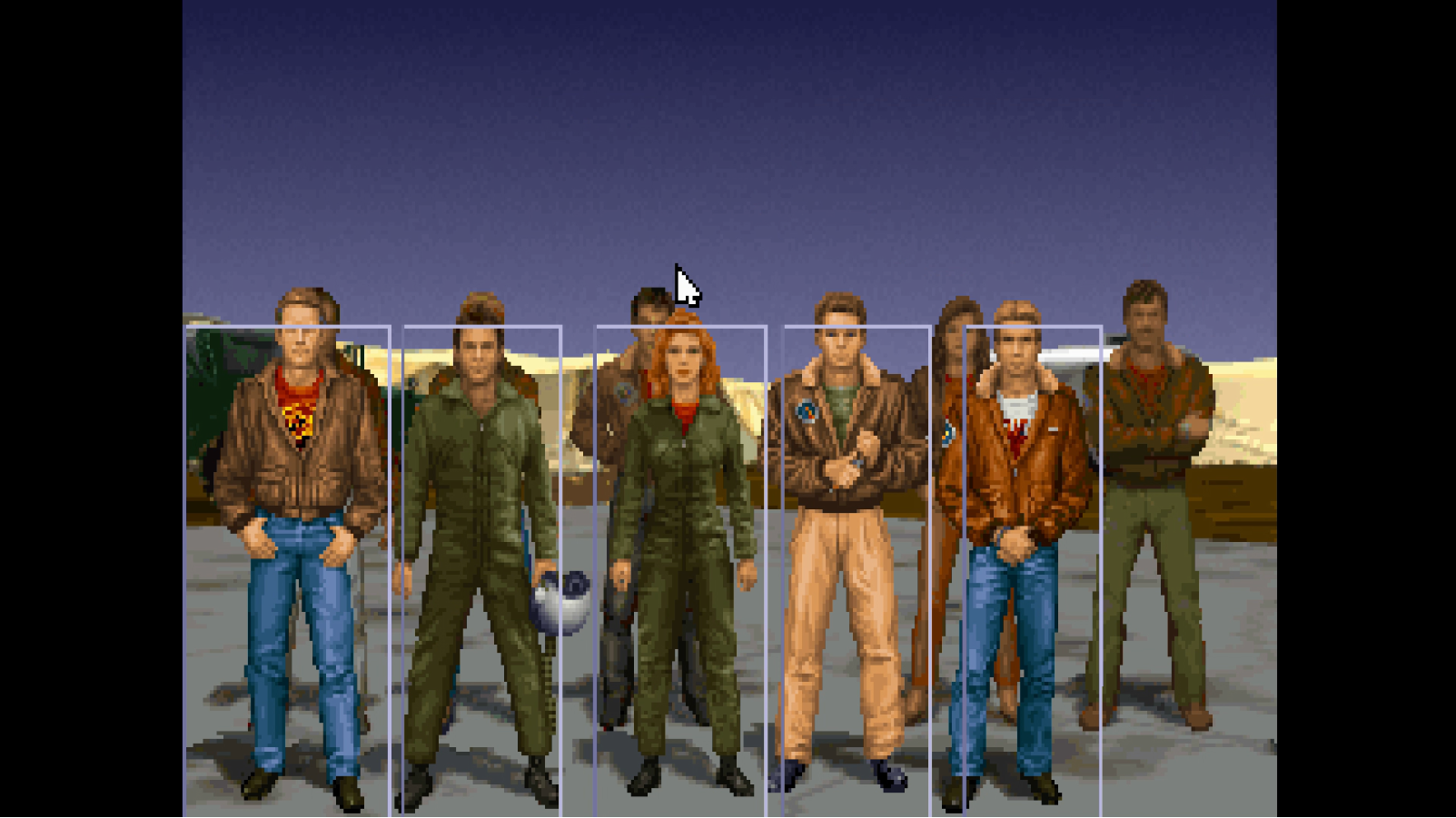
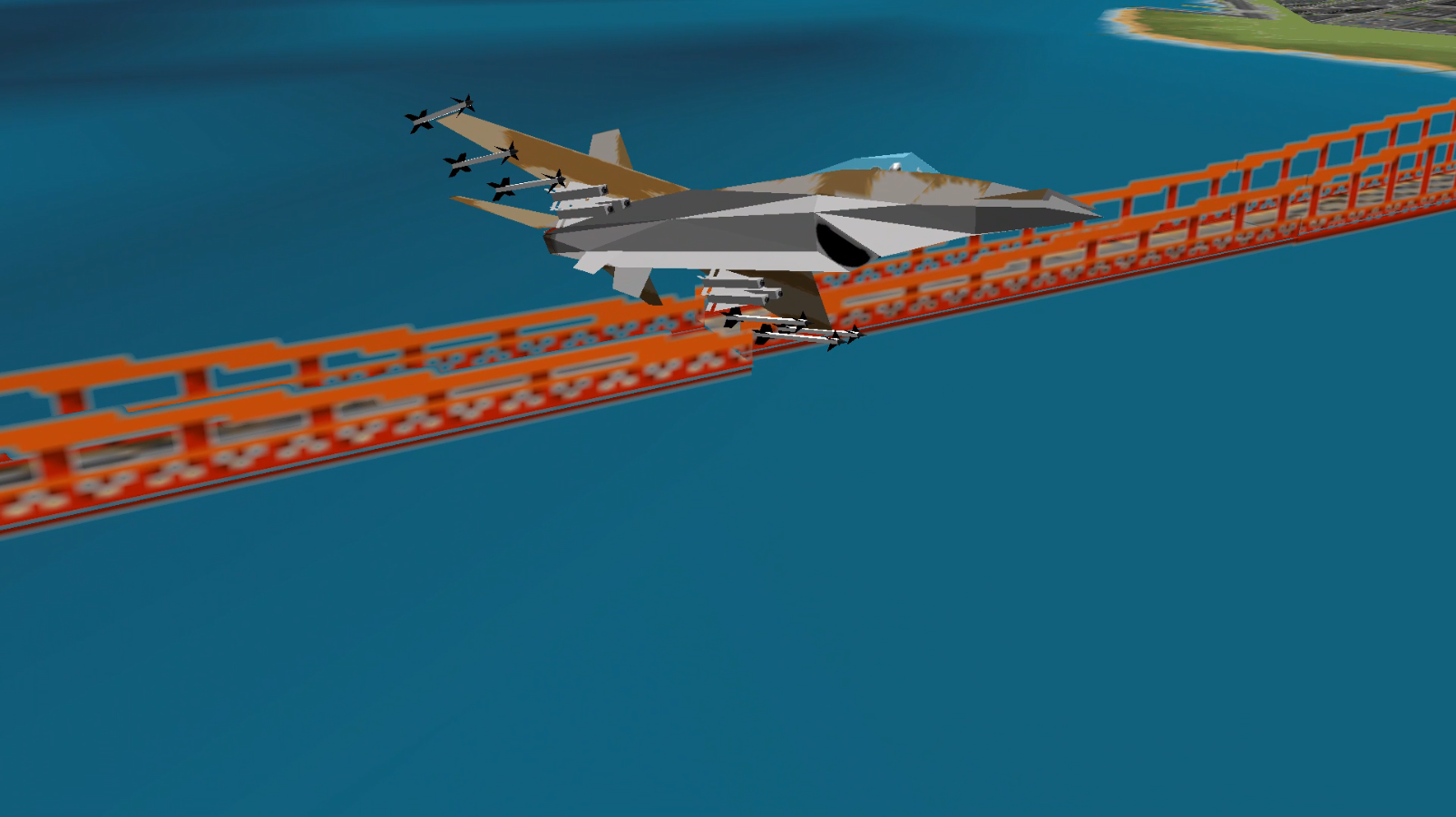
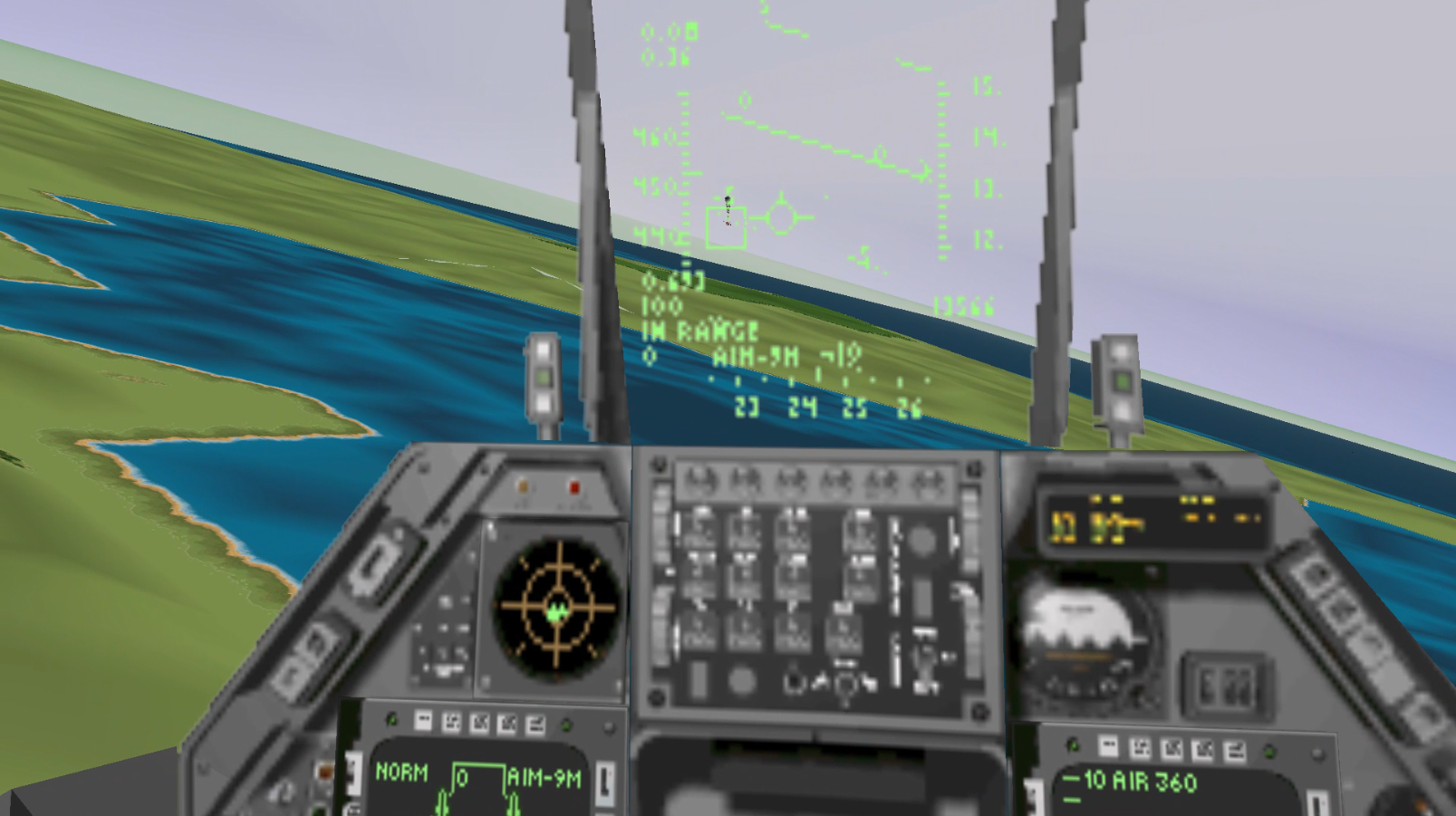
News :)
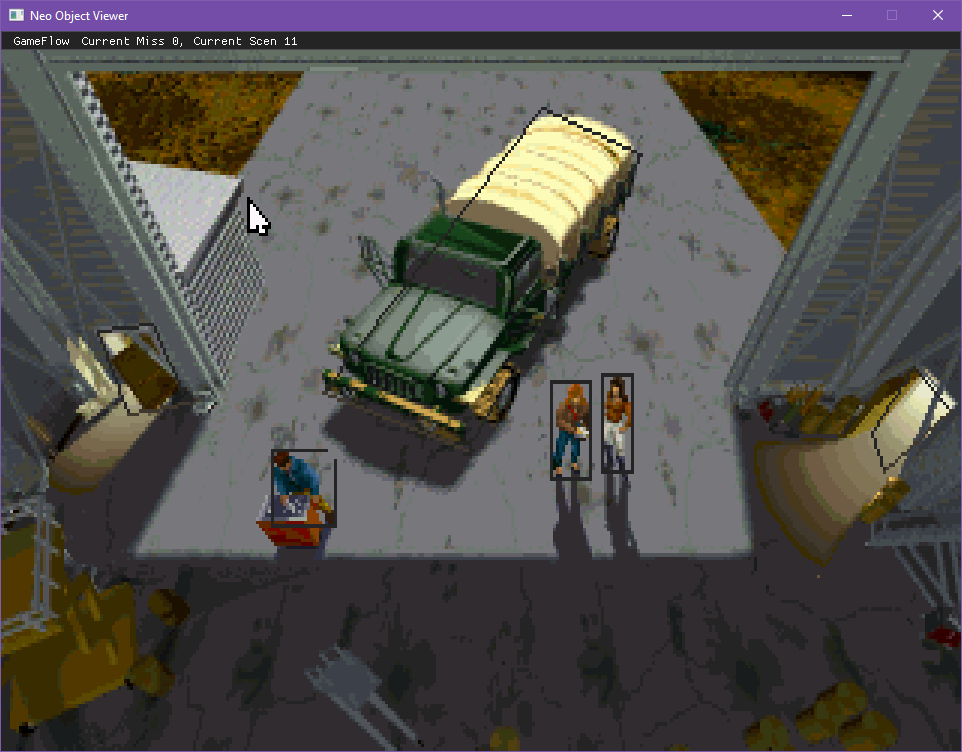
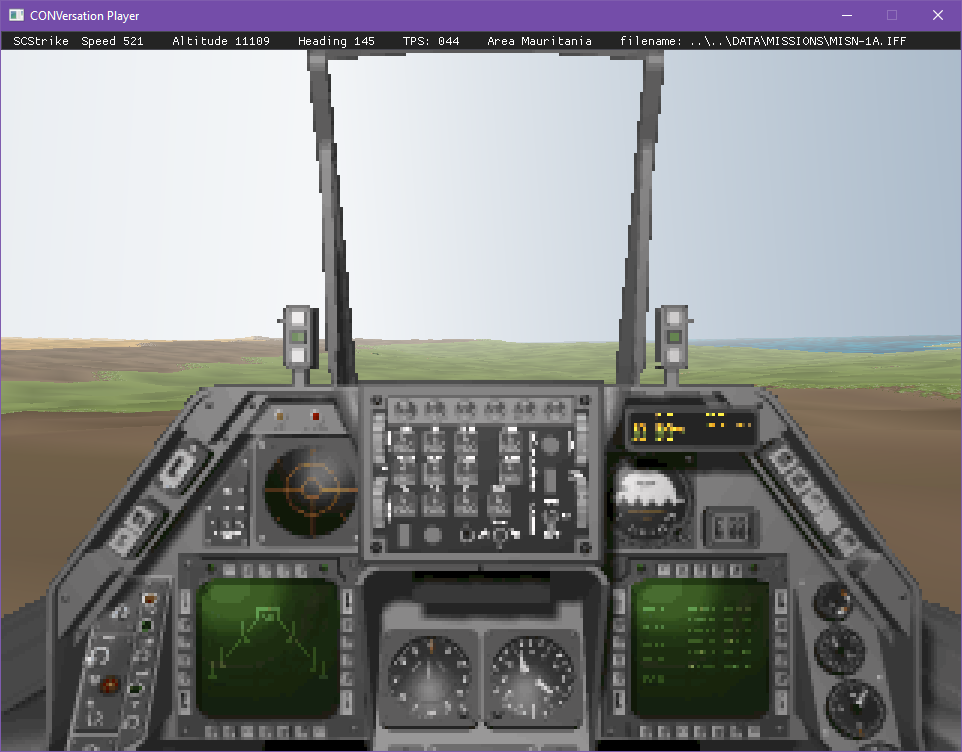
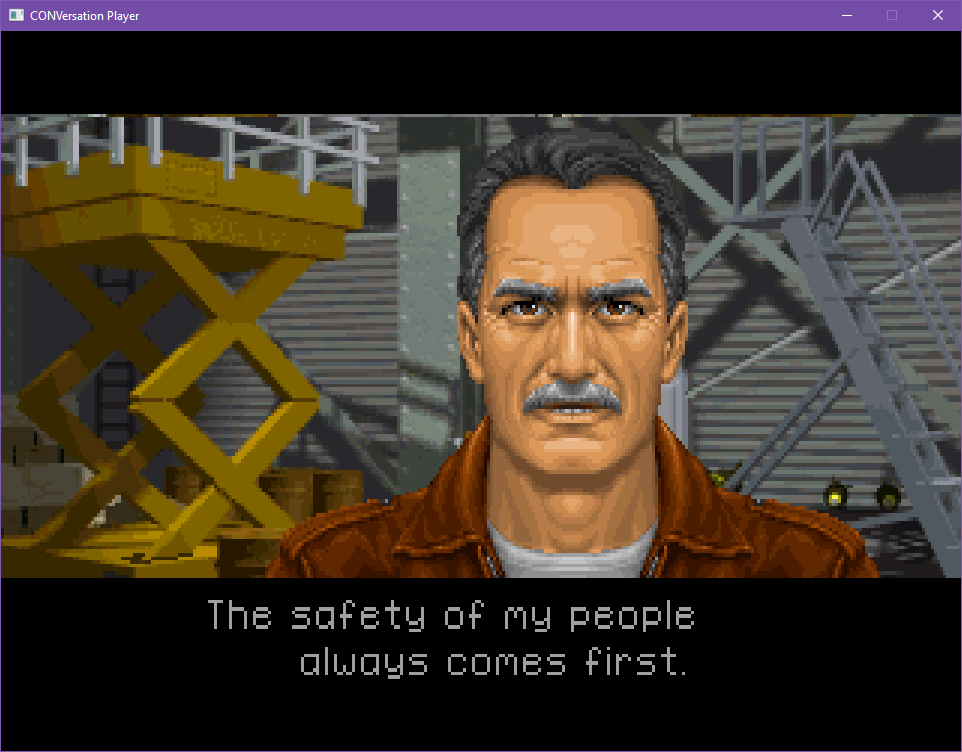
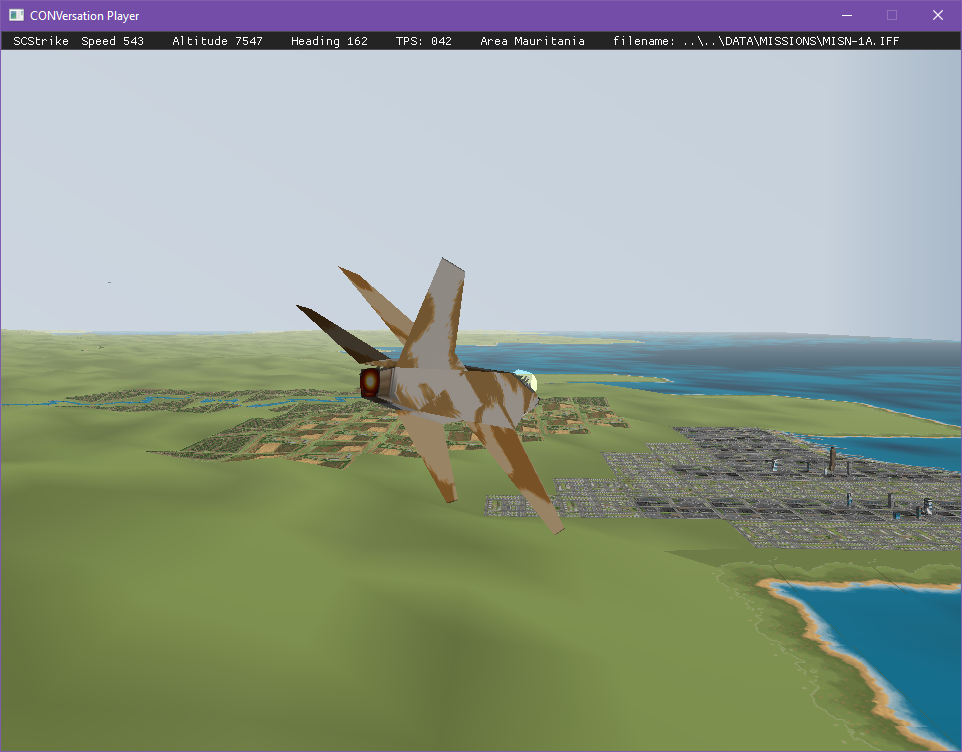
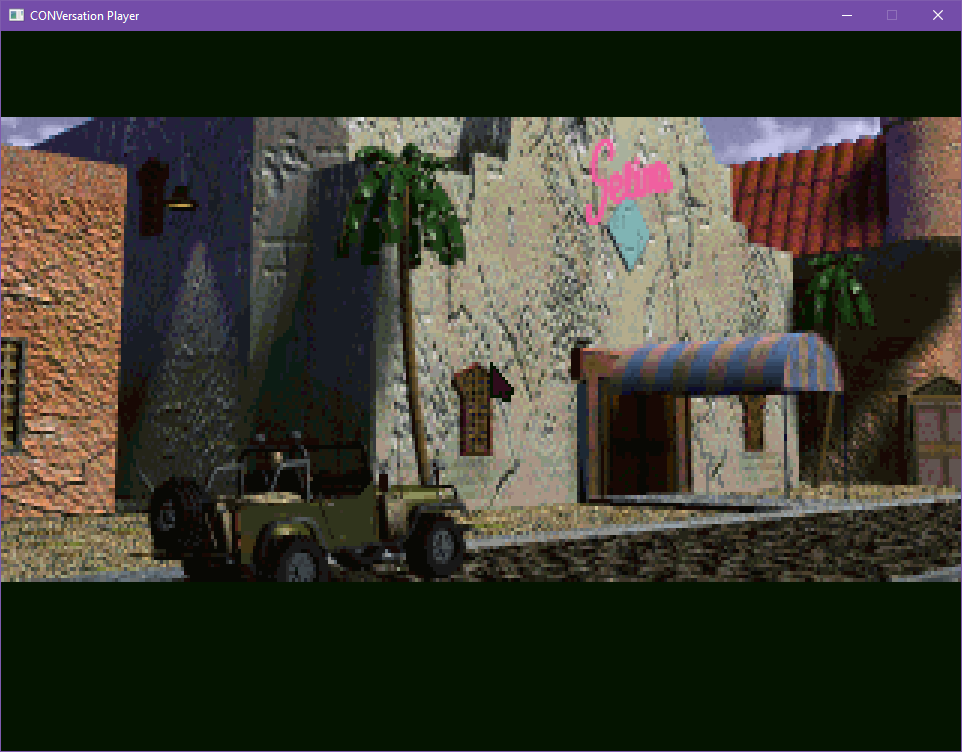
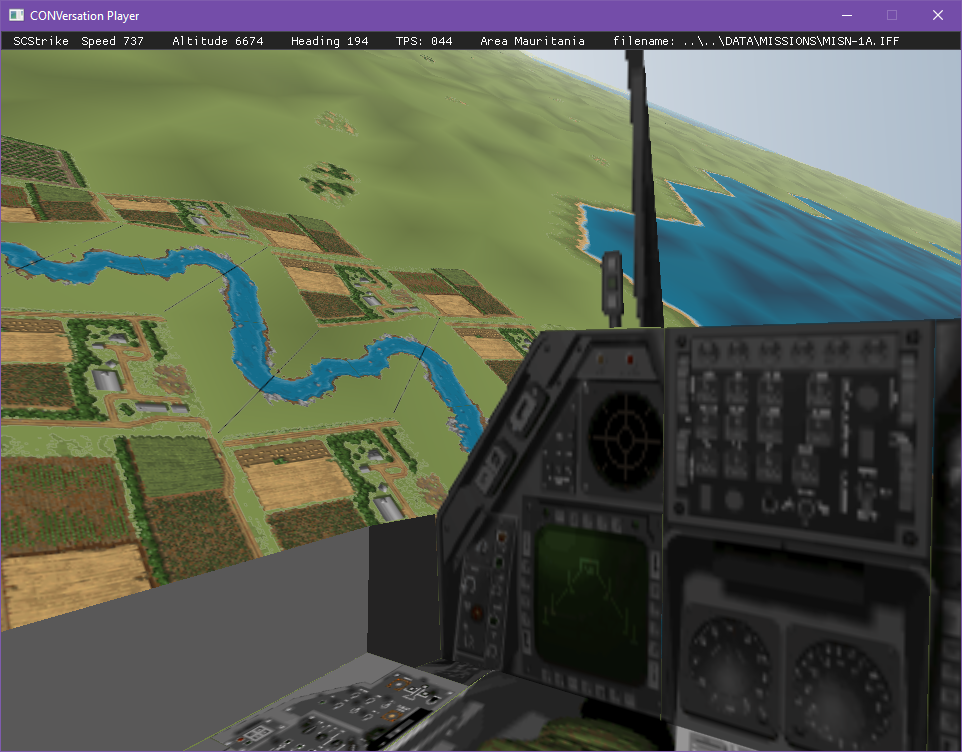
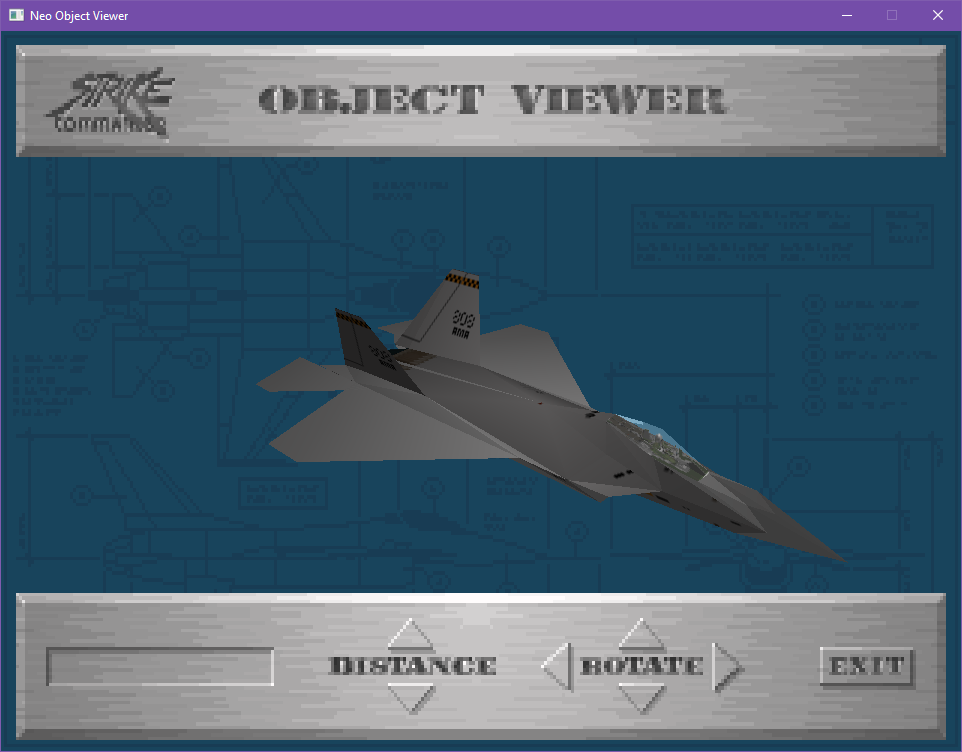
Originals Eye Candies :)

Build
To build the project using CMake and Vcpkg, follow these instructions:
-
Install CMake:
- Download and install CMake from the official website: https://cmake.org/download/
- Follow the installation instructions for your operating system.
-
Install Vcpkg:
- Download and install Vcpkg from the official GitHub repository: https://github.com/microsoft/vcpkg
- Follow the installation instructions for your operating system.
-
Configure the project:
- Open a terminal or command prompt.
- Navigate to the project directory.
- Run the following command to configure the project using CMake:
cmake --preset=windows - Current presets are:
windows: to build for Windows with Visual Studio 17 2022linux: to build for Linux with GCC 13.2.0 x86_64-linux-gnulinux_clang: to build for Linux with Clang 18.1.3 x86_64-pc-linux-gnumacos: to build for macos armmacos_x86: to build for macos x86
-
Build the project:
- Run the following command to build the project using CMake (if you have selected the windows profile):
cmake --build .\out\build\windows\
- Run the following command to build the project using CMake (if you have selected the windows profile):
-
Run the project:
- After the build is successful, you can run the project using the generated executable.
Remember to adjust the paths and commands according to your specific setup.
Contributors and Acknowledgments
Special thanks to:
- Origin Systems for creating the original RealSpace engine
- The Wing Commander CIC community for documentation and support
- All contributors who have helped with reverse engineering and development
Comentarios (0)
Inicia sesión para dejar un comentario.
Sé el primero en comentar sobre este juego.