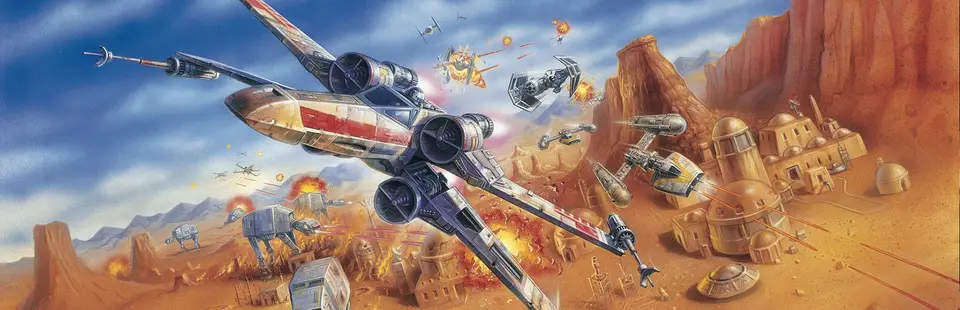

Star Wars: Rogue Squadron 3D
Port nativo de Star Wars: Rogue Squadron 3D para PC.
Star Wars: Rogue Squadron 3D
Port nativo basado en su ficha de origen.
README del repositorio
Rogue Squadron 3D — static recompilation
The 1998 PC release of Star Wars: Rogue Squadron 3D (Steam, version 1.3), recompiled from its x86 machine code to C with pcrecomp and run on a 32-bit host that keeps it in a window, never touches your display mode, and adds an F10 menu for the game's cheats.
It runs Factor 5's own code, recompiled; it is not a remake. Generated source is not distributed. You supply your own copy of the game (Steam), and the lifted C is generated on your machine.
This is part of the pcrecomp family and follows its shared house style (layout, CLI, harness, headless mode). Its sibling is shadows-recomp.
Want to play it? Download the installer from the latest release (
Rogue-Squadron-Recomp-Installer-windows-x64.exe). It finds the game in your Steam library and does everything else. See The installer.
Status
v0.1.0-alpha.1. The whole game lifts (13,331 functions, 0 errors), boots through the intro and the front end, and flies its missions.
| Part | State |
|---|---|
| SteamStub 3.x removed statically | works (pcrecomp steamstub.py) |
| Lift | 13,331 functions, 0 errors, ~3.7 million lines of C |
Host (rogue.exe, 32-bit, pcrecomp native32) | 148 imports native, 15 shimmed |
| Display (DirectDraw/Direct3D 6) | never exclusive, never a mode change; the flip chain is emulated and drawn into the window |
| Intro: logos, the trench flyover | runs |
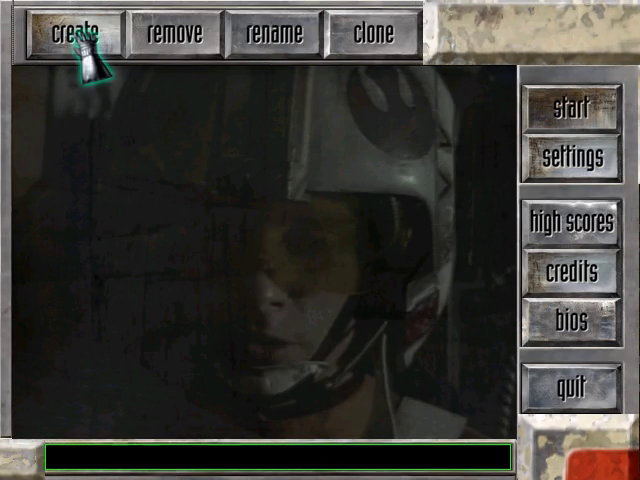
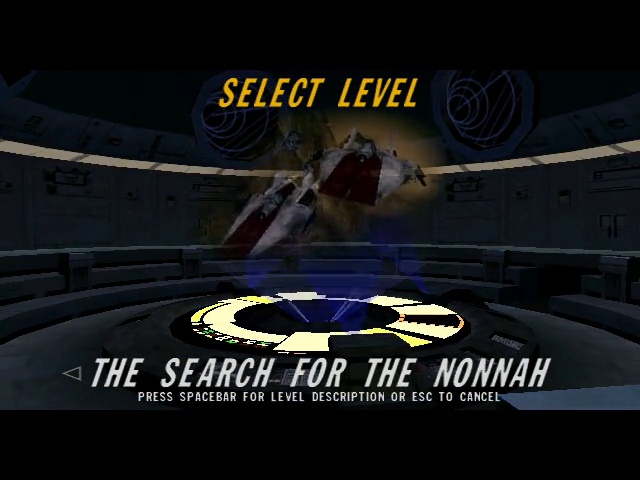
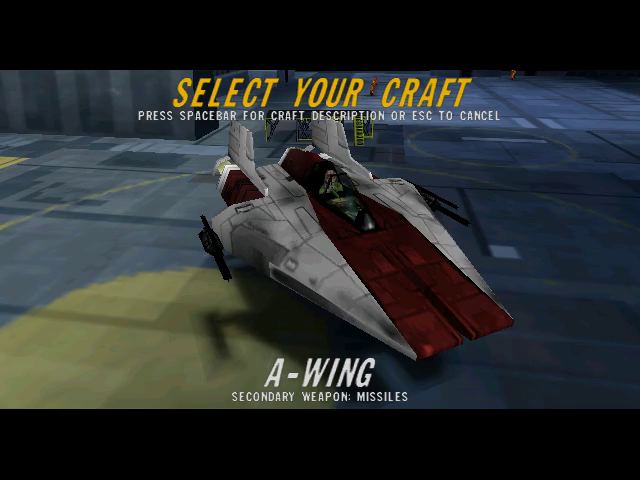
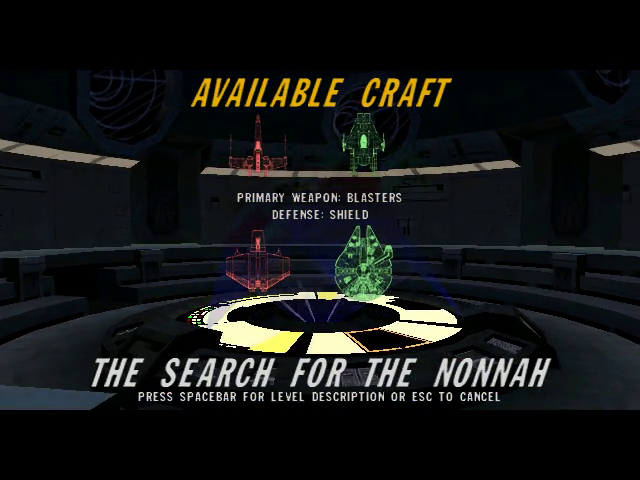
| Front end: pilot roster, settings, level and craft select | runs |
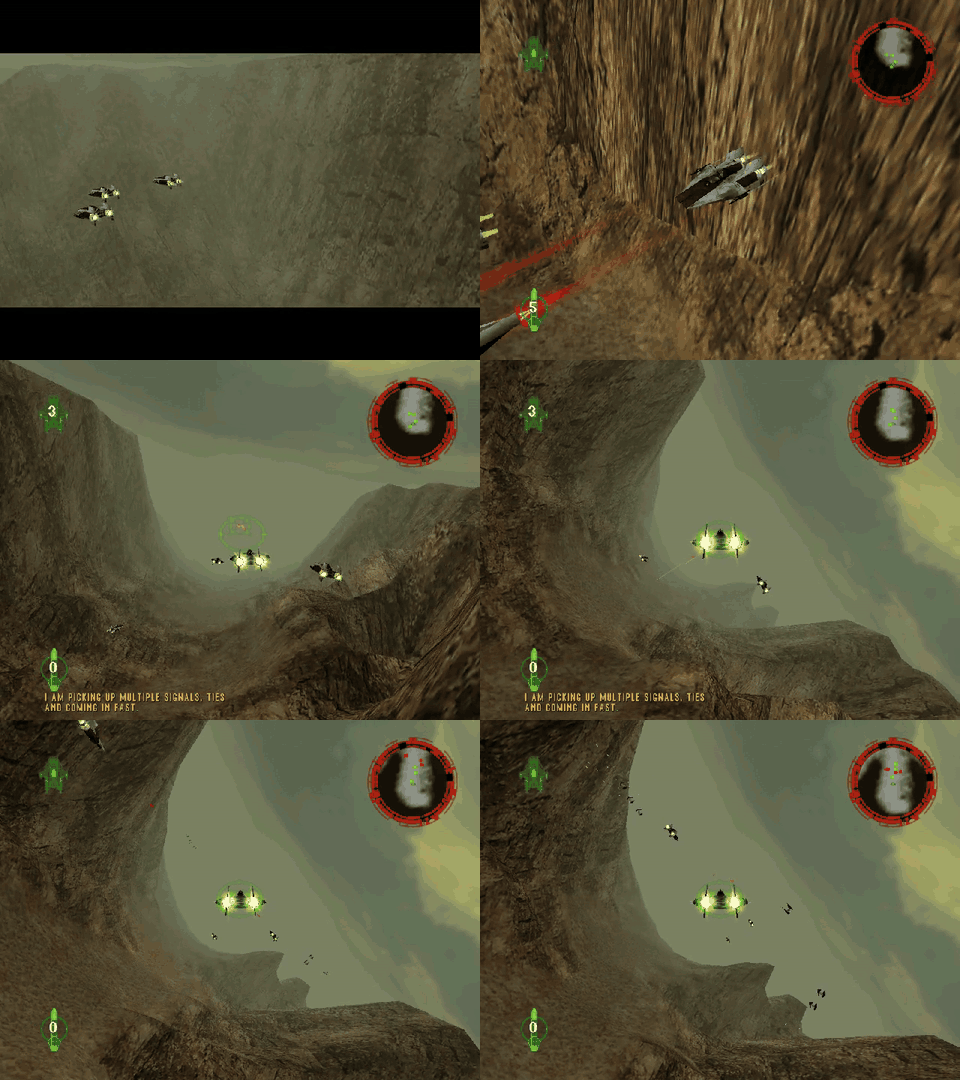
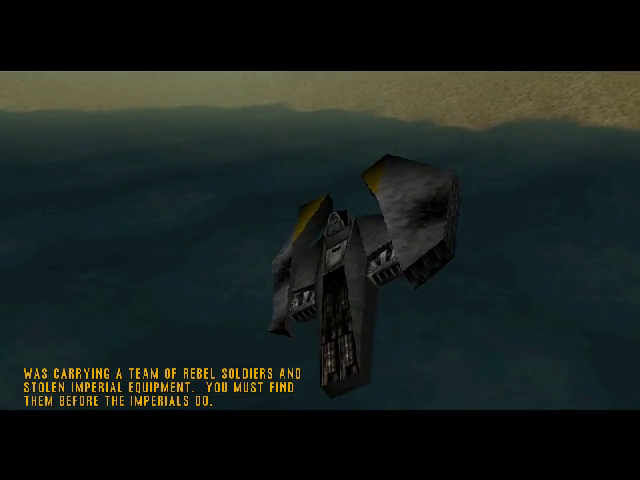
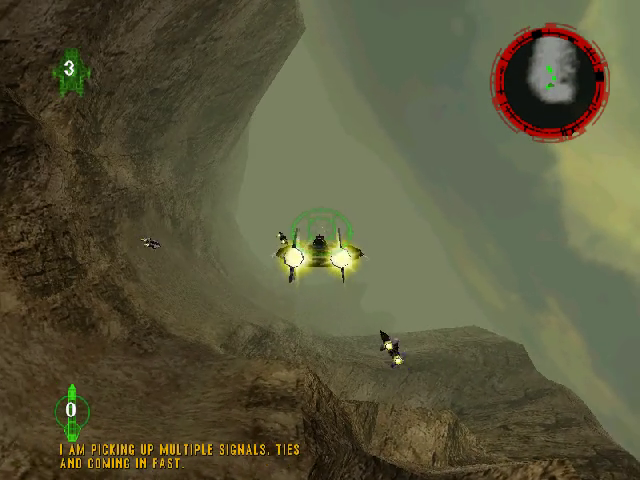
| Missions | The Search for the Nonnah flies: launch, briefing, flight, radar, TIEs |
Headless (--headless --record) | works |
| F10 menu: cheats | Millennium Falcon, TIE Interceptor, bonus missions, infinite lives and completing a mission checked under --cmd; the popup itself not yet seen on a screen |
| Borderless window, F11 | written; not yet seen on a screen |
| Gamepad | the game's own DirectInput joystick support; not tried with a real pad |
| Resolution, widescreen | not yet (640x480, the game's default) |
| Playing the later levels through, sound | not tried |
What's added on top
The game runs as it shipped; everything here sits around it.
- It stays in a window. As shipped it takes the screen (exclusive DirectDraw, a mode change to 640x480x16). Here it runs borderless fullscreen or in a window (F11), scaled with its aspect kept, and your desktop is never switched (docs/bringup.md 2).
- An F10 menu (docs/menu.md) that holds the game's own passcodes on: the Millennium Falcon, the TIE Interceptor, all bonus missions, and ace mode. No typing codes into the settings screen.
- Settings without an administrator. The game's registry key lives under HKCU, so nothing needs elevation.
Screenshots
From headless runs of the recompiled game.
 |  |
 |  |
 |  |
Getting Started
You need Star Wars: Rogue Squadron 3D from Steam, installed (Steam app 455910), about 4 GB free, and Windows 10 or 11.
The installer
Download Rogue-Squadron-Recomp-Installer-windows-x64.exe from the
latest release
and run it. (For a build newer than the release, the latest
installer run
has the same files as artifacts; you need to be signed in to GitHub to
download them.) It finds the game in your Steam library, downloads this repo
and pcrecomp, runs the setup below with a progress bar, and leaves a Play
button. It is recomp-launcher
with launcher/launcher.json. It isn't signed:
Windows SmartScreen asks first (More info, Run anyway).
Quick start
- Download this repo (Code > Download ZIP) and unpack it anywhere.
- Double-click
Setup.cmd. It checks for Python, the pcrecomp toolkit, Visual Studio's C++ tools, CMake and Ninja, and asks before installing anything. It finds your Steam install, copies the game intogame\, removes SteamStub, writes the game's settings, and lifts and builds. The first time takes 30 to 90 minutes. Everything it does goes tosetup.log. - Double-click
Rogue Squadron (recomp).cmd.
If a step fails, it says what to do in one sentence; run Setup.cmd again and
it carries on where it stopped.
Step by step
Prerequisites: Python 3.10+ (py -3), pip install pefile capstone cryptography, Visual Studio 2022 or its Build Tools with "Desktop development
with C++", CMake 3.20+, Ninja, git.
git clone https://github.com/sp00nznet/pcrecomp ..\pcrecomp
- Copy your Steam install (the folder with
ROGUE\Rogue Squadron.EXE) togame\. - Remove SteamStub:
py -3 ..\pcrecomp\tools\drm\steamstub.py "game\ROGUE\Rogue Squadron.EXE" game\ROGUE\Rogue.unwrapped.exe SteamStub 3.x: app 455910, header 0x007FF220 .text 0x00401000+0x1BE000 decrypted (AES-256-CBC); OEP 0x005A2200 - Write the game's settings to HKCU: the values are in
tools\setup.ps1, step 4 (Steam writes them to HKLM, which needs an administrator; the host reads them from HKCU). - Catalog the functions (about 10 minutes):
py -3 ..\pcrecomp\tools\disasm\disasm32.py game\ROGUE\Rogue.unwrapped.exe -o work\functions.json [*] Functions: 13327 (thunks=6, leaves=4726) [*] Byte coverage: 1,794,263 / 1,826,816 (98.2% of code range) - Lift (about 5 minutes):
set PCRECOMP=..\pcrecomp py -3 run_lift.py --all lifted 13331 not-lifted stubs 0 errors 0 no terminator 285 - Build:
build.cmd(withset CMAKE_ARGS=-DPCRECOMP=..\pcrecomp). - Run:
build\rogue.exe --run.
Usual trip-ups: python opening the Microsoft Store (use py -3); a new
PATH not seen until you open a new window; a 64-bit compiler environment
(build.cmd sets up the x86 one itself).
Usage
build\rogue.exe --run                      play
build\rogue.exe --run --headless --mute --record out.mp4 --watchdog 120
                                           no window, nothing on screen, a video of it
build\rogue.exe --run --headless --mouse 568,107@54 --click 0@56 --key 0x1C@66
                                           scripted input: click Start on the roster, Enter
build\rogue.exe --run --headless --cmd falcon@5
                                           an F10 menu command on a timeline
The whole command line and the debug switches: docs/host.md. In the game: F10 opens the menu, F11 (or Alt+Enter) switches between borderless fullscreen and a window.
Building from source
py -3 run_lift.py --all then build.cmd, or on the lab farm
netlab build rogue (recipe local/projects/rogue.env in recomp-netlab).
The generated C lands in src/recomp/gen/ and is never committed.
Documentation
- docs/RECON.md: what is in the Steam install, measured.
- docs/bringup.md: every wall so far and what got past it.
- docs/host.md: the host's parts and command line.
- docs/menu.md: the F10 menu, and the game's passcodes.
License
MIT for the code in this repository (LICENSE): the host, the display and input layers, the menu, the scripts and the documentation.
Star Wars: Rogue Squadron 3D is © Lucasfilm Ltd. / LucasArts, developed by
Factor 5, and is not ours to license. Its executables, data, music and art are
not in this repository and are excluded by .gitignore. You need your own copy
of the game; setup copies your Steam install into game\.
The unwrapped executable and the lifted C (src/recomp/gen/) are made from
the game's own code. They carry the game's terms, not the MIT licence, which
is why they are generated on your machine and never committed.
Comentarios (0)
Inicia sesión para dejar un comentario.
Sé el primero en comentar sobre este juego.