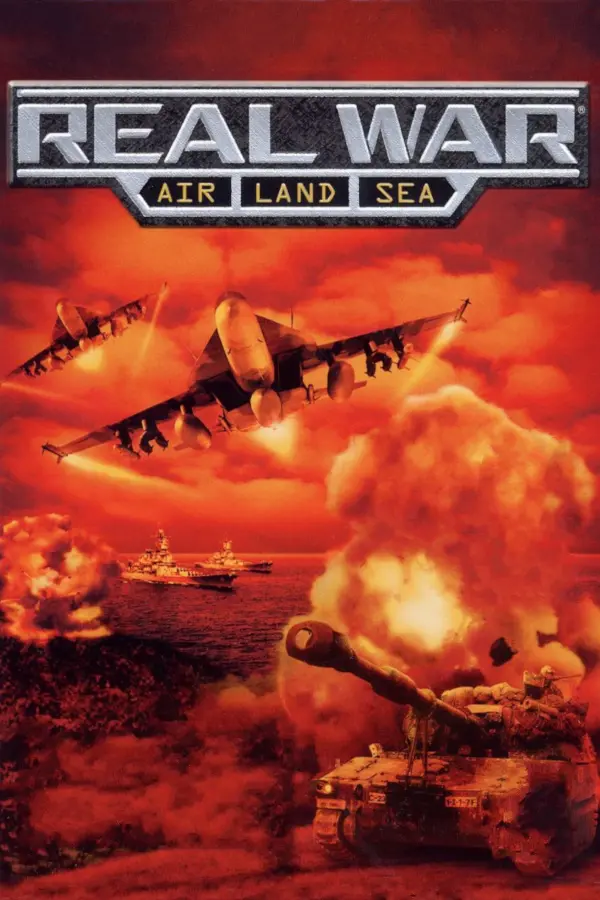
Real War
Port nativo de Real War para PC.
Real War
Port nativo basado en francessco121/real-war-decomp.
README del repositorio
Real War (2001) Decompilation


A work in progress decompilation of the PC game Real War (2001) by Rival Interactive.
Prerequisites
Note: This decomp assumes you are running on Windows, but theoretically it could be tweaked to run on Linux/macOS.
- A legitimate copy of the game (CD version "9.25").
- Visual C++ 6.0 Professional/Enterprise (build 8168)
- Tooling currently assumes that this is installed at the default location:
C:\Program Files (x86)\Microsoft Visual Studio\VC98C:\Program Files (x86)\Microsoft Visual Studio\Common\MSDev98
- This can also be installed via Visual Studio 6.0 Enterprise (6.00.8168).
- Tooling currently assumes that this is installed at the default location:
- DirectX 8 SDK
- Tooling currently assumes that this is installed at
C:\dx8sdk
- Tooling currently assumes that this is installed at
- Dart >=3.3.0
- Ninja
- Just
Development
Setup
- Install game.
- Typical install directory:
C:\Program Files (x86)\Simon and Schuster\Real War.
- Typical install directory:
- Copy game files into
game/.gameshould directly containdata,vids, andRealWar.exe.data/bigfile.datshould also be present and not the.cabfiles from the CD.
- Build Capstone (v5.0) and place
capstone.dllintools/. - Build tools:
just build-tools - Verify game exe:
just verifybase - Configure build script:
just configure - Build:
just build - Verify recompiled exe:
just verify
Decompiling
A quick overview of the decompilation process:
- Decompile functions and place them in
rw/src. - Map files in
rw/srcand symbols to virtual exe addresses inrw.yaml. - If source files are added/renamed/deleted, re-run
just configure. - Use
just diff {function name}for live function diffing. - Once the function matches or is logically equivalent: build and verify (shortcut:
just check). - If the function isn't logically equivalent but worth committing, surround it with
#ifdef NON_EQUIVALENT.
Cool Stuff
Compatibility Fixes
Real War has various issues running on modern Windows. Eventually, this project aims to provide patches but for now external software can be used to run the game quite well.
DDrawCompat
See docs/ddraw_compat.md for a guide for using DDrawCompat to fix most of the game's issues.
Wine
Wine on Linux runs Real War very well out of the box, with basically perfect hardware acceleration. Still needs a framerate limiter. Try out the virtual desktop option for a hardware acceleration compatible windowed mode!
Asset Viewer
Explore Real War's custom asset files with a viewer program built upon knowledge from this decompilation project: https://github.com/Francessco121/real-war-asset-viewer
Tools
tools/rw_assets/binbigfile.dart- Unpacks all files inbigfile.datinto a directory.bse.dart- Exports Real War's BSE model files.kvag.dart- Converts to and from Real War's KVAG audio files.spt.dart- Exports Real War's SPT 2D sprite/animation files.tgc.dart- Converts to and from Real War's Targa Compressed (TGC) image files.
Game CLI Args
The game has many undocumented command-line arguments that it will accept. Each argument starts with a -, followed by a single uppercase letter. For an argument to actually be recognized by the game, it must have a "value" after it (i.e. -G 1) even if the "value" has no effect (i.e. it can be anything, it just needs to be there). Note: There does not need to be a space between the argument name and its value.
-G 1- Launch in windowed mode.- Doesn't seem to work with hardware-acceleration enabled (with the exception of the editor/model viewer, which work fine).
-L 1- Launch the "model viewer" instead of the game.- It seems this can do a little more than just view models. Pressing s will prompt to save the file in the BSE format.
-E 1- Launch "editor 1" instead of the game.- The file
data\editor\menu.tgcmust be created or else this will crash (ideally this should be an 800x600 image, for example you can usedata\idc\tgas\BACKbl.tgc(the main menu background)).
- The file
-E 2- Launch "editor 2" instead of the game.- NOT RECOMMENDED: This editor will give you a few hundred error dialog boxes and then crash. Needs to be patched.
-H 1- Launch the game with hardware acceleration enabled.-T 1- Launch the game with bunch of debug information displayed.-M <mission number>- Launch the game directly into any mission.- Note: The mission number is 1-base indexed, so if you want to load
miss02you need to pass-M 3.
- Note: The mission number is 1-base indexed, so if you want to load
-R<folder path>- Sets registry keys underHKEY_CURRENT_USER\SOFTWARE\Classes\VirtualStore\MACHINE\SOFTWARE\WOW6432Node\RealWarwhich will override the registry keys normally set by the installer atHKEY_LOCAL_MACHINE\SOFTWARE\WOW6432Node\REALWAR.- These keys tell the game where it's installed, although it only uses this to load some assets.
- Example:
-RC:\RealWar\will make the game think it's installed atC:\RealWar. - Don't forget a slash at the end of the path!
- It doesn't seem like it's possible to pass a path that has spaces in it.
- If you break your game with this, just simply delete the keys.
-S 1- Launches the game into a new multiplayer lobby.-C 1- Unknown.-B 1- Unknown.-N<string>- Unknown.-P<string>- Unknown.-F 1- Recognized by the game, but does nothing.
Comentarios (0)
Inicia sesión para dejar un comentario.
Sé el primero en comentar sobre este juego.