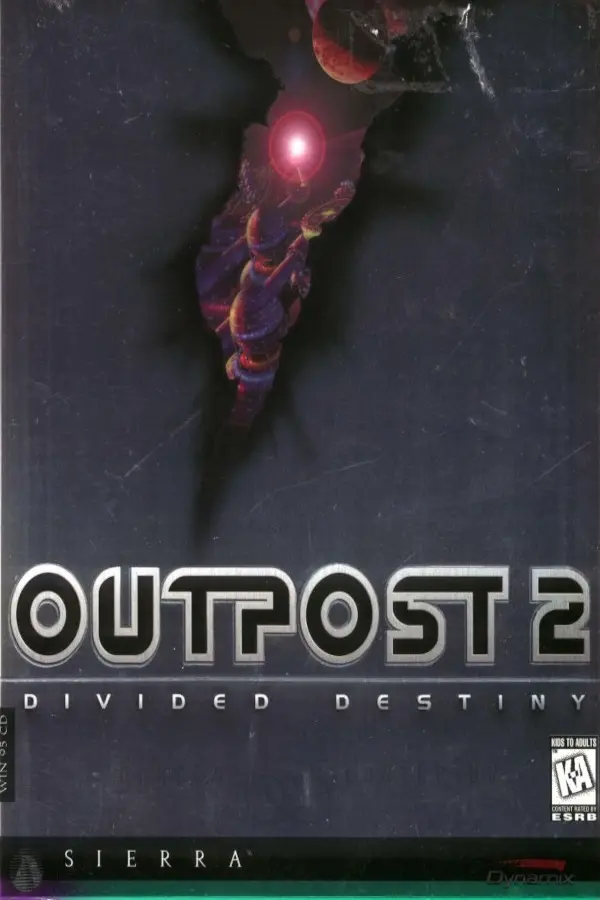
Outpost 2: Divided Destiny (OpenOP2)
Port nativo de Outpost 2: Divided Destiny (OpenOP2) para PC.
Outpost 2: Divided Destiny (OpenOP2)
Port nativo basado en su ficha de origen.
README del repositorio
An Outpost 2 mod for the OpenRA strategy game engine.
You can get the latest release from the Releases page.
You must own Outpost 2 on GOG and have it installed to run this mod.
This mod is a work-in-progress. Many features are missing or incomplete at this stage.
To run in Visual Studio run OpenRA.Launcher and set the command line args to:
Engine.EngineDir=".." Engine.ModSearchPaths="..\\..\\mods" Game.Mod=openop2
Join the OpenOP2 Discord channel
Thanks to David Wilson (drogoganor), Matthias Mailänder (Mailaender), Zhall, Zon, KOYK (ELoyros), and the OpenRA developer team.
Running from a local cloned repository
The key scripts in this SDK are:
| Windows | Linux / macOS | Purpose |
|---|---|---|
| make.cmd | Makefile | Compiles your project and fetches dependencies (including the OpenRA engine). |
| launch-game.cmd | launch-game.sh | Launches your project from the SDK directory. |
| launch-server.cmd | launch-server.sh | Launches a dedicated server for your project from the SDK directory. |
| utility.cmd | utility.sh | Launches the OpenRA Utility for your project. |
| <not available> | packaging/package-all.sh | Generates release installers for your project. |
To launch your project from the development environment you must first compile the project by running make.cmd (Windows), or opening a terminal in the SDK directory and running make (Linux / macOS). You can then run launch-game.cmd (Windows) or launch-game.sh (Linux / macOS) to run your game.
Comentarios (0)
Inicia sesión para dejar un comentario.
Sé el primero en comentar sobre este juego.