Mother3Recomp
Port nativo de Mother3Recomp para PC.
Mother3Recomp
Port nativo basado en su ficha de origen.
README del repositorio
MOTHER 3 Recomp
MOTHER 3 for Windows, Linux and Android, built with gbarecomp and recomp-ui. Bring your own ROM and game files.
Download
| Platform | Version | Download |
|---|---|---|
| Windows x64 | 1.0.8 | Windows ZIP |
| Linux x86_64 / Steam Deck | 1.0.8 | Linux archive |
| Android (ARM64 and x86_64) | 1.0.8 | Android APK |
v1.0.8: smooth motion at your screen's full refresh rate (144, 165, 240 Hz), save import from other emulators, a newer engine, a MOTHER 3-styled in-game menu, widescreen fixes, the launcher for the Japanese ROM and every translation, and RetroAchievements on Android. What's new
Features
- MOTHER 3's own launcher: the party walks through the crossroads outside Tazmily, drawn from your ROM (no game art ships); it also handles first-time setup
- On-screen buttons in the game's text match your controller (Xbox, PlayStation or Nintendo) or keyboard
- Controls page for keyboard and controller; the left stick always moves
- Mods: drop
.ips,.bpsor.upspatches in themodsfolder and tick them in the launcher - 16:9 widescreen in the field (drawn from the real map), in battles and in cutscenes
- Window flavors, display, scaling and screen-color options; a Windows bezel built from your ROM
- Built-in high-quality audio mixing
Screenshots
| MOTHER 3's own launcher | Widescreen in Tazmily |
|---|---|
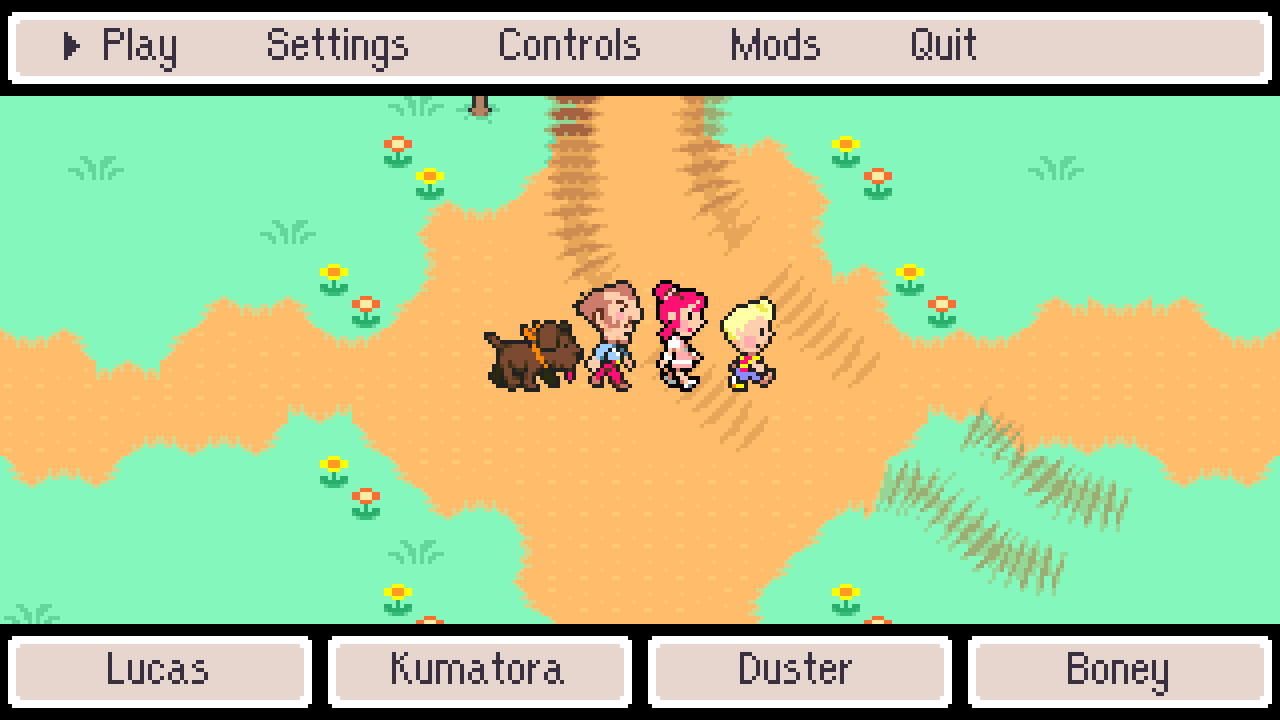 |  |
| Settings | Controls |
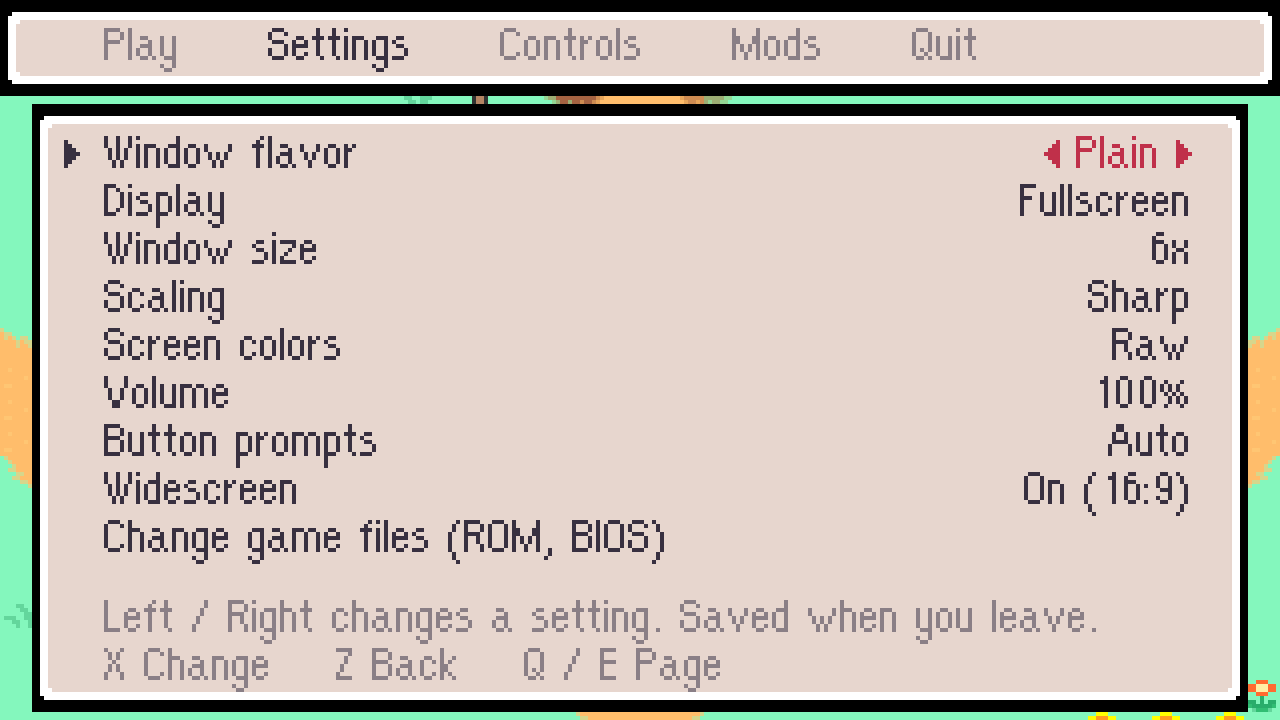 | 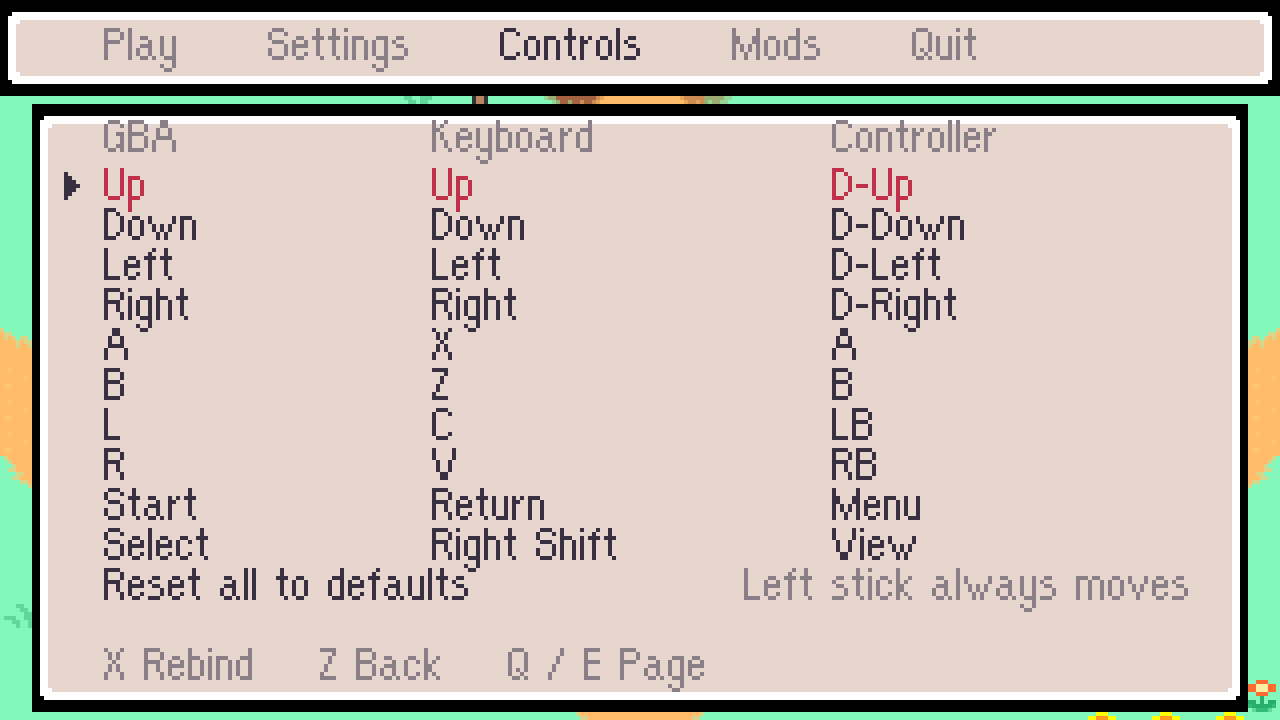 |
| Widescreen fields | Widescreen rooms |
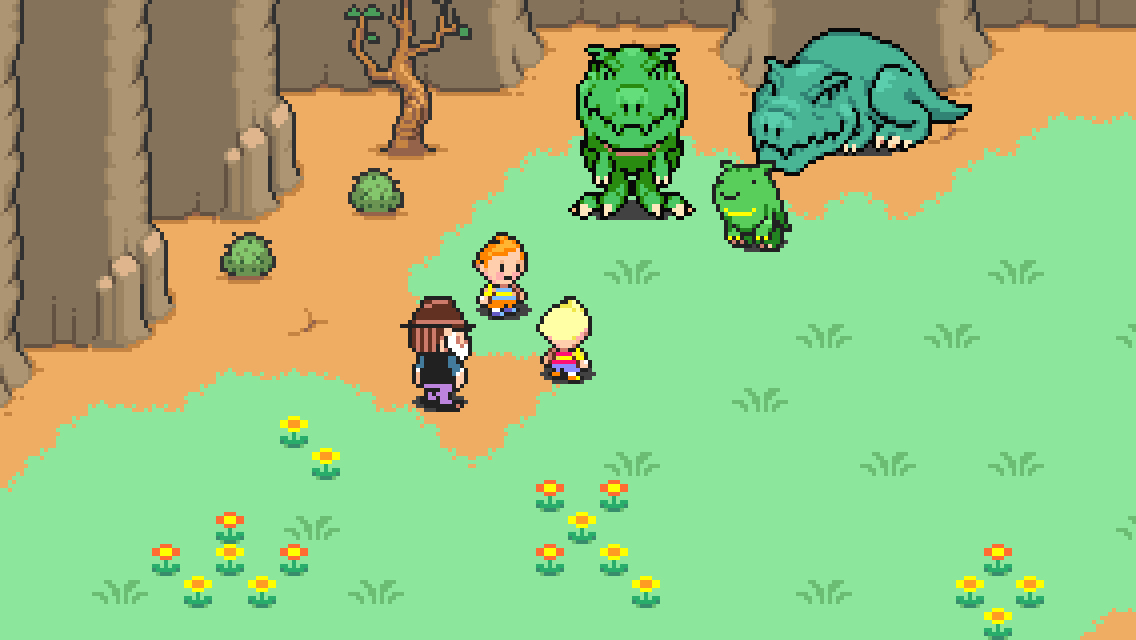 | 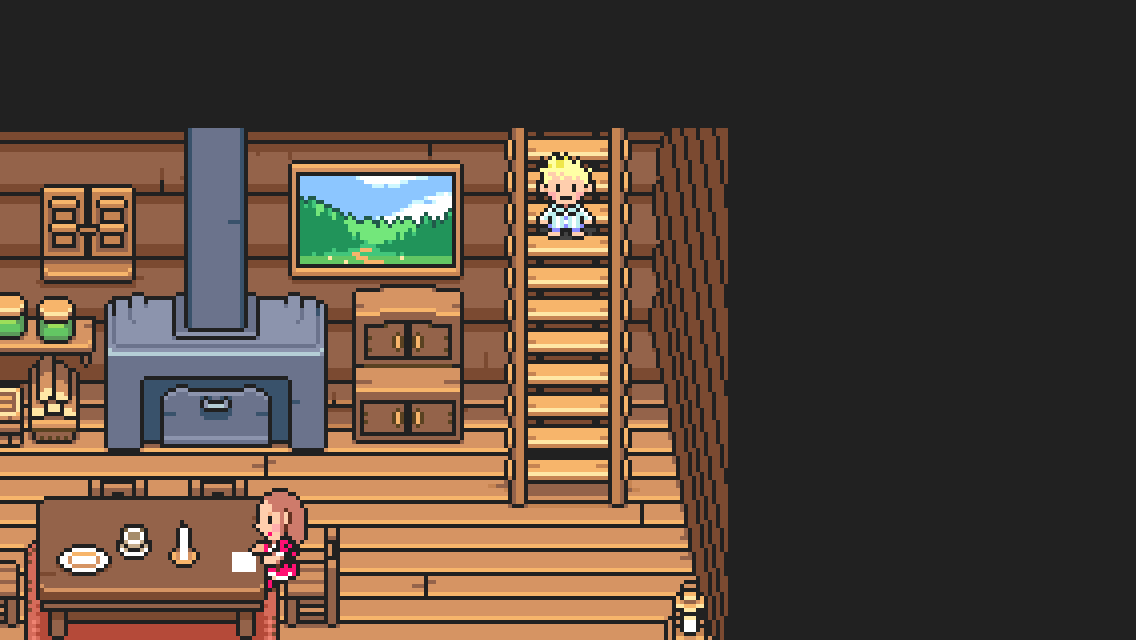 |
| Widescreen battles | Widescreen cutscenes |
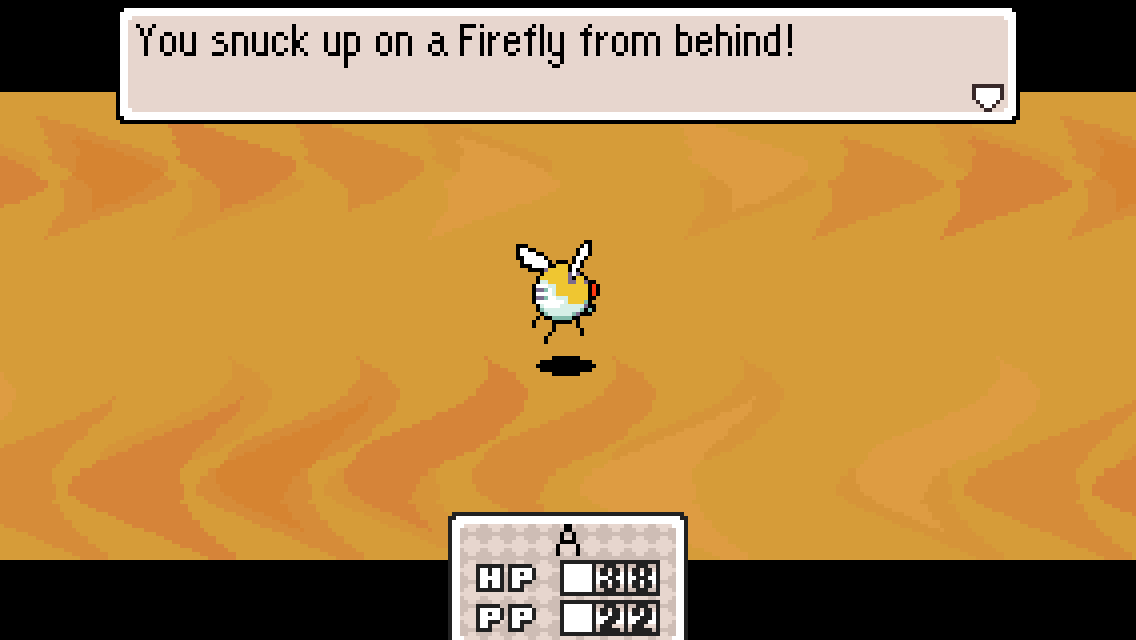 | 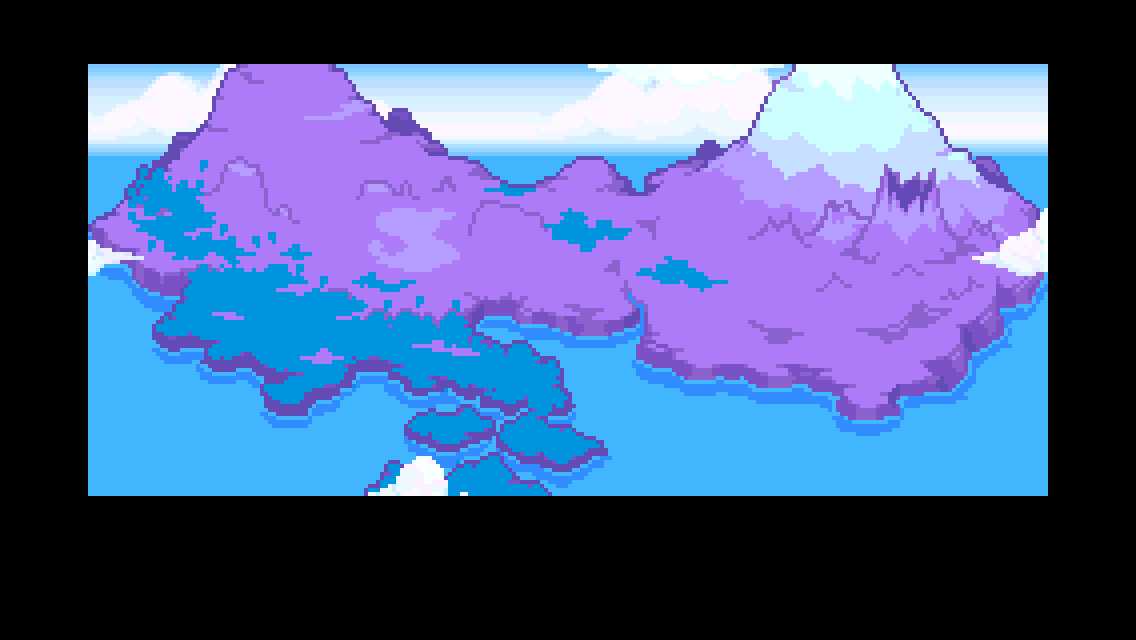 |
Everything in these pictures is drawn from the player's own ROM; none of it ships with the download.
Start playing
- Download and extract your platform's package, or install the Android APK.
- Open the game; on first launch it asks for your BIOS and ROM (and a translation patch for the Japanese ROM).
- Choose Play.
Setup, patches and controls · Release history · Report a problem
Project status
Released and actively maintained. Project metadata follows the recomp.board outline in .recomp.json.
Language patches include Spanish; compatibility and speed vary by patch. HQ Audio mixing is built in and applies automatically to the Japanese ROM and supported fan translations. It changes the game's RNG and moves sound buffers in RAM, so it can be turned off under Settings > HQ audio (Android: the HQ audio switch) for speedruns or RAM tools. Android has separate controls for system bars, display fill and on-screen buttons. Device-specific performance reports remain under investigation.
Comentarios (0)
Inicia sesión para dejar un comentario.
Sé el primero en comentar sobre este juego.