
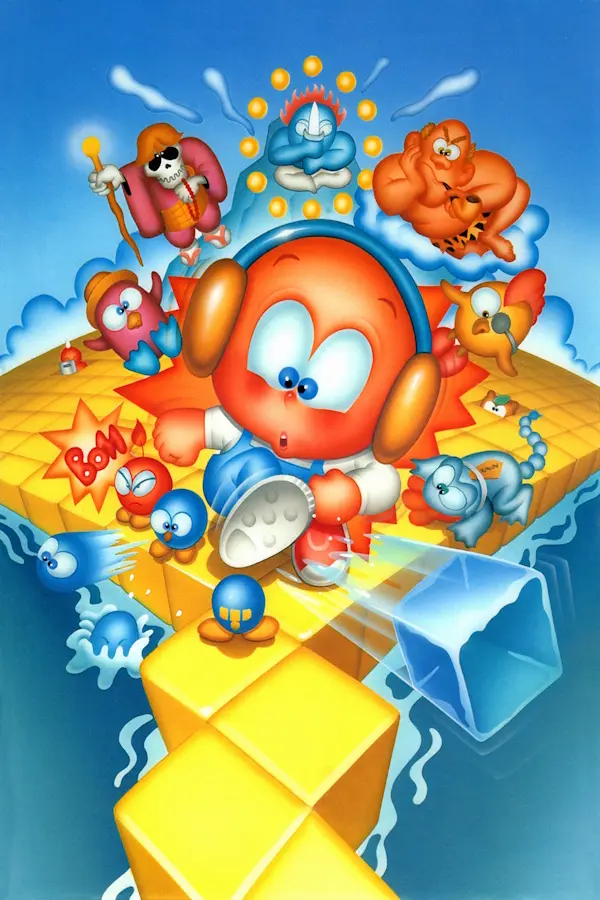
Kickle Cubicle
Port nativo de Kickle Cubicle para PC.
Kickle Cubicle
Port nativo basado en su ficha de origen.
README del repositorio
Kickle Cubicle v0.0.4
An unofficial NES recompilation of Kickle Cubicle with controller navigation, optional widescreen, offline achievements, and additional game modes.
Getting started
- Keep the executable, DLLs, and
assetsfolder together. - Run
KickleCubicleNESRecomp.exe. - Choose Load ROM and select your own Kickle Cubicle (USA) NES ROM.
- Choose Start Game.
No ROM or remembered ROM path is included. The launcher checks the supplied ROM against the original USA version. Load the original ROM even when using Gale Festival; its level changes are provided by this build.
Clean defaults
- Controller enabled for Player 1; the first available compatible pad is used.
- Windowed display at 3x, integer scaling on, linear filtering off.
- Audio enabled at 100%.
- Original game mode; cheats, widescreen, and display filters off.
- Offline achievements enabled; launcher shown at startup.
Use Controls to select Keyboard instead or remap controller, keyboard, and
shortcut bindings. Settings are saved beside the executable in config.ini.
Controller input uses SDL-compatible gamepads, including XInput controllers.
Controls
| Action | Controller default | Keyboard default |
|---|---|---|
| Move | D-pad / left stick | Arrow keys |
| NES A | A | Z |
| NES B | X | X |
| Start | Start / Menu | Enter |
| Select | Back / View | Backslash |
| Open game overlay | RB | Escape |
| Fast-forward (hold) | RT | Tab |
| Rewind (hold) | LT | R |
| Save state | Unassigned | F8 |
| Load state | Unassigned | F9 |
| Fullscreen toggle | Unassigned | F11 |
| Screenshot | Unassigned | F12 |
The keyboard gameplay bindings apply when Keyboard is selected as the input source. Mouse and controller can navigate the launcher. A selects, B backs out. Fast-forward presents at up to 30 FPS while simulation advances faster.
Menus and features
Display Options: Windowed, Exclusive Fullscreen, Borderless Fullscreen, widescreen, and Display Filter (Off, CRT Soft, LCD Grid, Sharp, Warm Composite). Boss arenas and princess rooms retain their original width in widescreen mode. Isometric mode remains experimental in the source and is hidden from menus.
Audio Options: Enable/disable audio and adjust volume.
Cheats: Infinite Lives keeps nine spare lives; Invincibility prevents lethal enemy and hazard collisions and remains active after loading a save state; Freeze Timer stops the level countdown while allowing completion time bonuses to count down. Cheats are unavailable in hardcore mode.
Level Select: Choose Garden, Fruit, Cake, Toy Land, or the post-game Special Zones and a puzzle. Start Selected Level skips the visible title screen and proceeds to the map introduction for the selection. This starts a fresh run and disables Boss Rush. Garden, Fruit, and Toy have 17 puzzles each; Cake has 16. All 30 Special Zones can be selected directly without first completing the main quest.
Additional Modes:
- Boss Rush: Fight all four bosses in order.
- Gale Festival: Play the remixed puzzle levels.
- 1 Life, 1 Credit Clear (Experimental): One-life full-game challenge. Cheats, rewind, fast-forward, save/load states, and level selection are unavailable. Resetting to the title screen abandons the attempt.
Achievements: 23 local challenges inspired by https://retroachievements.org/game/1777 plus Boss Rush Champion. Unlocks show an achievement card and sound. Cheats, rewind, fast-forward, and save/load are allowed. Regular achievements exclude Boss Rush. Achievements can be disabled or reset with confirmation. No RetroAchievements account, login, or reporting is used.
In the RB overlay, System is at the bottom. It contains save/load state, Resume, Reset to Title Screen, and Quit to Desktop with a Yes/No confirmation. Reset ends the current run; earned achievements remain unlocked.
Files and progress
config.ini: display, audio, controls, and feature preferences.rom.cfg: remembered ROM path, created after selecting a ROM.- Save states and other runtime files are created by the game as needed.
- Offline achievements are stored separately at
%APPDATA%\KickleRecomp\KickleCubicle\offline-achievements.ini.
This clean folder includes no personal save states or achievement file. On a PC that already used this recompilation, existing AppData achievements still appear. Use Achievements > Reset Achievements to start earning them again. The clean package does not delete existing progress.
Notes and credits
This is an early v0.0.4 build. The release executable compiled successfully; the project owner reports all gameplay tested and looking good. Some achievement conditions and experimental features may need further refinement. Save states should be kept with the version that created them.
Built using mstan/nesrecomp and the Zelda recomp-ui frontend. Display filters are fixed CPU adaptations of mstan/snesrecomp's shared CC0-1.0 shader presets, originally written for Mega Man X Recomp. They are not a general GLSL loader. Menu artwork, icon, and achievement sound were supplied for this project. Kickle Cubicle and related artwork belong to their respective owners.
No game ROM is distributed in this folder.
Comentarios (0)
Inicia sesión para dejar un comentario.
Sé el primero en comentar sobre este juego.