
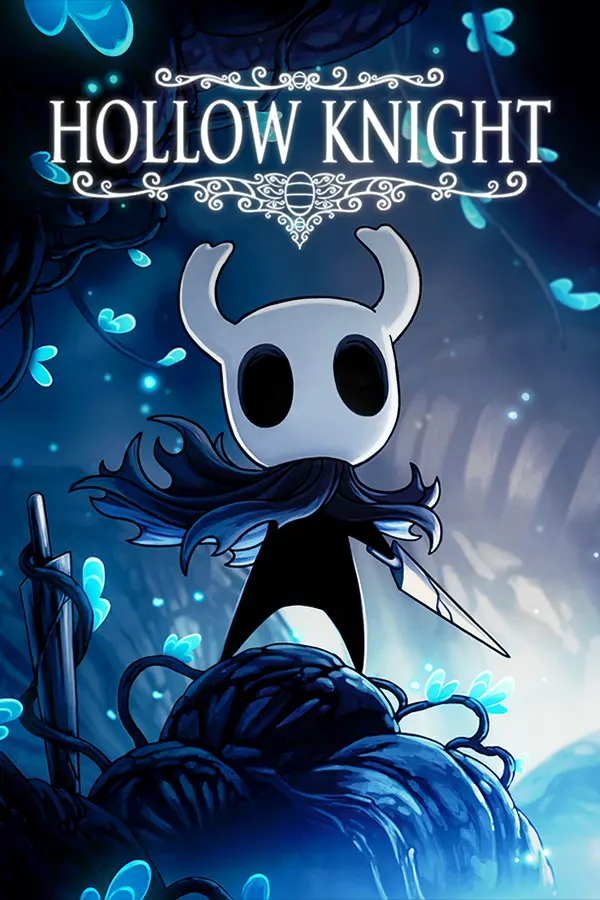
Hollow Knight: Silksong Listed as playable at 60 fps with nx2android v0.1.3 (update 1.0.30000). APK built on your PC from your own game files and prod.keys; Adreno or Xclipse GPU only.
Port nativo de Hollow Knight: Silksong Listed as playable at 60 fps with nx2android v0.1.3 (update 1.0.30000). APK built on your PC from your own game files and prod.keys; Adreno or Xclipse GPU only. para PC.
Hollow Knight: Silksong Listed as playable at 60 fps with nx2android v0.1.3 (update 1.0.30000). APK built on your PC from your own game files and prod.keys; Adreno or Xclipse GPU only.
Port nativo basado en shirai91/nx2android.
README del repositorio
Port your own Nintendo Switch games to Android, natively: the game's own arm64 code runs on the device, with the Switch's system services stood in for by a host and NVN graphics replayed on Vulkan. Pick the game's folder, click Port, and get an APK plus the game's data, installed on your device if you like. Bring your own game files and keys; nothing from any game is in this repository.
This is the Android port of nxnative, which does the same on iPhone and iPad. Supported games: Games.
Games
These games play on Android. Tested on a Lenovo Legion Y700 (Snapdragon 8 Elite, Adreno 830), unless a game names another device. The device's GPU must read BC-compressed textures (Adreno, Xclipse; not Mali or PowerVR).
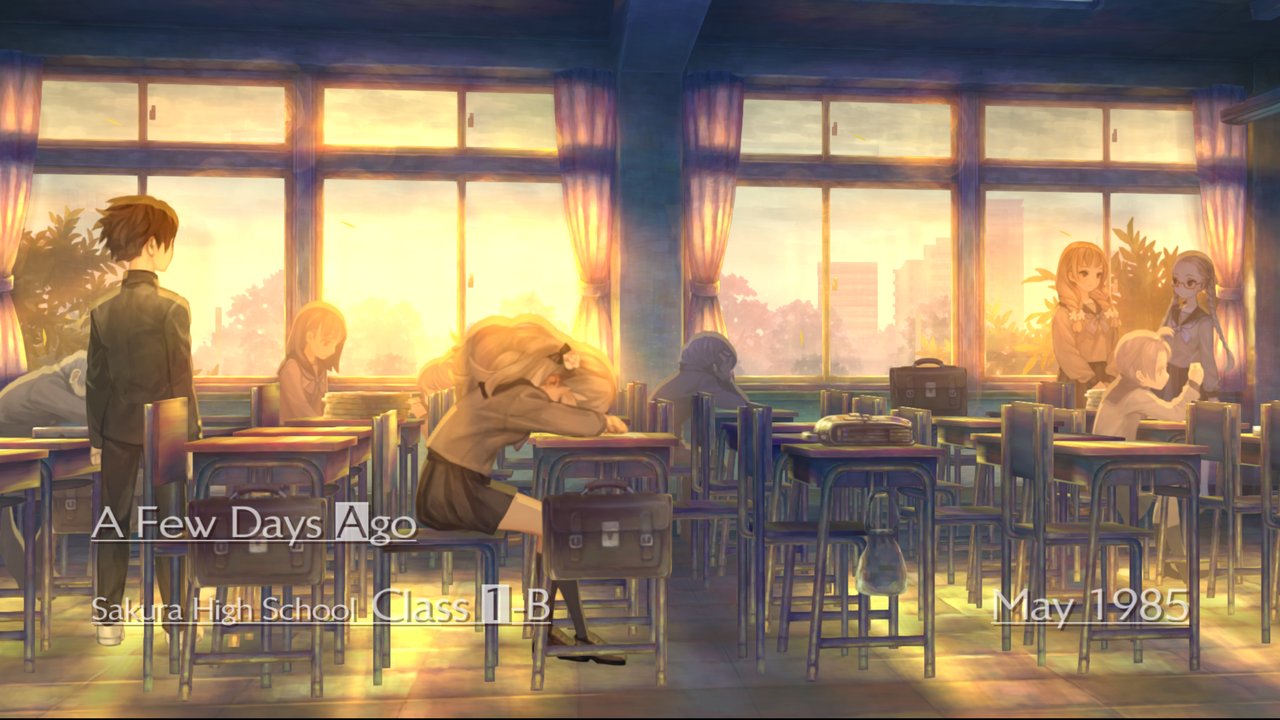 13 Sentinels: Aegis Rim v0.1.3 · update 1.10 · 60 fps | 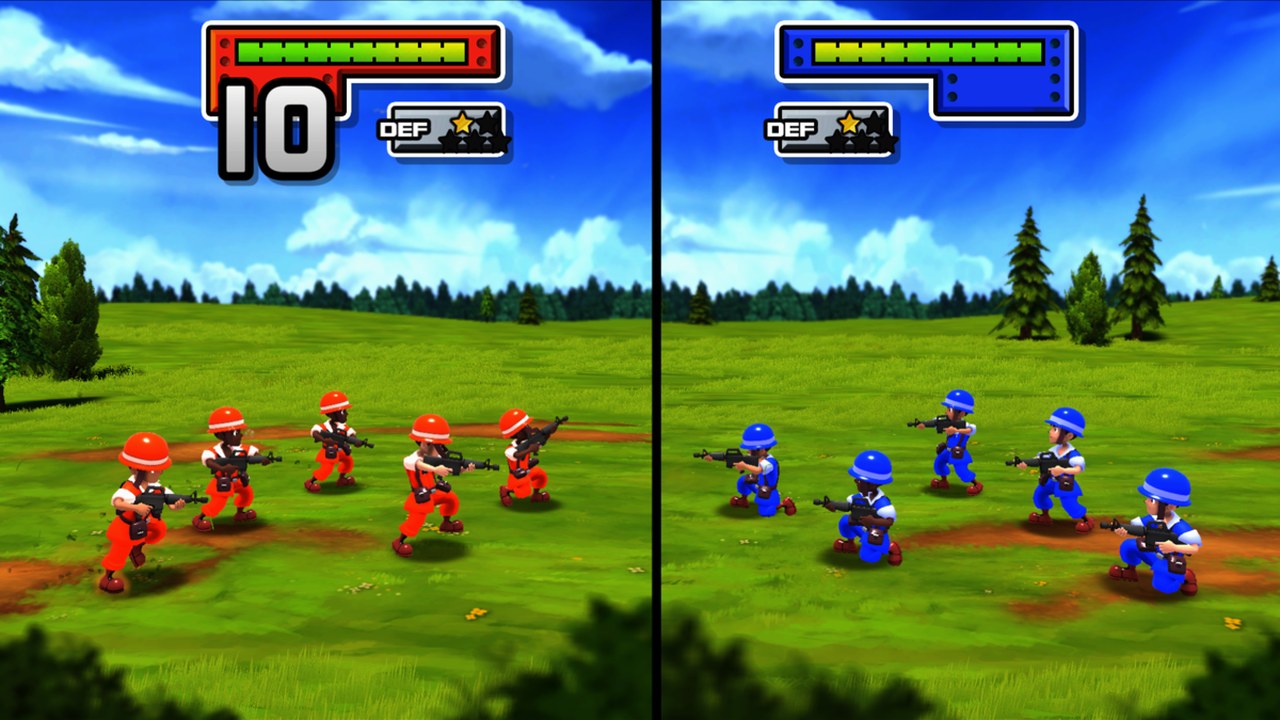 Advance Wars 1+2: Re-Boot Camp v0.1.3 · base game 1.0.0 · 60 fps (30 in battle on Switch) |
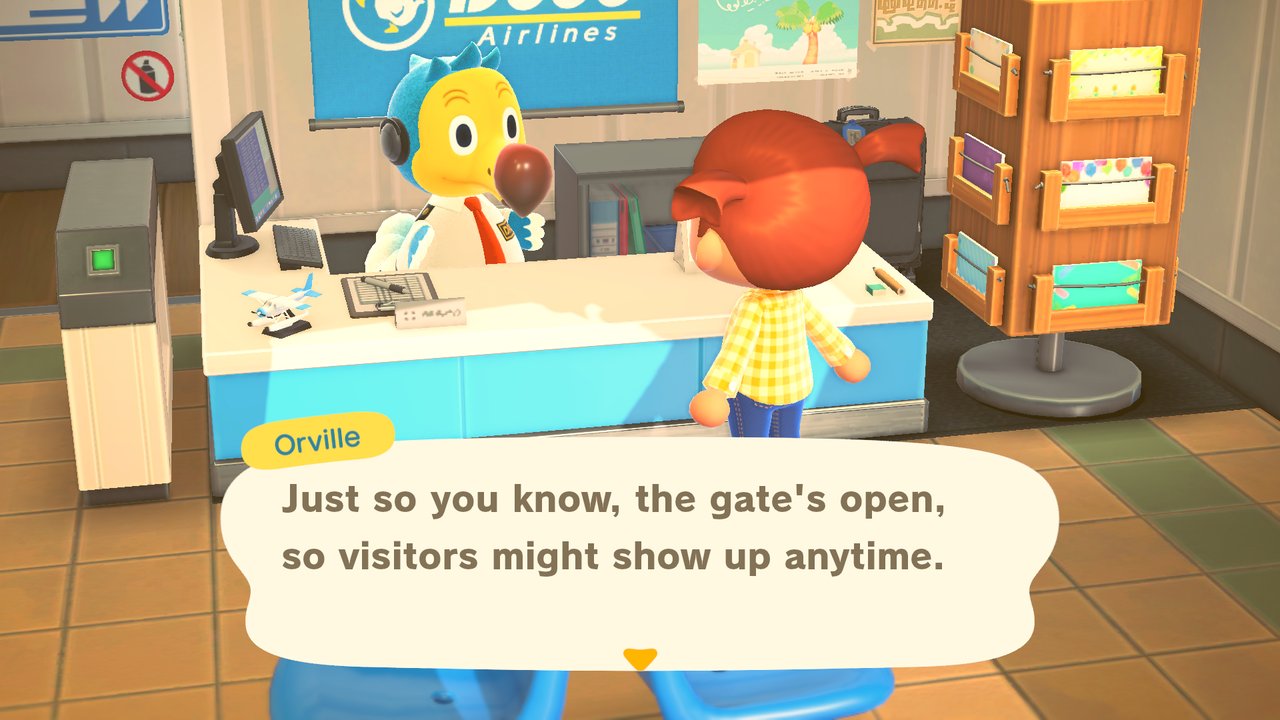 Animal Crossing: New Horizons v0.4.0 · update 3.0.3 · 30 fps (as on Switch) · local play over Wi-Fi with Switches that run ldn_mitm (Atmosphère 1.11.2 needs ldn_mitm 1.21.2) | 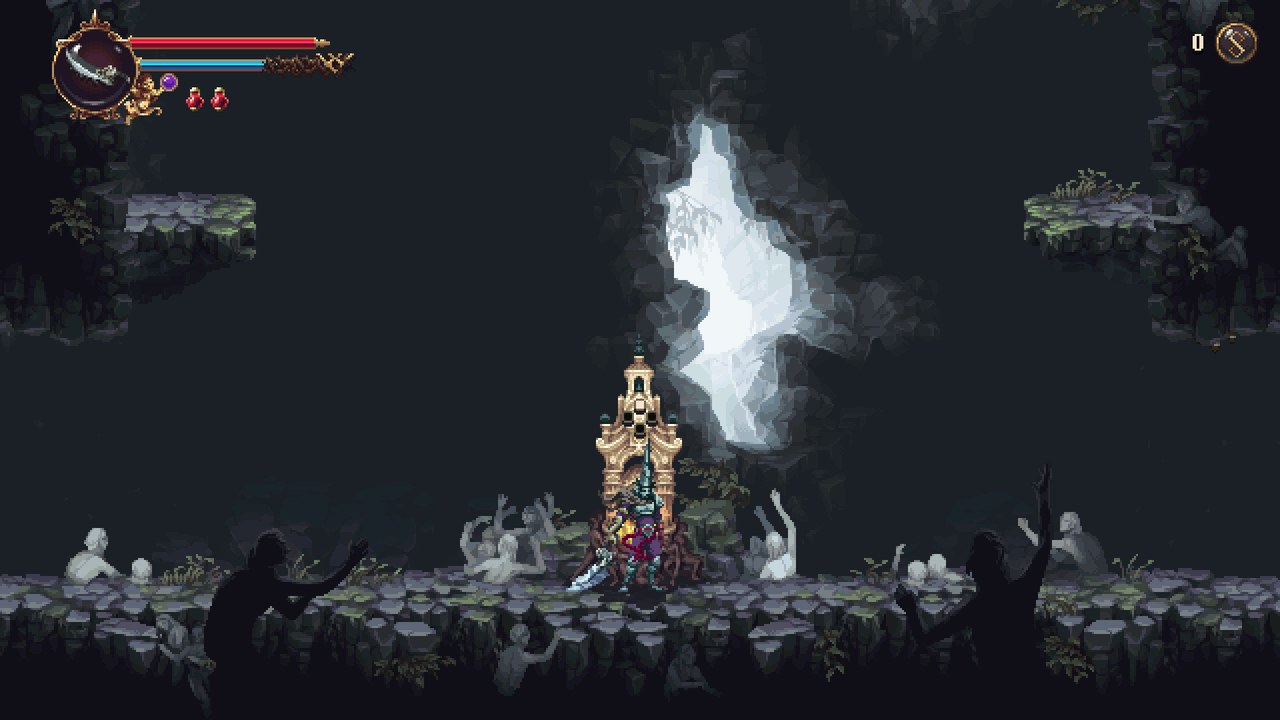 Blasphemous 2 v0.1.3 · update 1.0.8 · 60 fps |
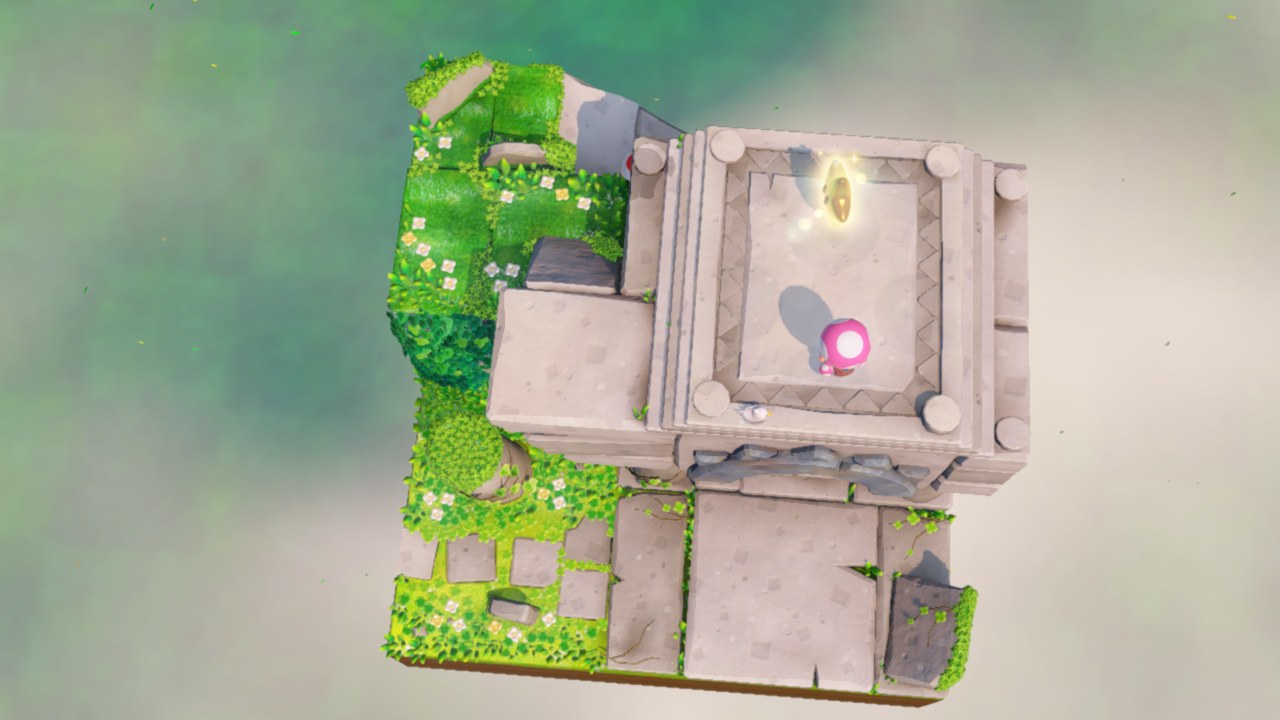 Captain Toad: Treasure Tracker v0.1.3 · update 1.4.2 · 60 fps | 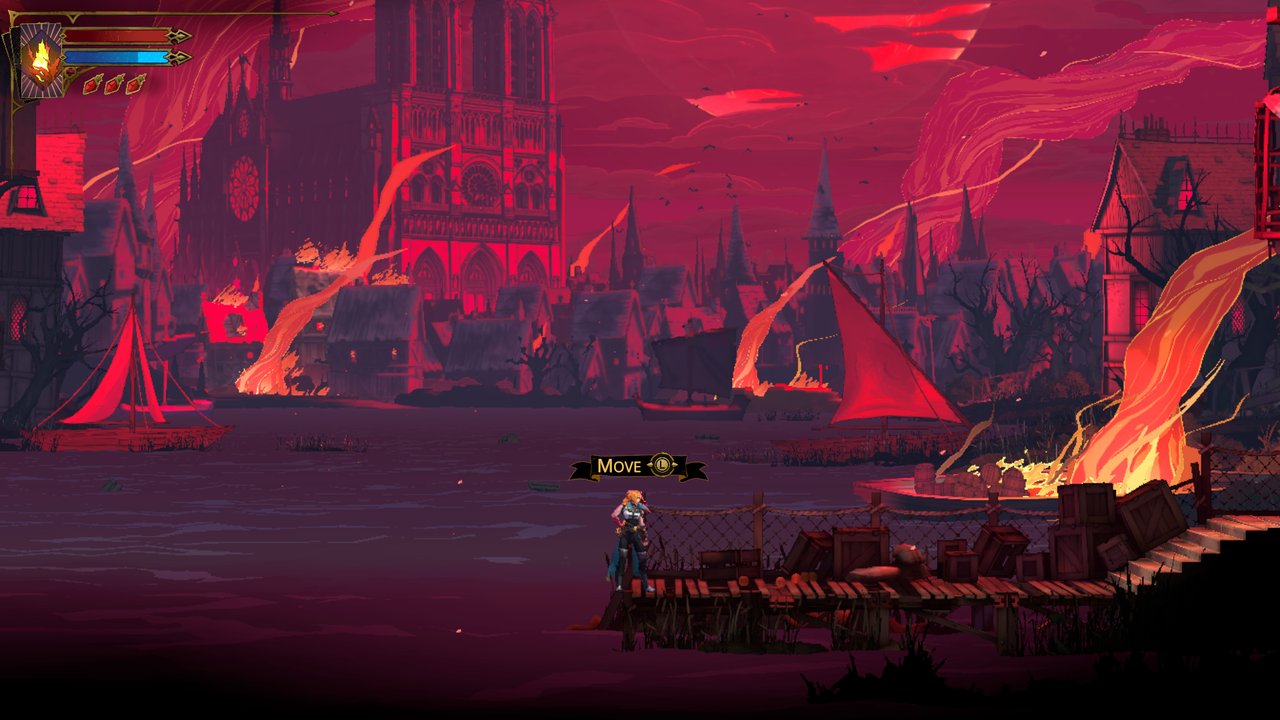 Castlevania: Belmont's Curse v0.2.0 · update 1.1.0 · 60 fps |
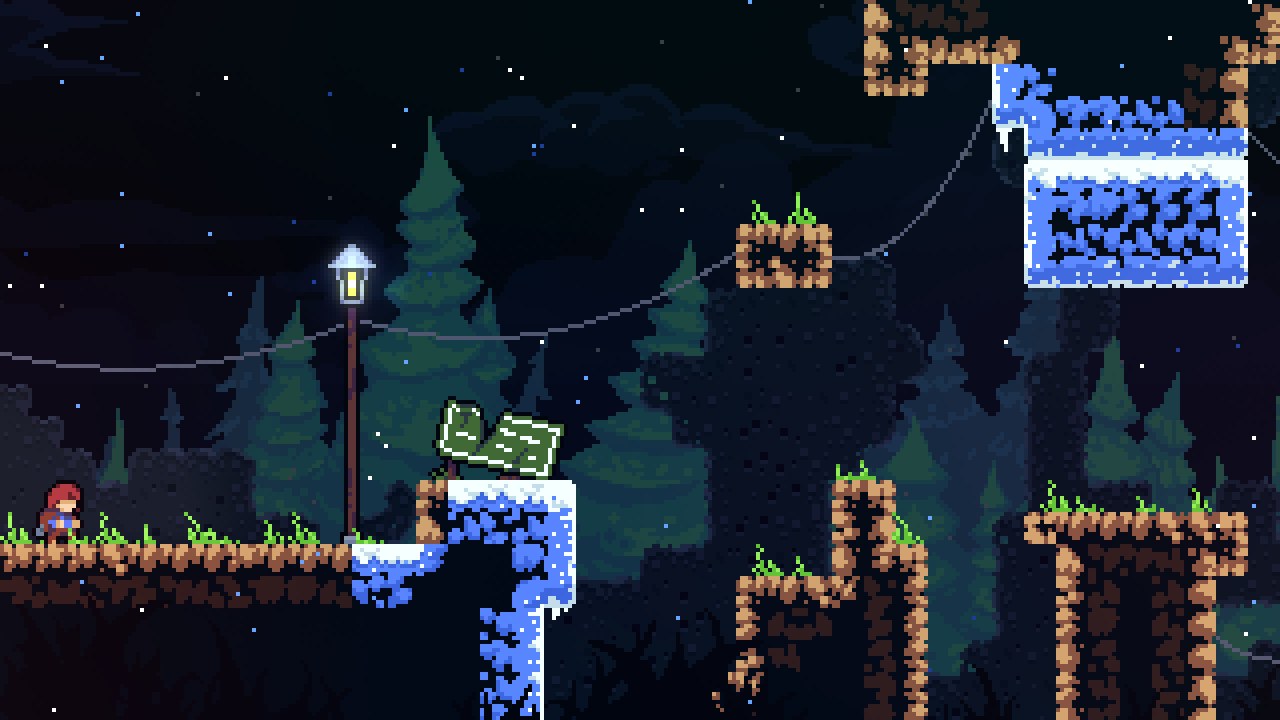 Celeste v0.1.3 · update 1.4.1.1 · 60 fps | 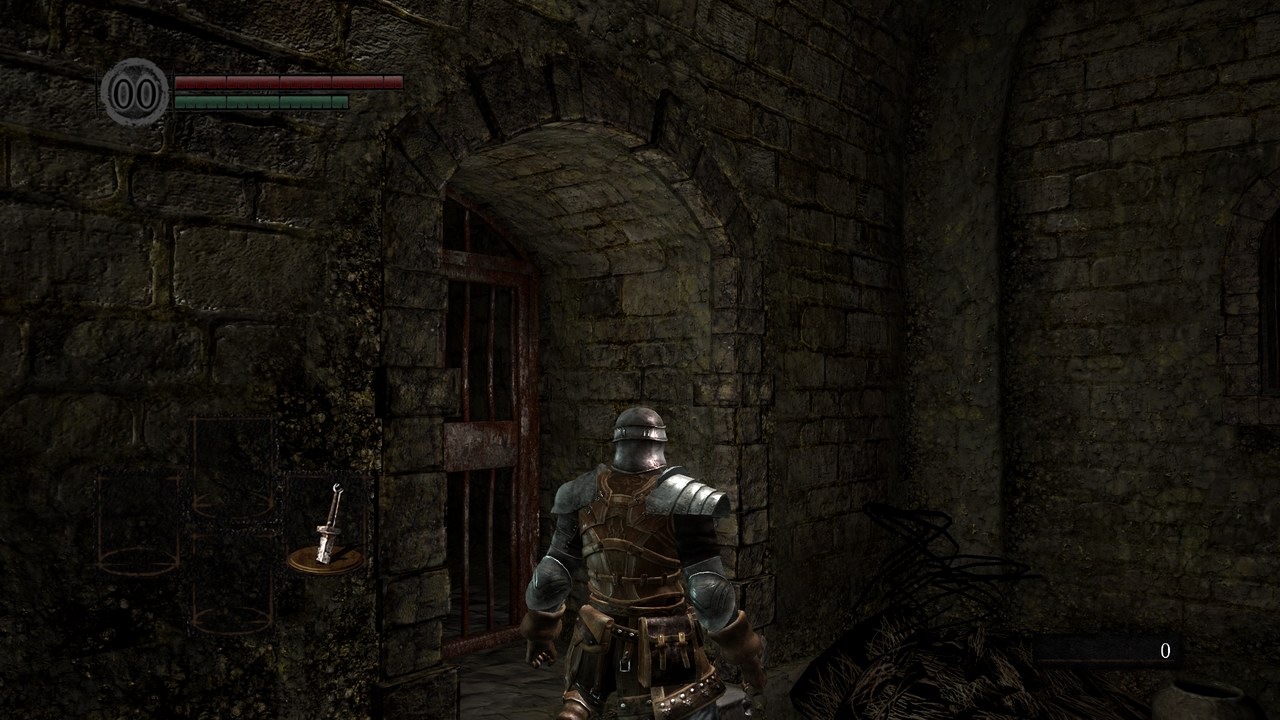 Dark Souls: Remastered v0.4.0 · update 1.0.3 · 30 fps |
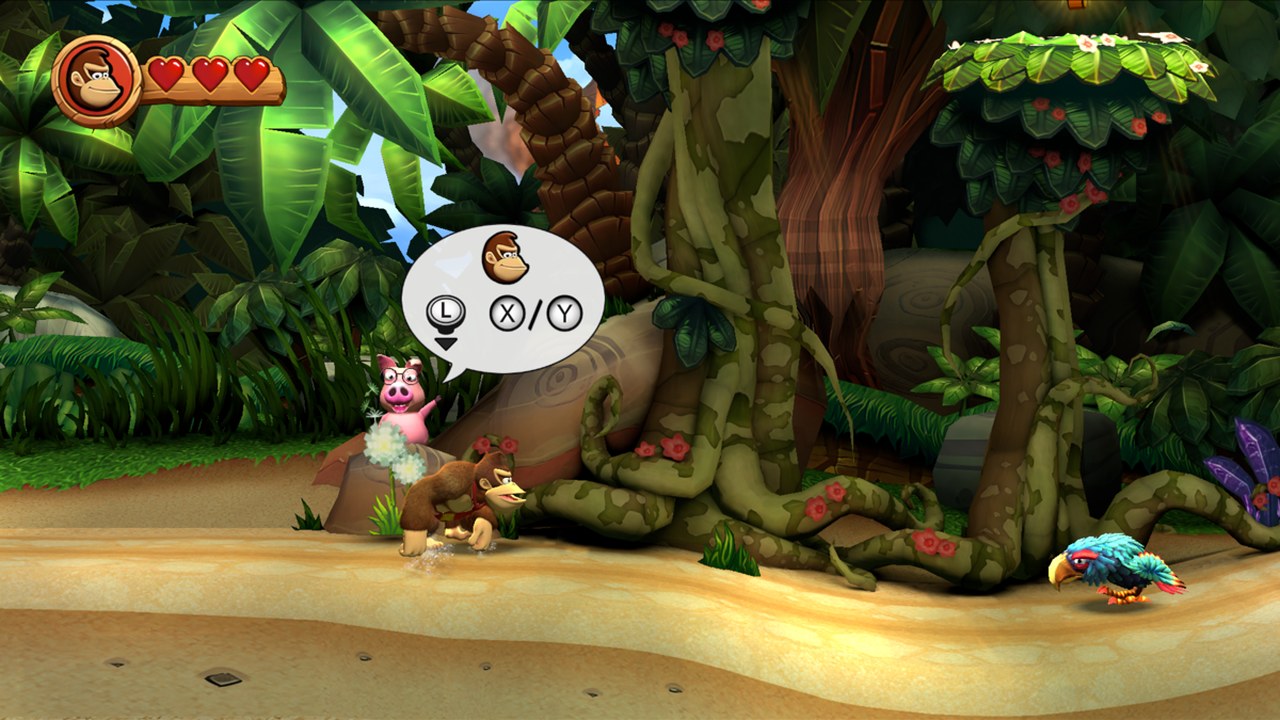 Donkey Kong Country Returns HD v0.1.3 · update 1.1.0 · 60 fps | 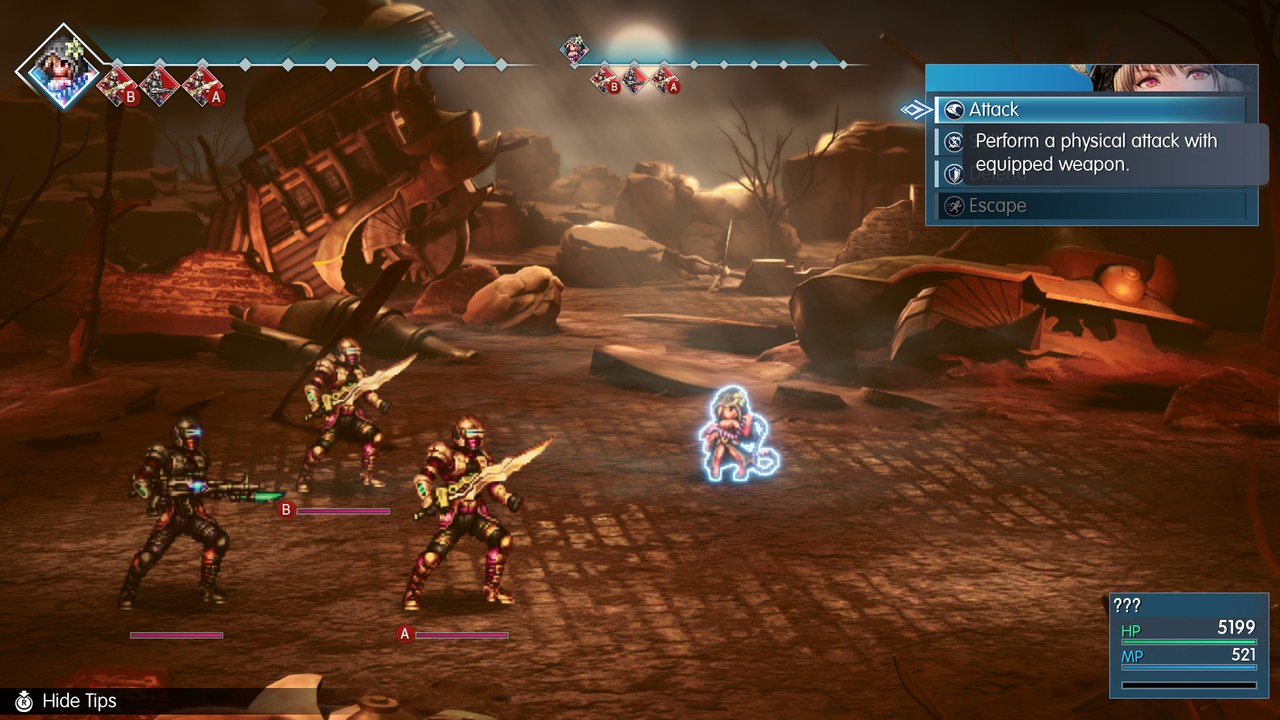 Final Fantasy Resonance v0.4.0 · update 1.0.1 · 60 fps |
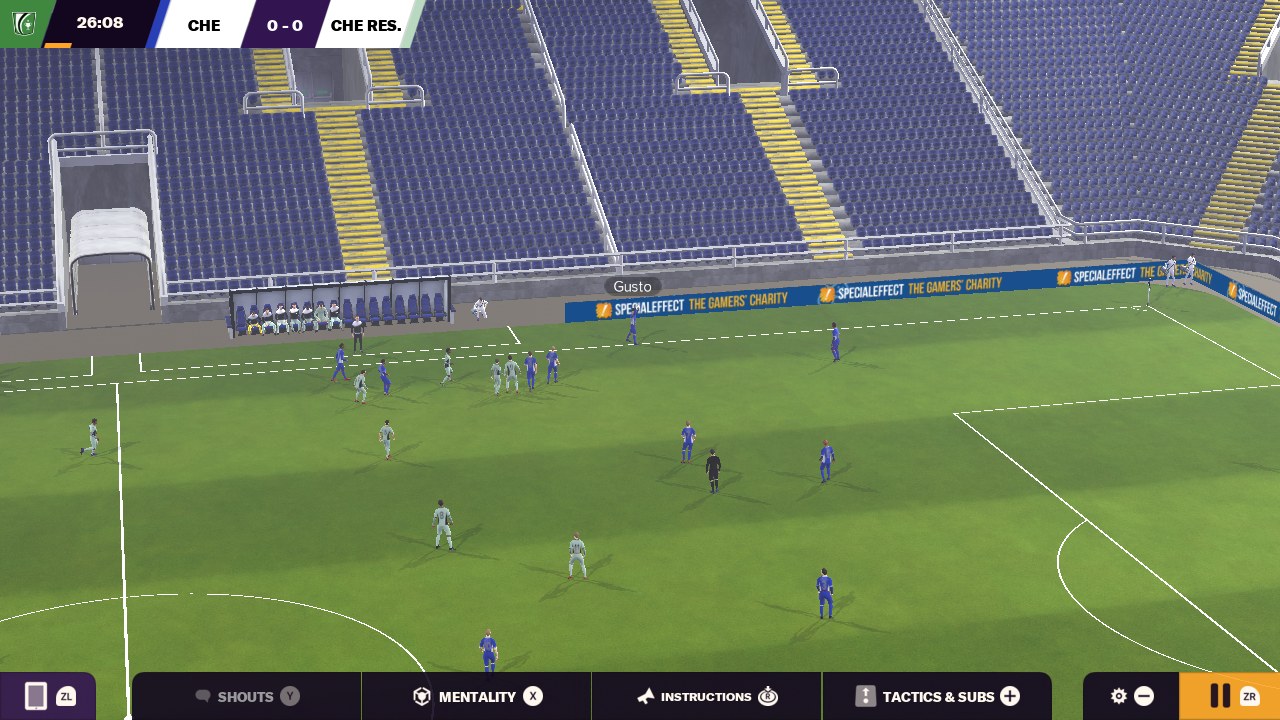 FM24 Touch v0.4.0 · update 1.0.1 · 60 fps · OpenGL ES · touch or controller | 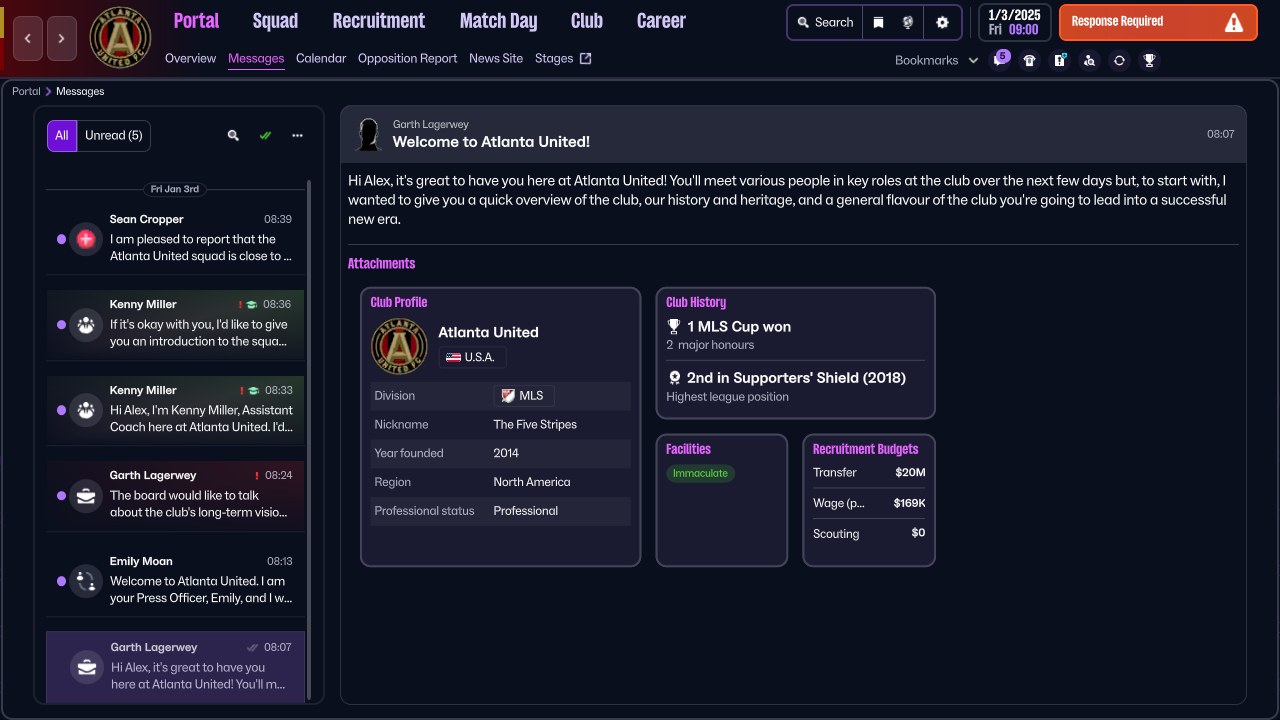 Football Manager 26 Touch v0.4.0 · update 1.0.2 · 30 fps (as on Switch) · played by touch · port with a Turnip Vulkan driver (the crowd glitches on Qualcomm's driver) |
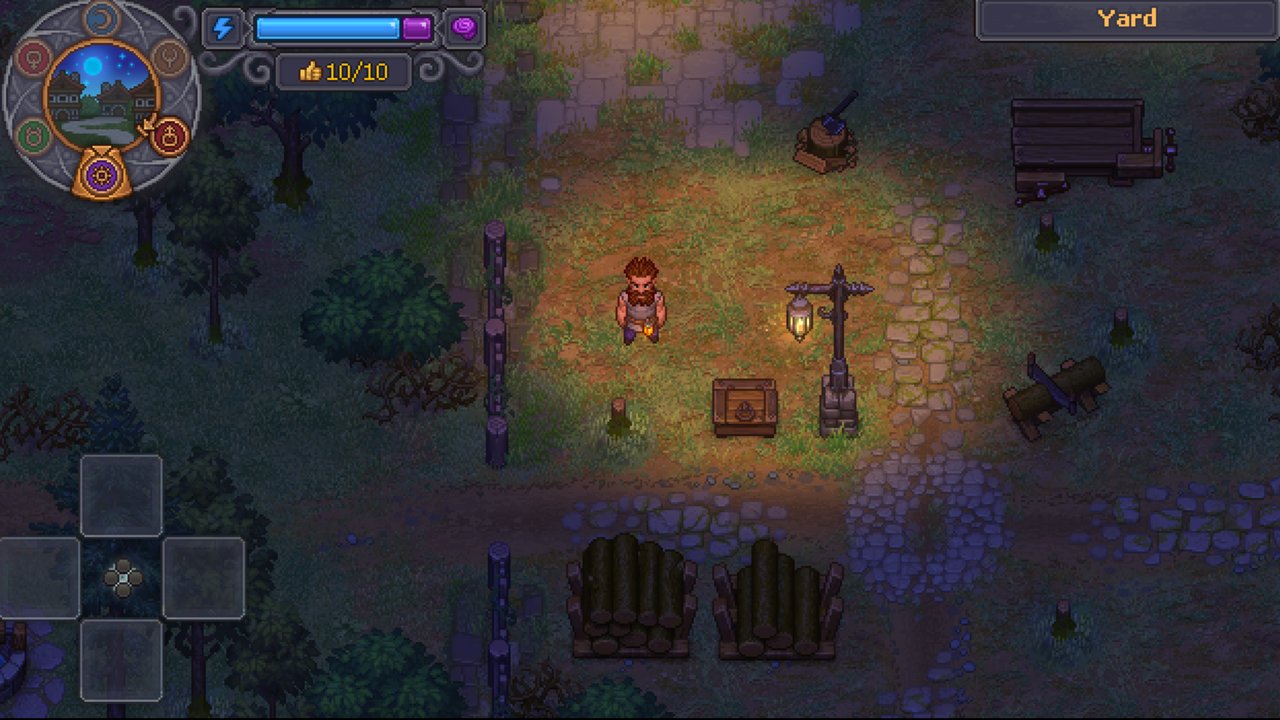 Graveyard Keeper 2 v0.1.2 · update 1.0.4 · 60 fps (30 on Switch) | 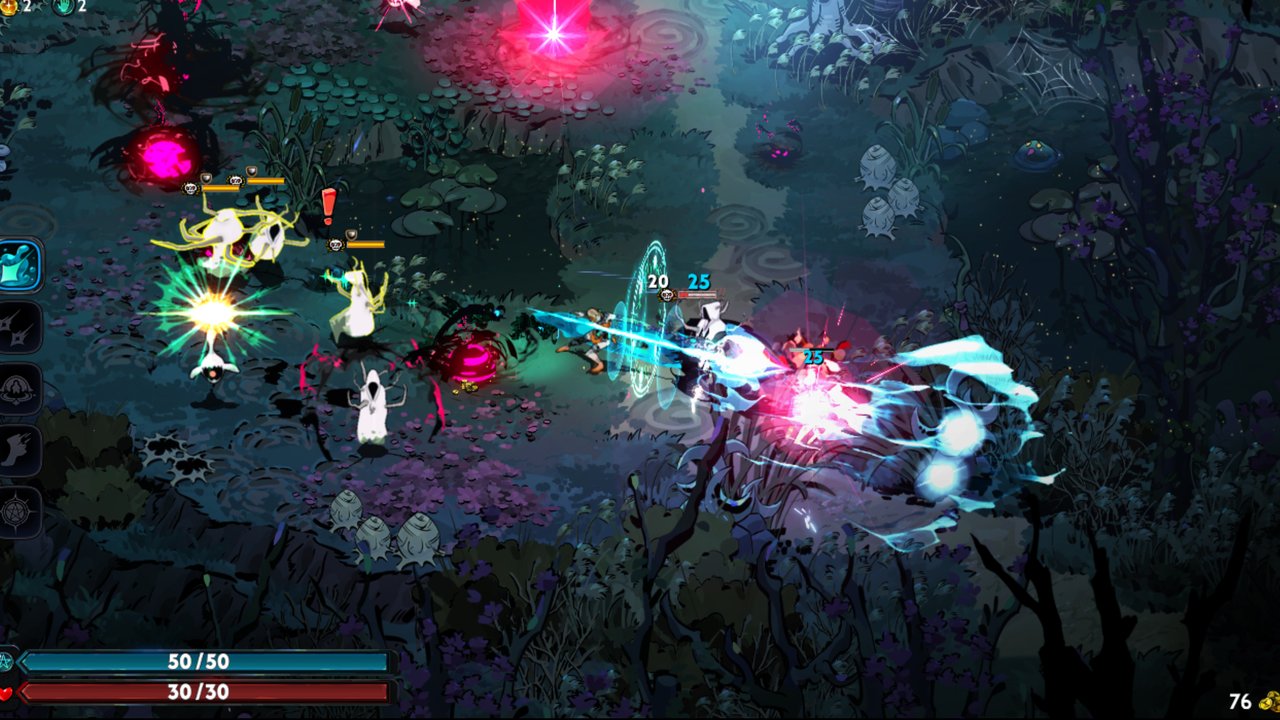 Hades II v0.1.2 · update 1.0 · 60 fps |
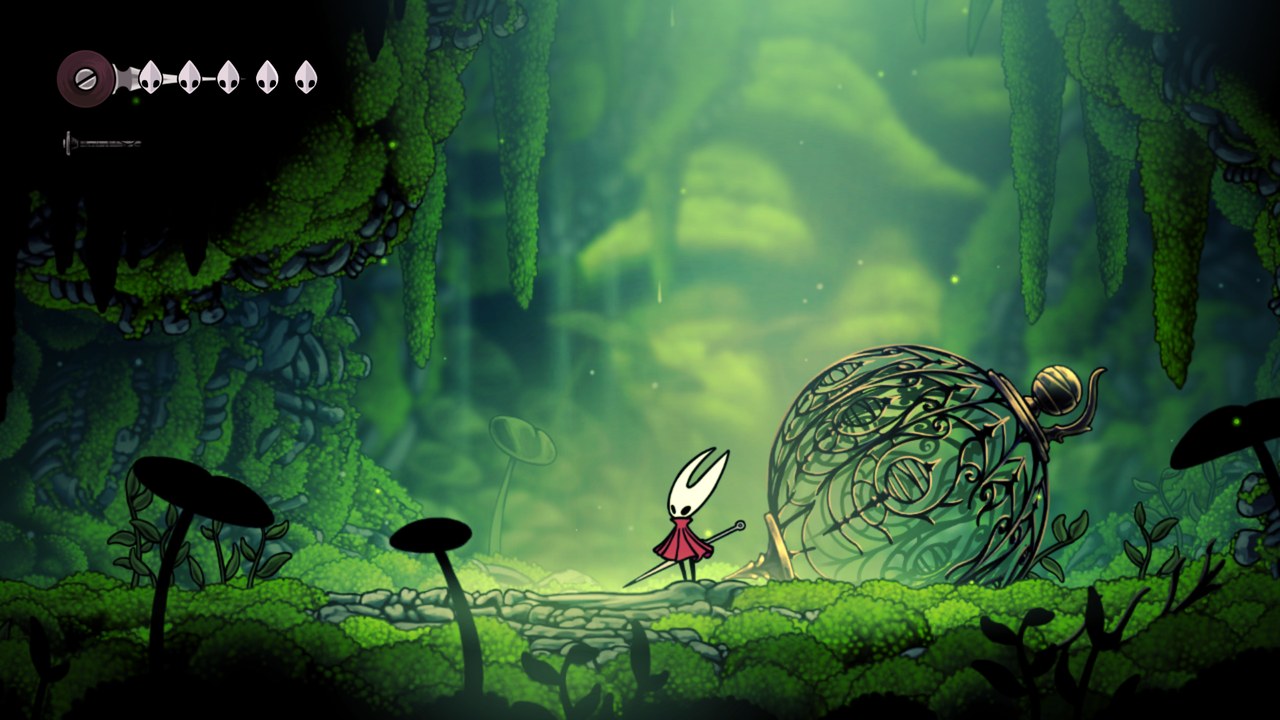 Hollow Knight: Silksong v0.1.3 · update 1.0.30000 · 60 fps | 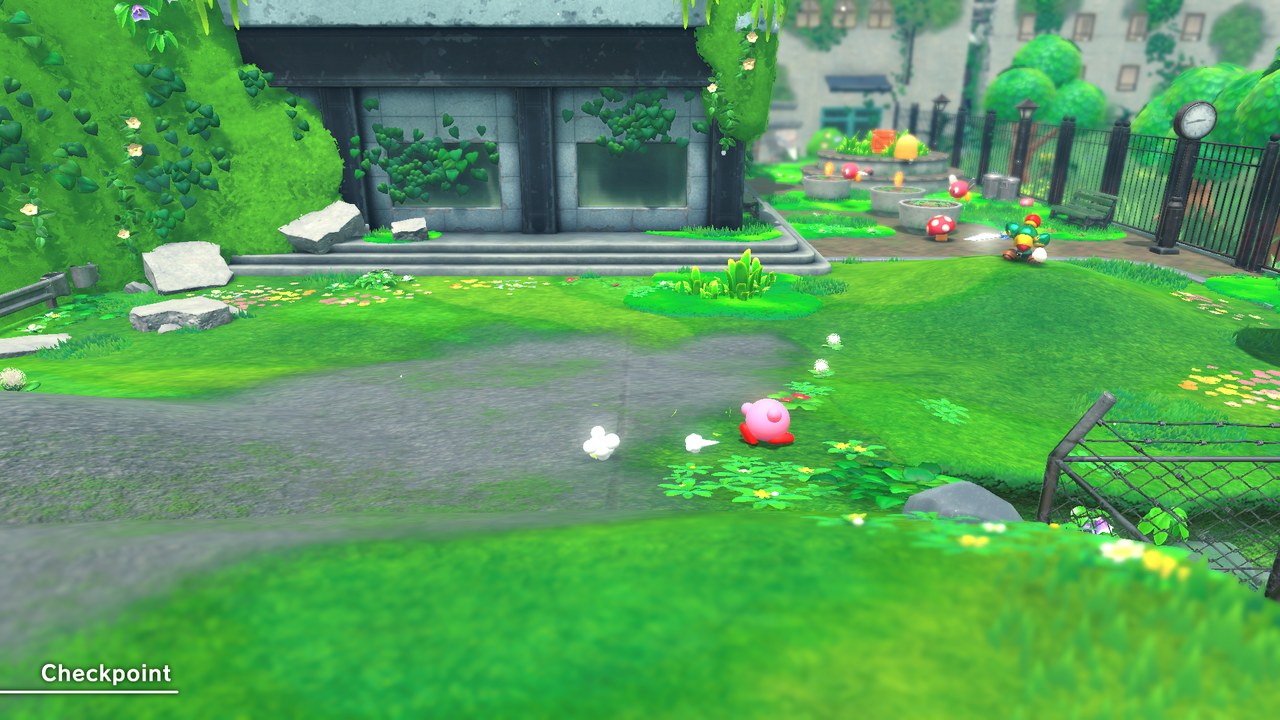 Kirby and the Forgotten Land v0.4.0 · update 1.1.0 · 30 fps (as on Switch) · tested on the AYN Thor (Adreno 740) with a Turnip Vulkan driver |
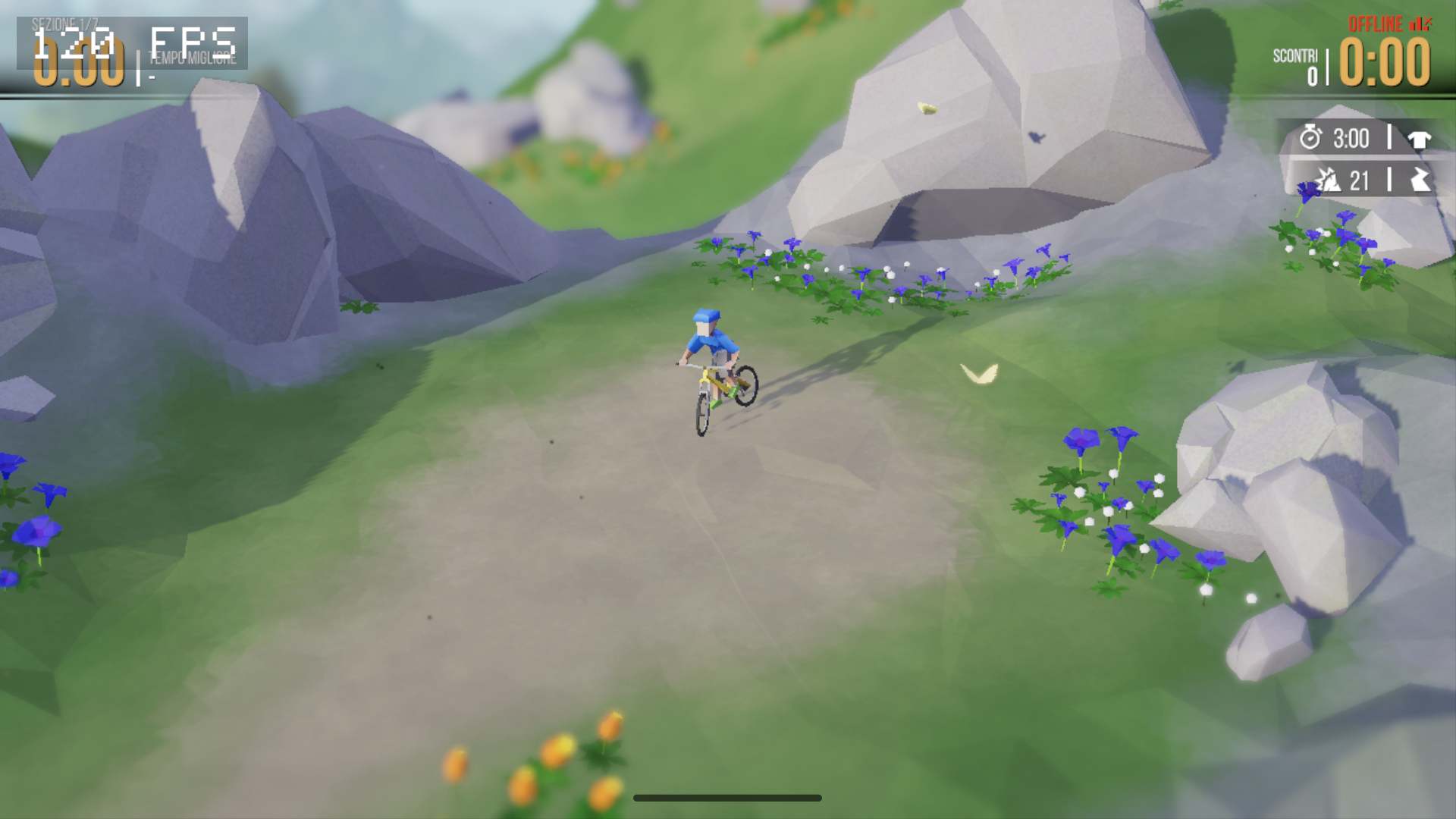 Lonely Mountains: Downhill v0.3.0 · base game 1.0.5 · 60 fps on Retroid Pocket 6 with PurpleVK · work in progress: brief transition glitch and occasional black/white flashes | 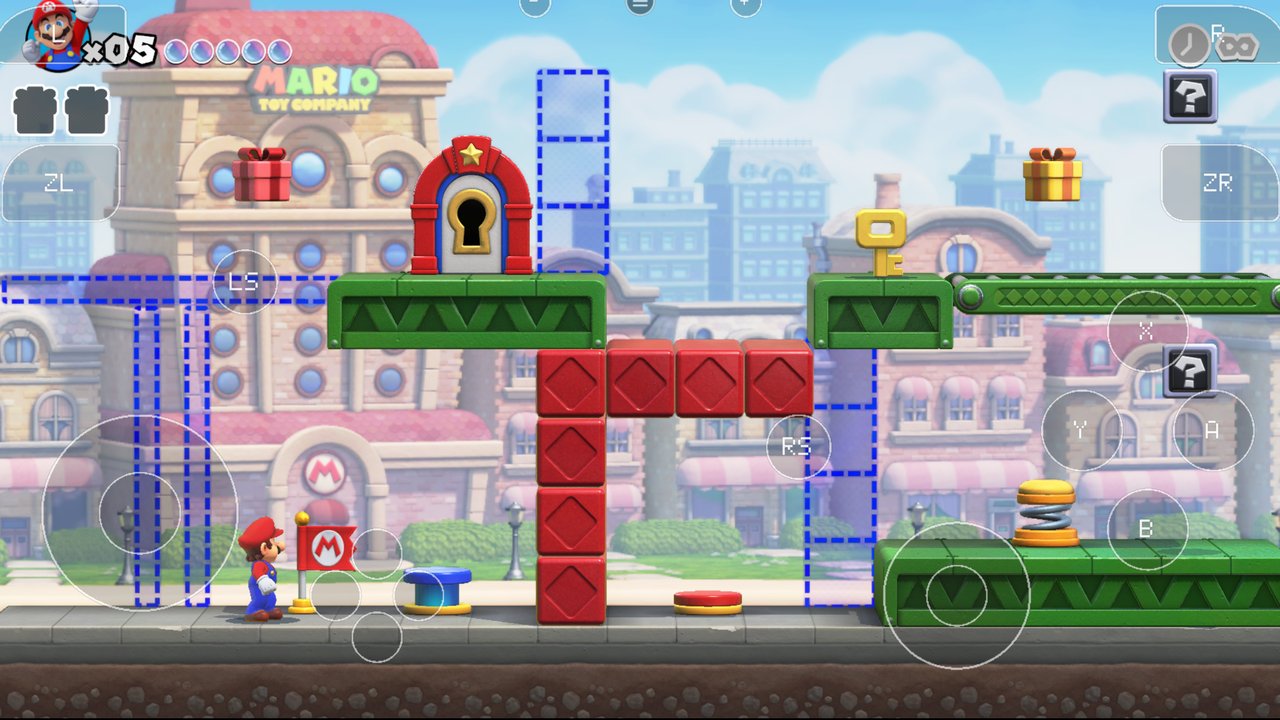 Mario vs. Donkey Kong v0.1.3 · update 1.0.1 · 60 fps |
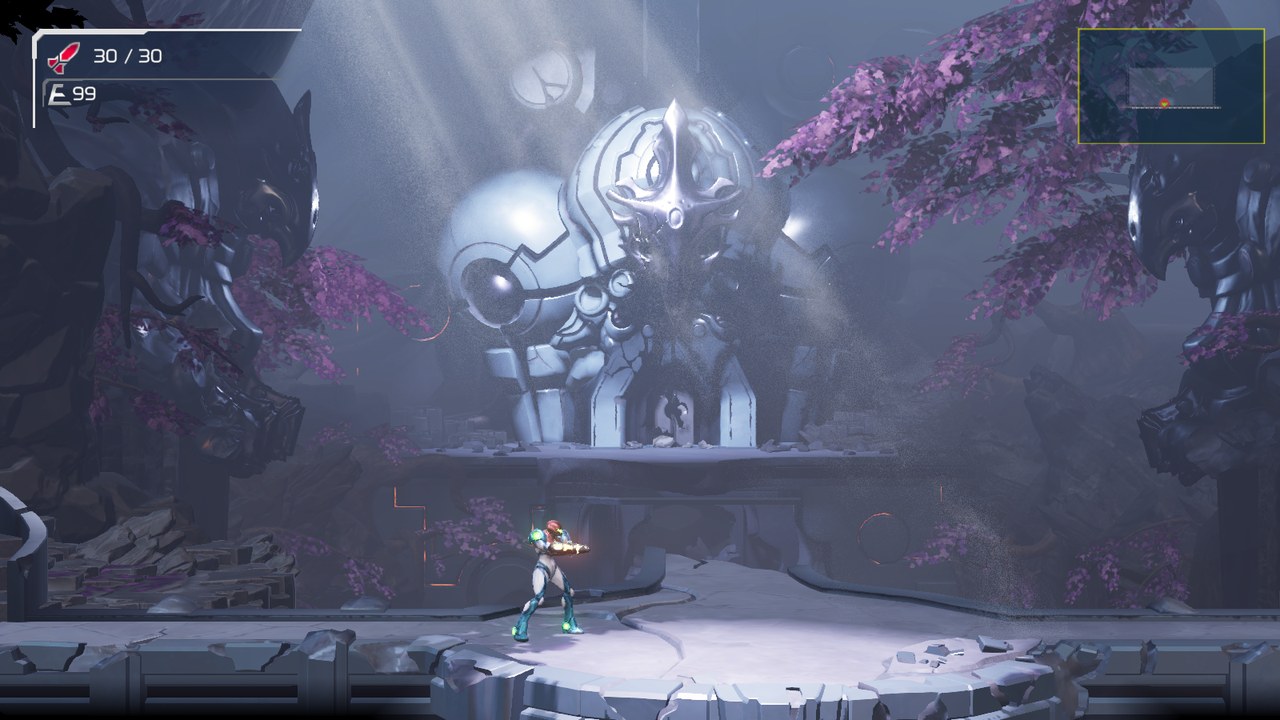 Metroid Dread v0.3.0 · update 2.1.0 · 60 fps | 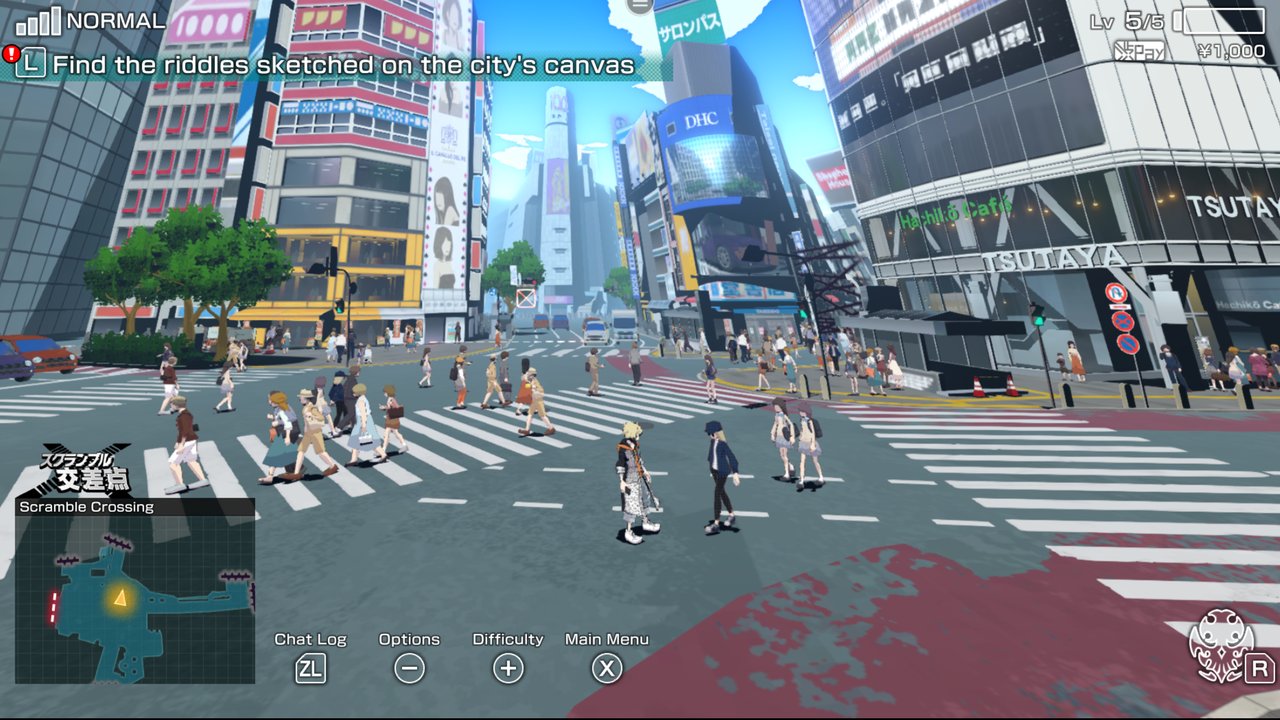 NEO: The World Ends with You v0.1.2 · update 1.03 |
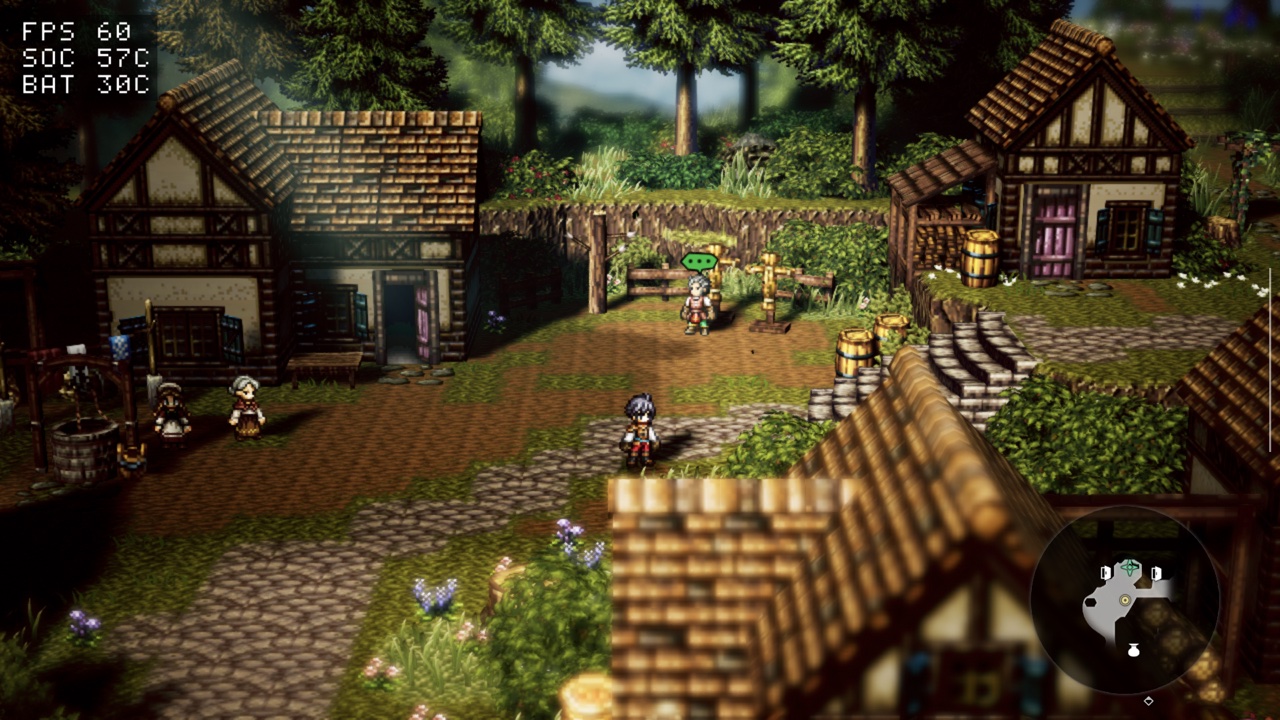 OCTOPATH TRAVELER 0 v0.4.0 · update 1.0.5 · 60 fps · tested on the AYN Thor (Adreno 740) with a Turnip Vulkan driver | 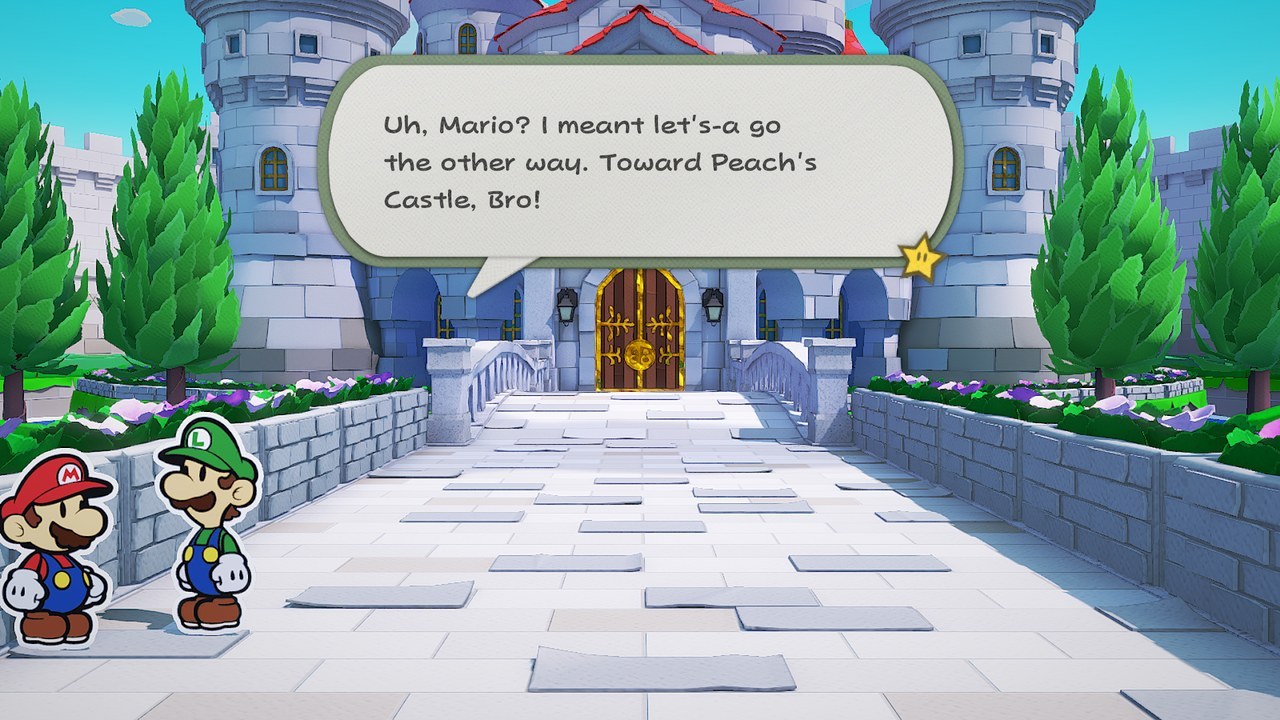 Paper Mario: The Origami King v0.2.0 · update 1.0.1 · 60 fps (30 on Switch) |
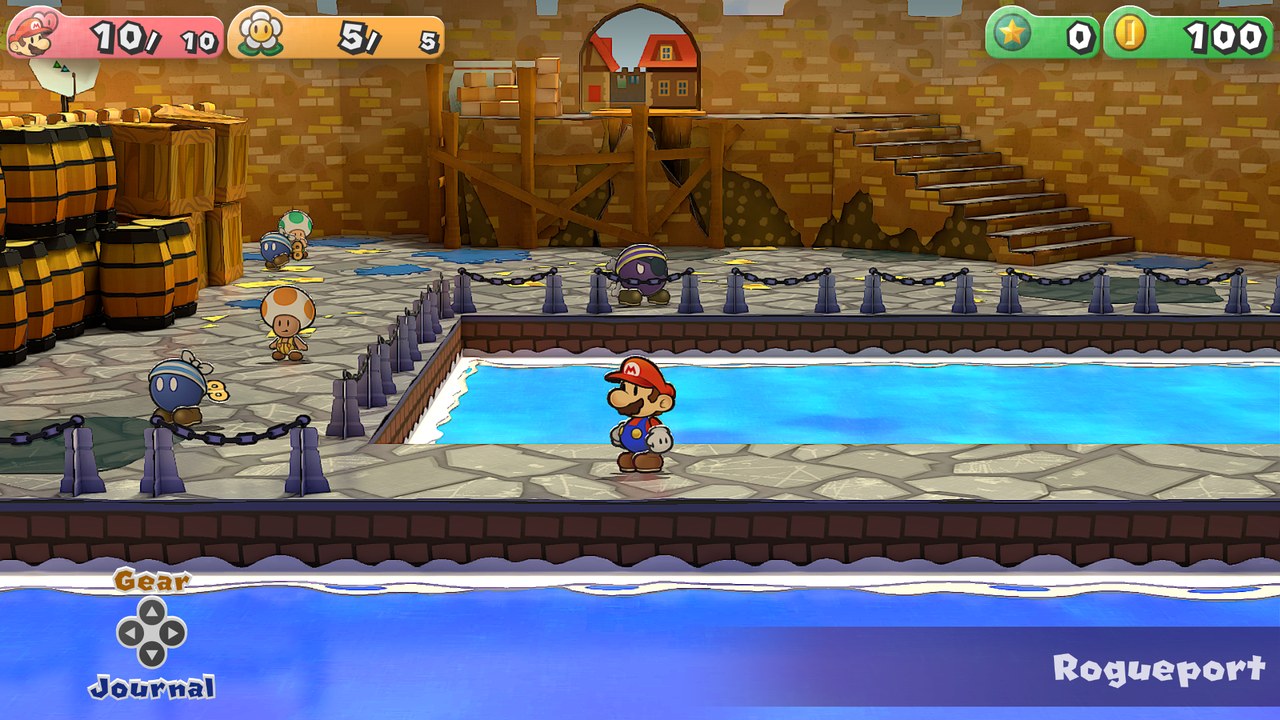 Paper Mario: The Thousand-Year Door v0.2.0 · update 1.0.1 · 60 fps (30 on Switch) · work in progress: playable, but lighting flickers (walls go black for single frames after a fall) | 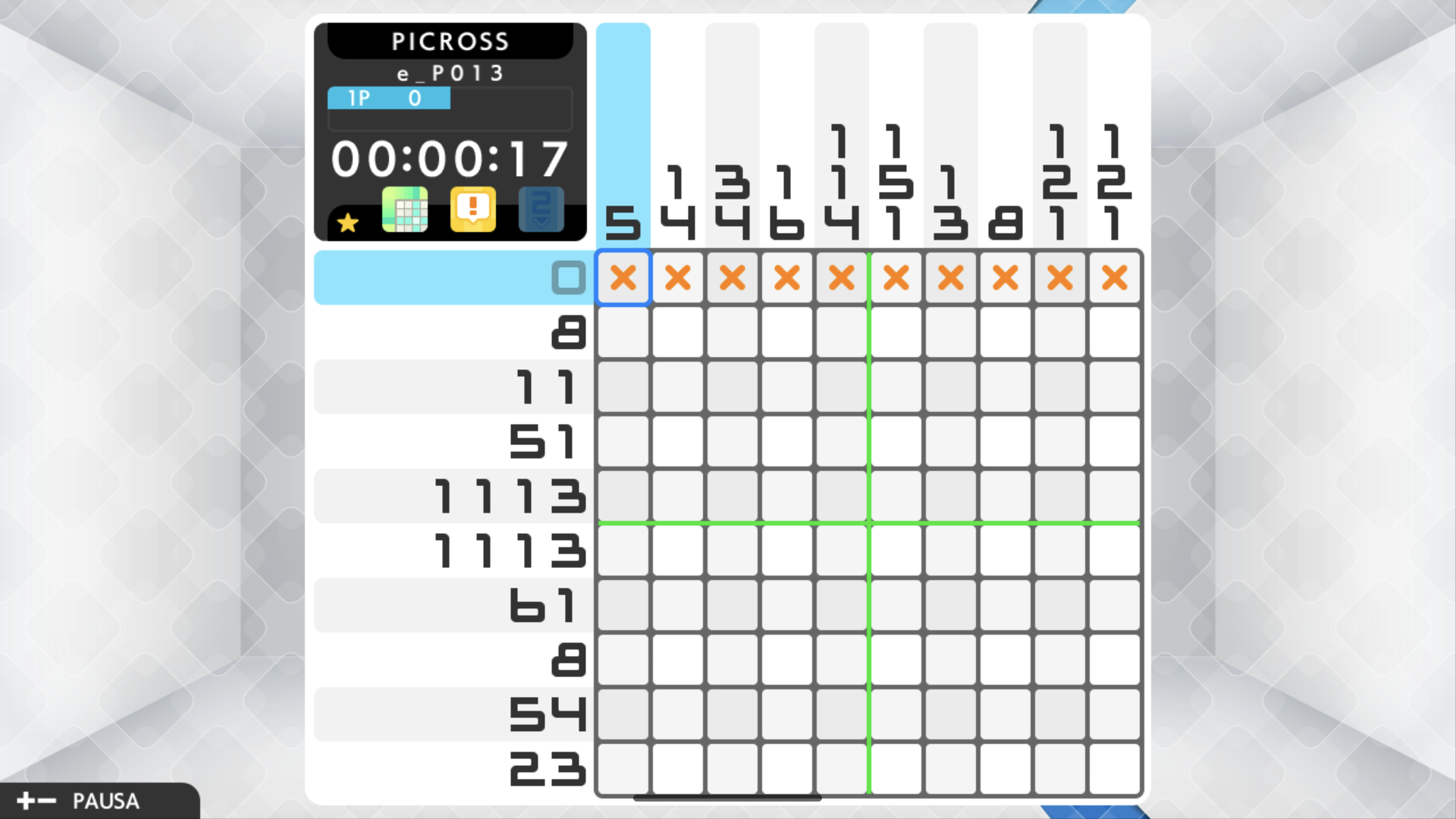 Picross S+ v0.3.0 · update 1.0.1 · Retroid Pocket 6 / PurpleVK · menu and puzzle verified; Mali rendering issues |
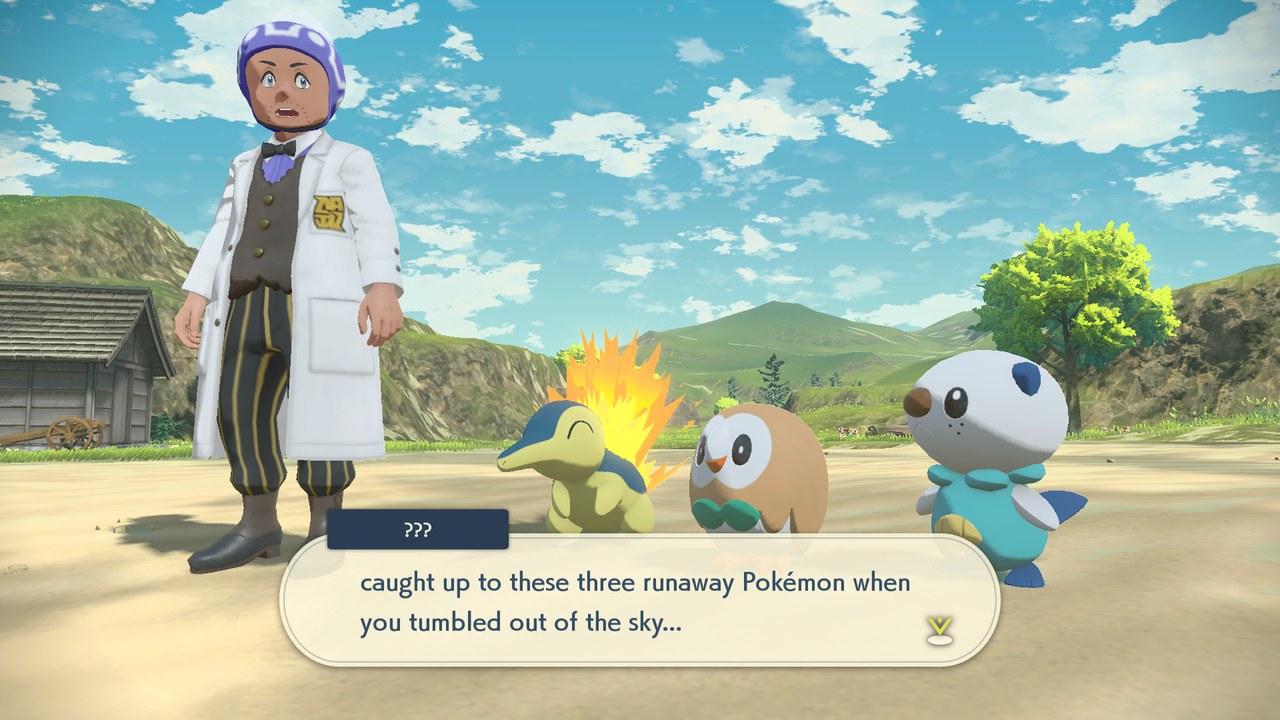 Pokémon Legends: Arceus v0.2.0 · update 1.1.1 · 60 fps (30 on Switch) | 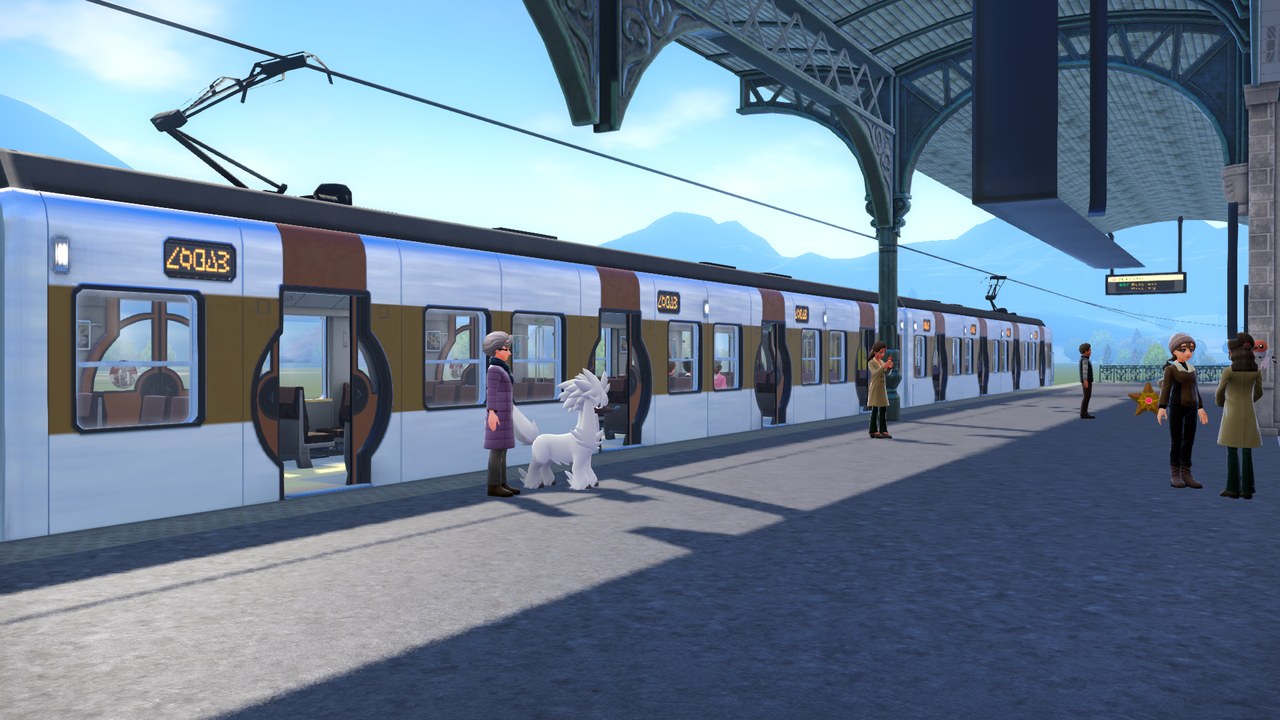 Pokémon Legends: Z-A v0.3.0 · update 2.0.2 · 30 fps (as on Switch) · tested to Lumiose station: the city and battles not checked yet |
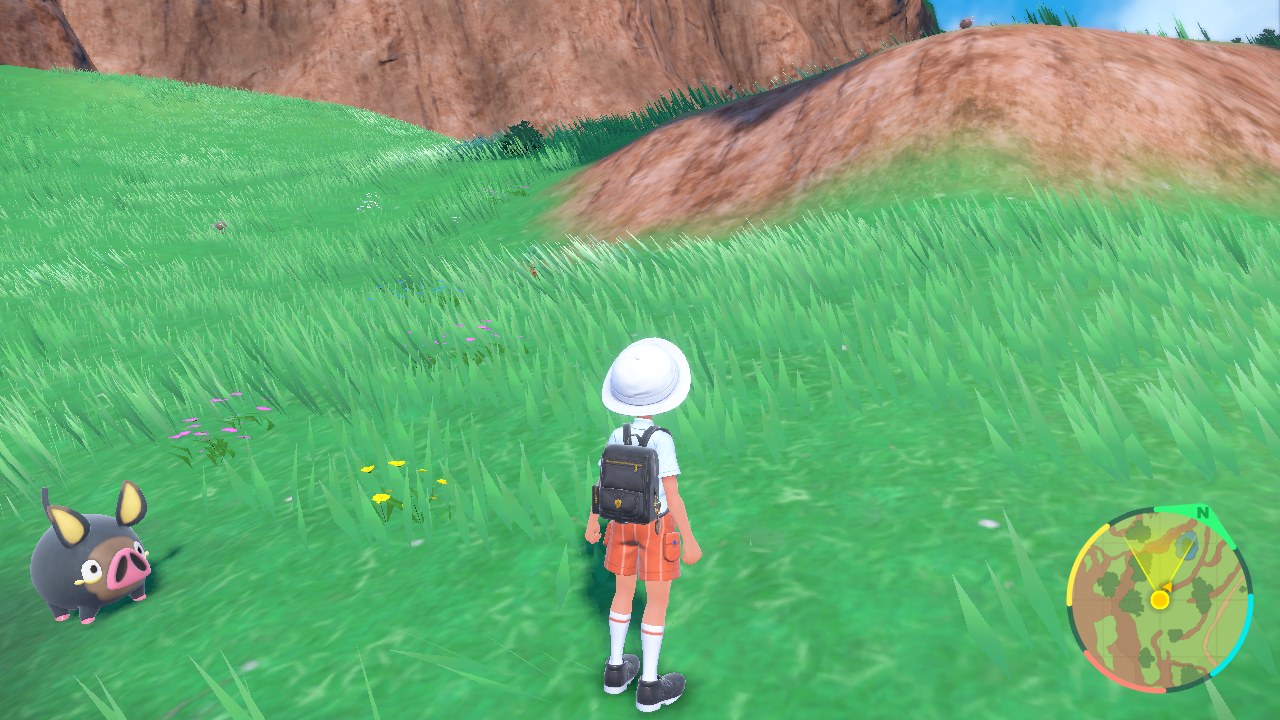 Pokémon Scarlet v0.4.0 · update 4.0.0 · 50–60 fps (30 on Switch) · tested on the AYN Thor (Adreno 740) with a Turnip Vulkan driver · work in progress: tested in the opening and the South Province fields | 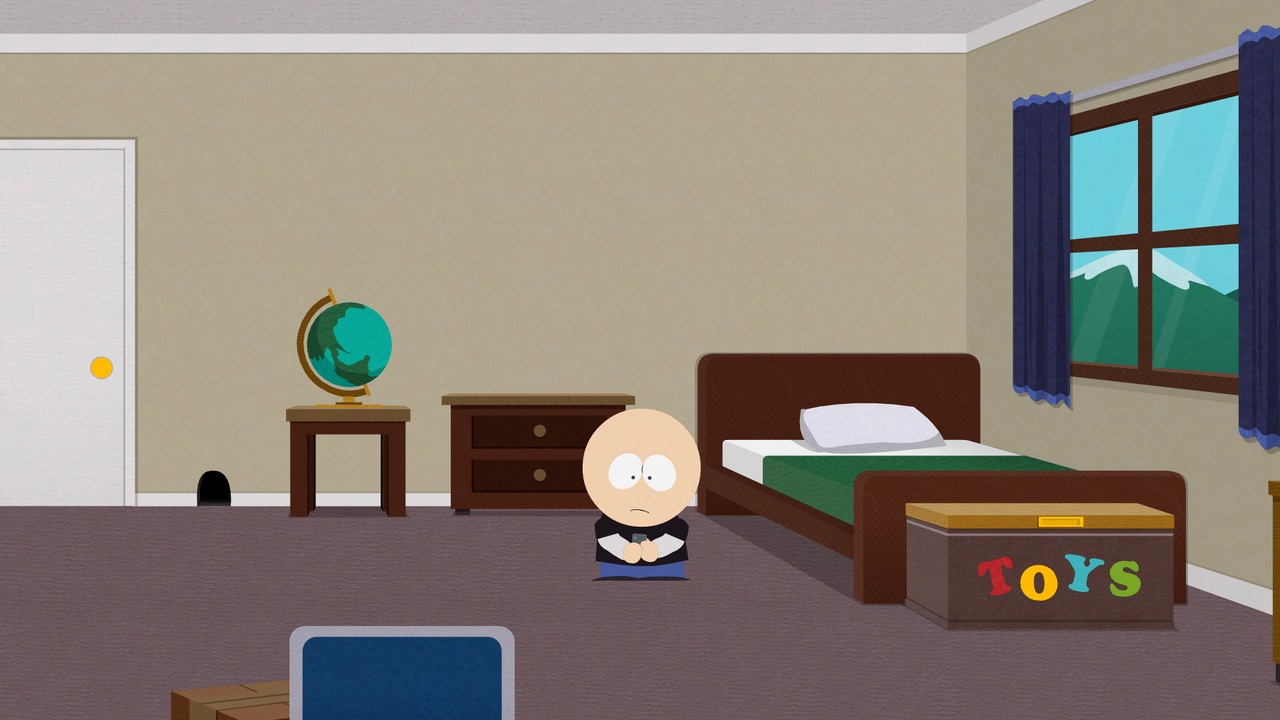 South Park: The Stick of Truth v0.3.1 · base game 1.0.0 · 30 fps · a Vulkan 1.3 driver is needed (Turnip packed on the Adreno 640) |
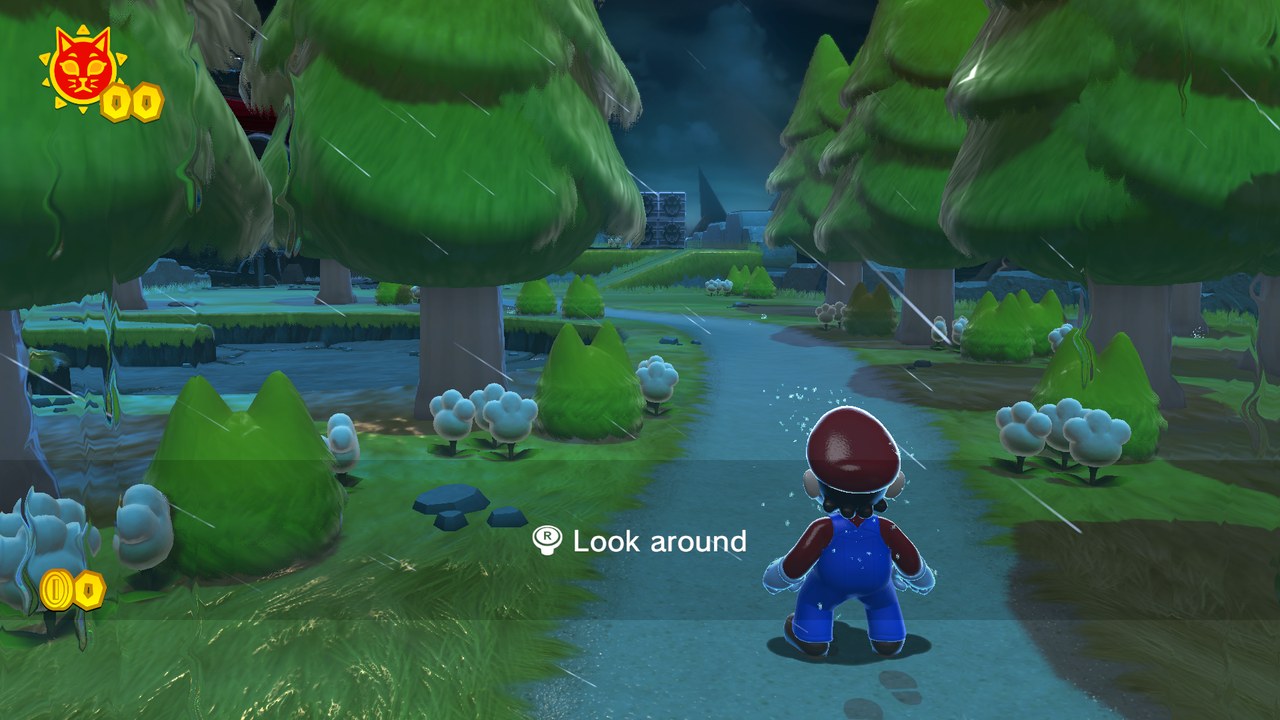 Super Mario 3D World + Bowser's Fury v0.4.0 · update 1.2.2 · 60 fps · tested on the AYN Thor (Adreno 740) with a Turnip Vulkan driver | 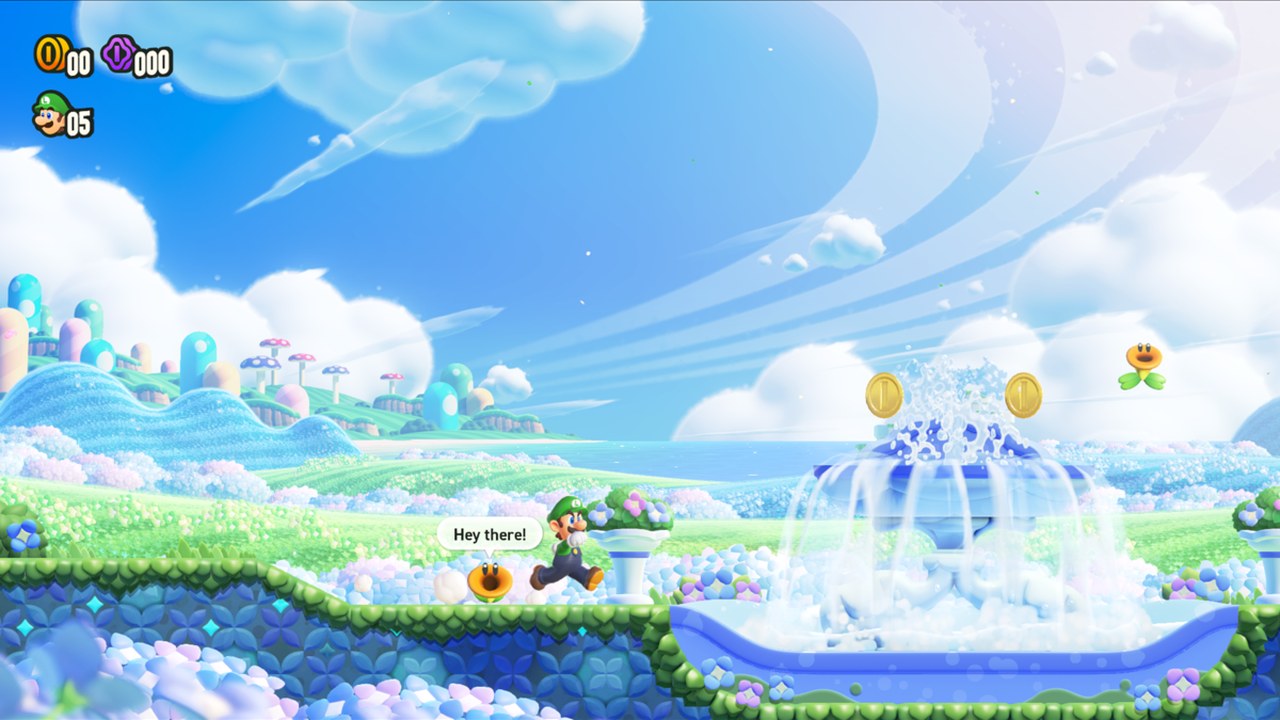 Super Mario Bros. Wonder v0.1.3 · update 1.2.1 · 60 fps, dips to 40 |
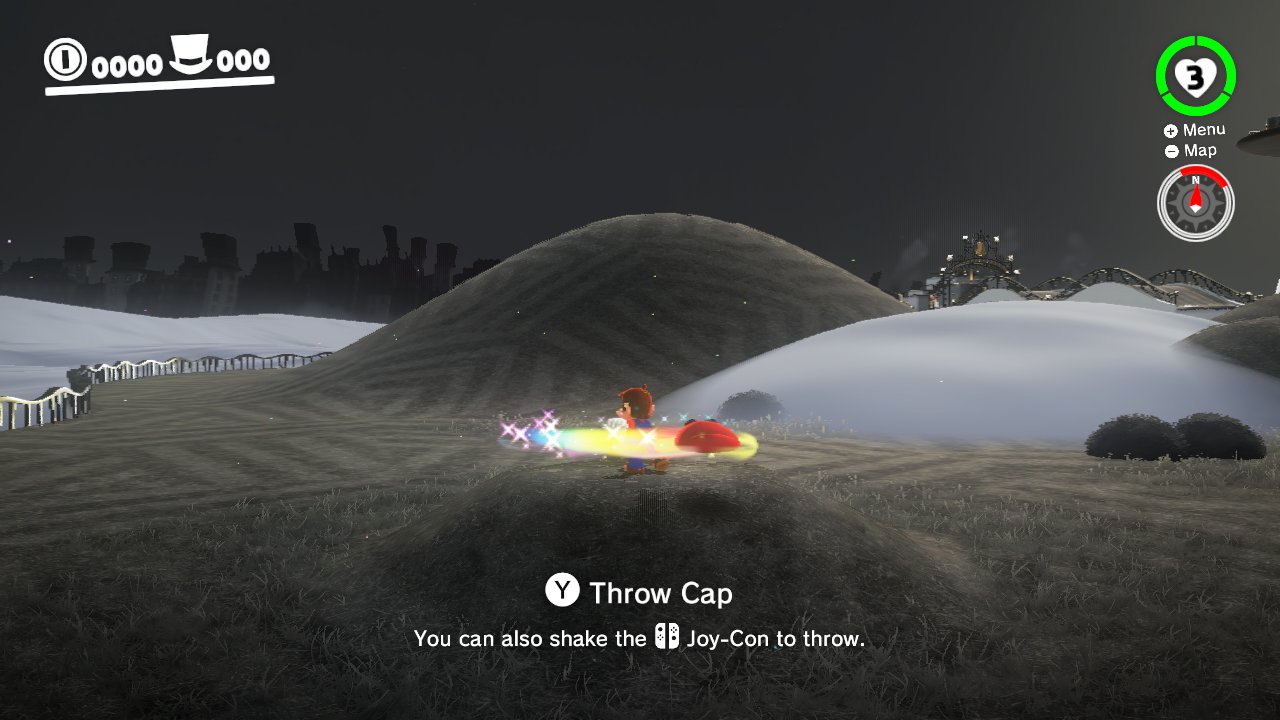 Super Mario Odyssey v0.2.0 · update 1.4.1 · 60 fps · shake the device to throw Cappy | 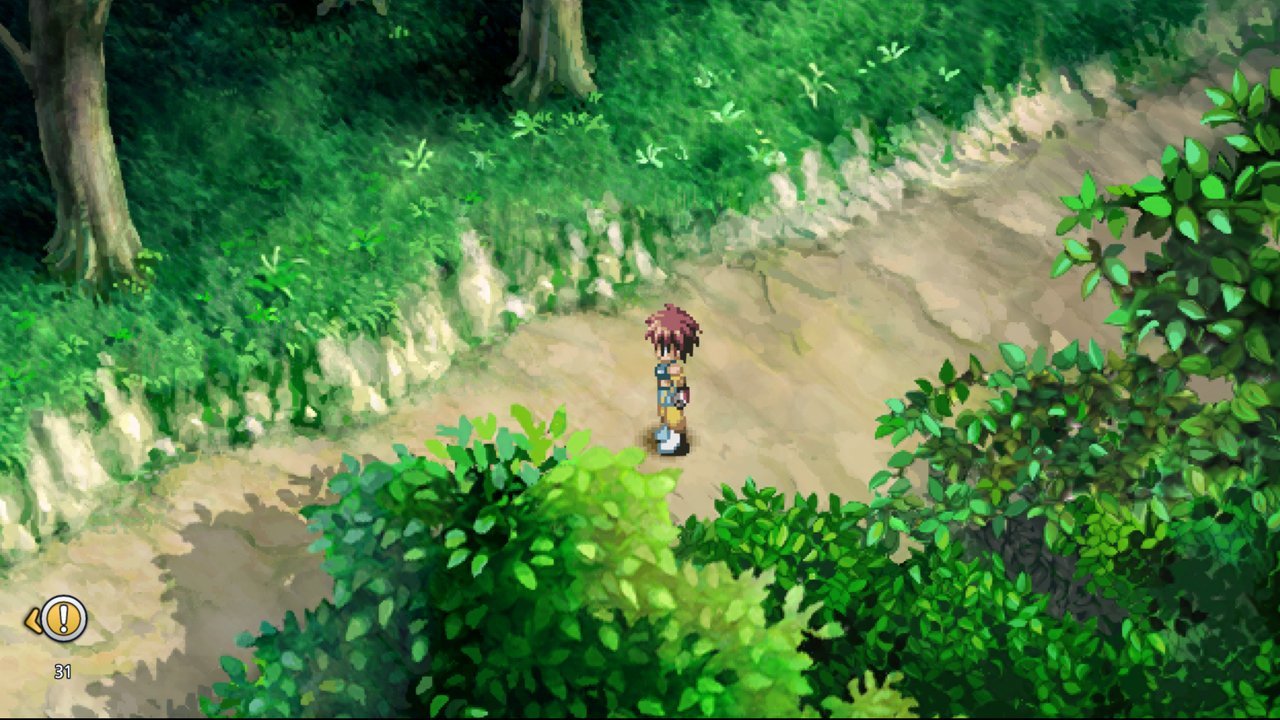 Tales of Eternia Remastered v0.1.2 · update 2.0.0 · 60 fps |
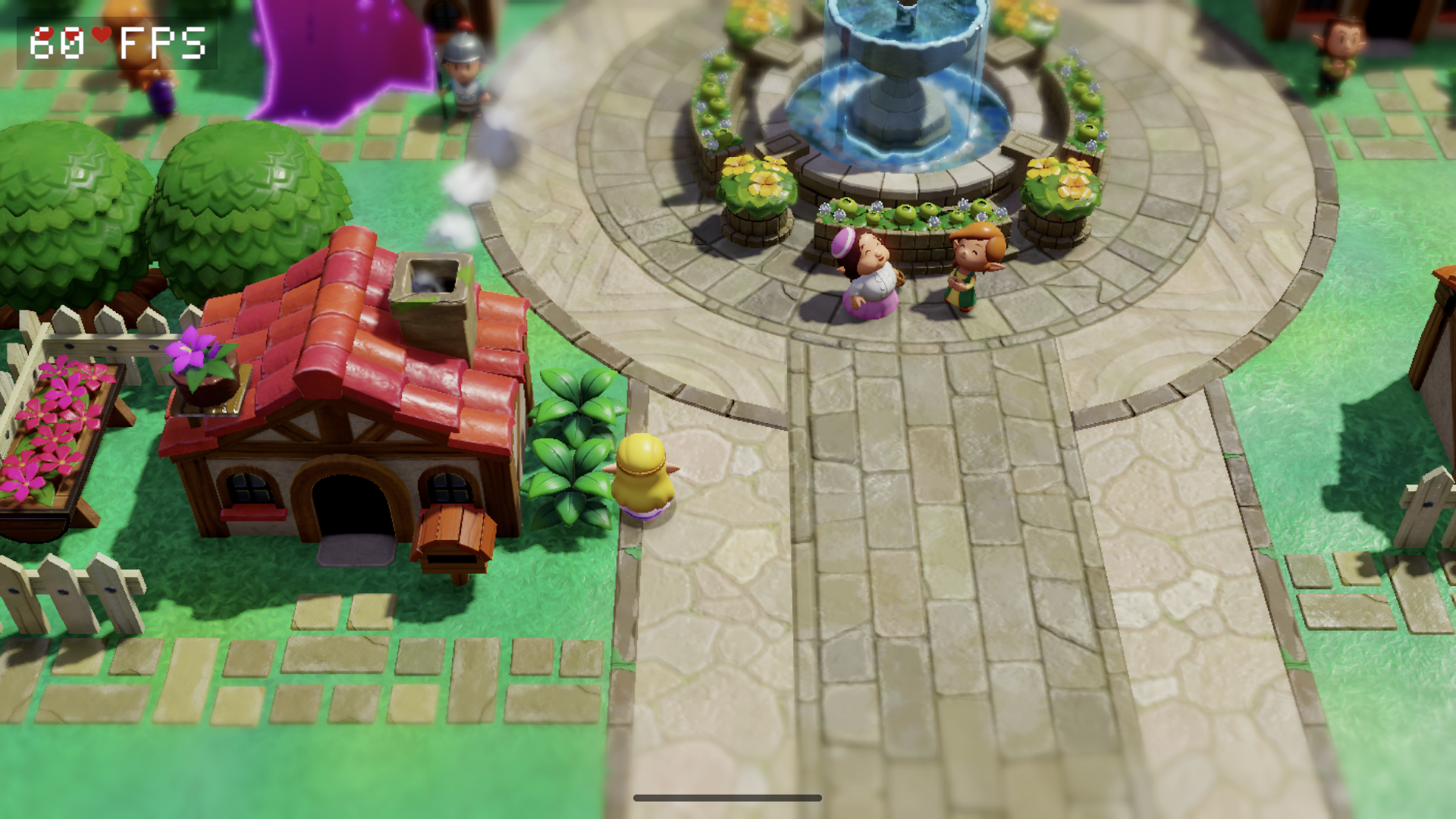 The Legend of Zelda: Echoes of Wisdom v0.3.0 · version 1.1.0 · playable on Retroid Pocket 6 with PurpleVK · work in progress: minor transparency artifacts around rifts | 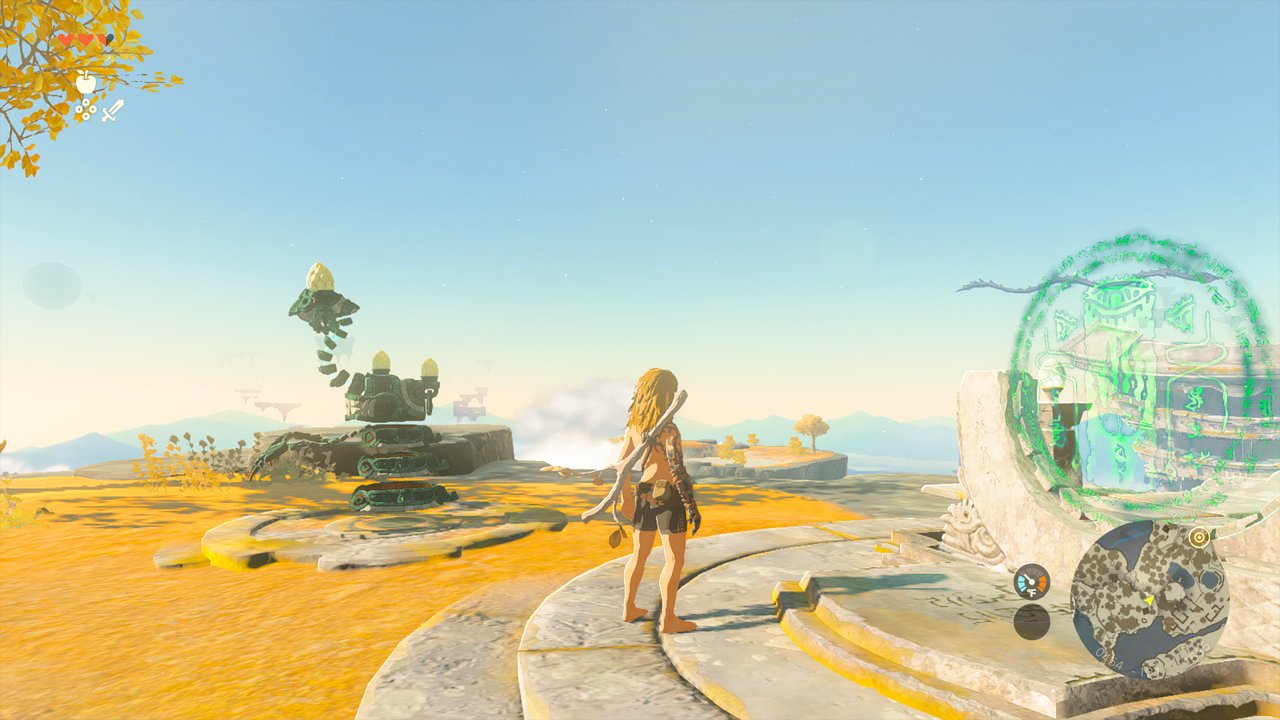 The Legend of Zelda: Tears of the Kingdom v0.3.0 · update 1.4.3 · 30 fps, 60 in caves and shrines · smoothest with a Turnip Vulkan driver · work in progress: 60 fps in the open world |
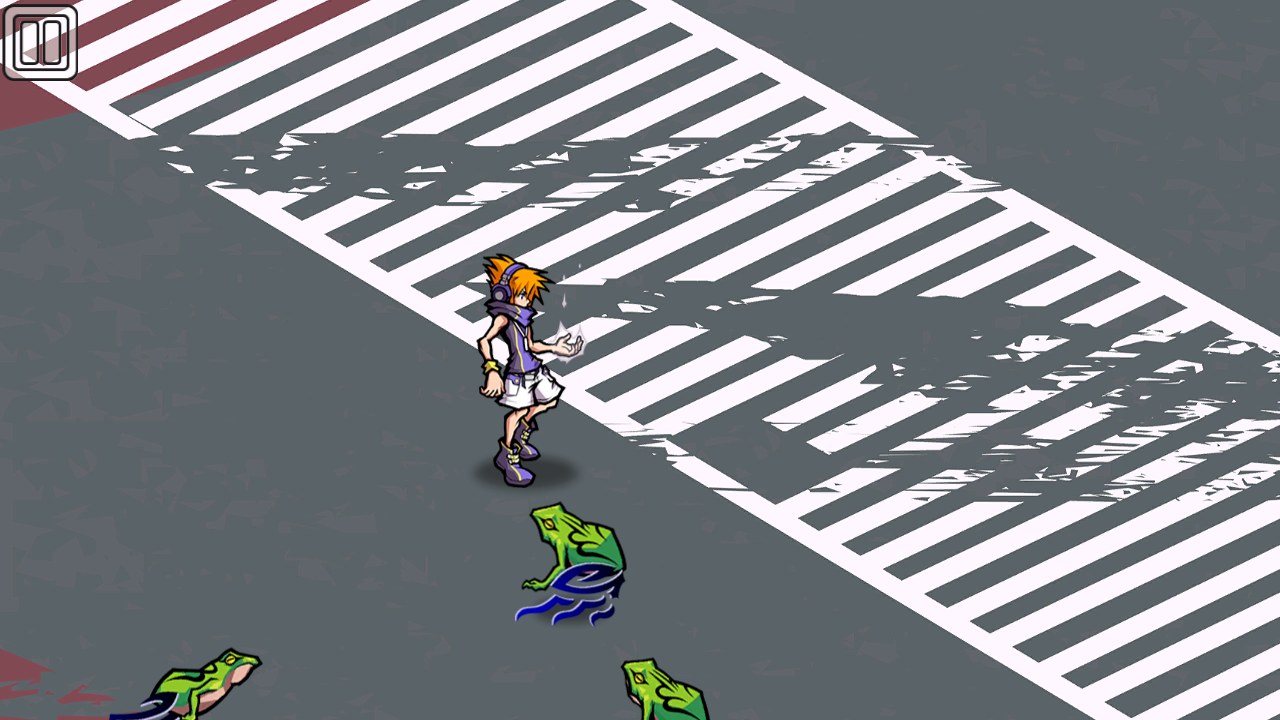 The World Ends with You -Final Remix- v0.4.0 · base game 1.0.0 · 60 fps · played by touch | 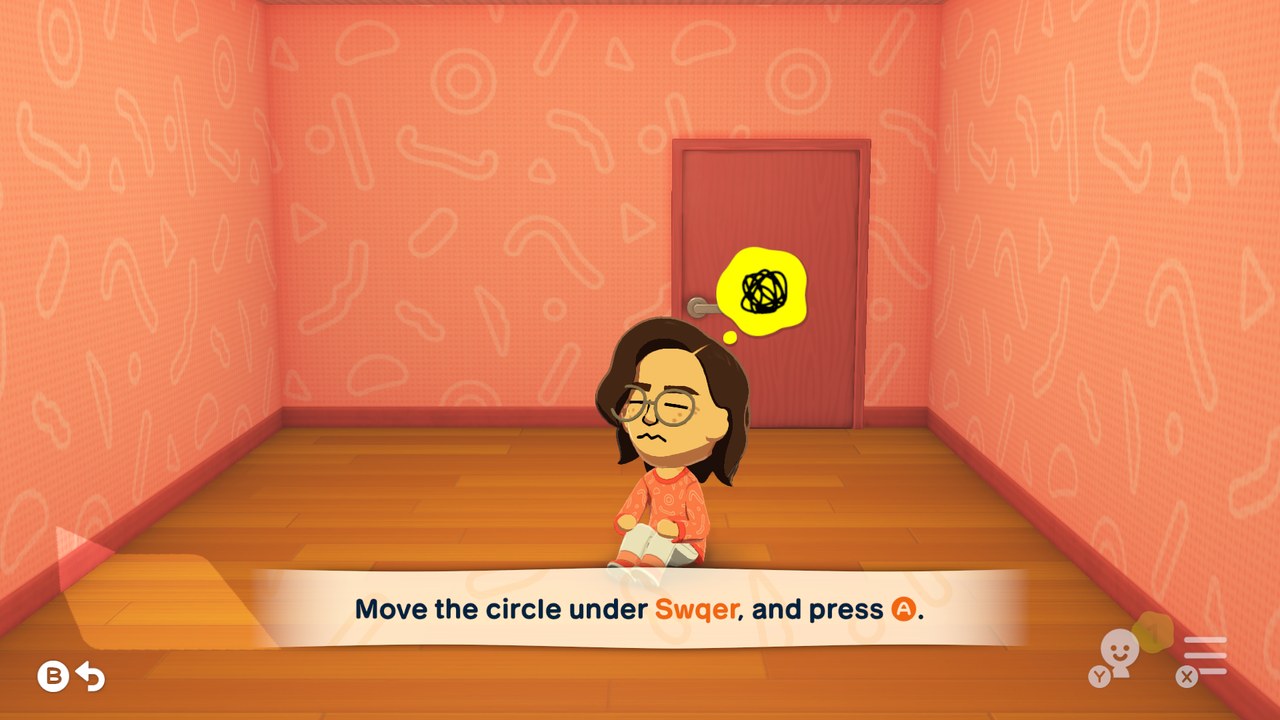 Tomodachi Life: Living the Dream v0.4.0 · update 1.0.4 · 60 fps |
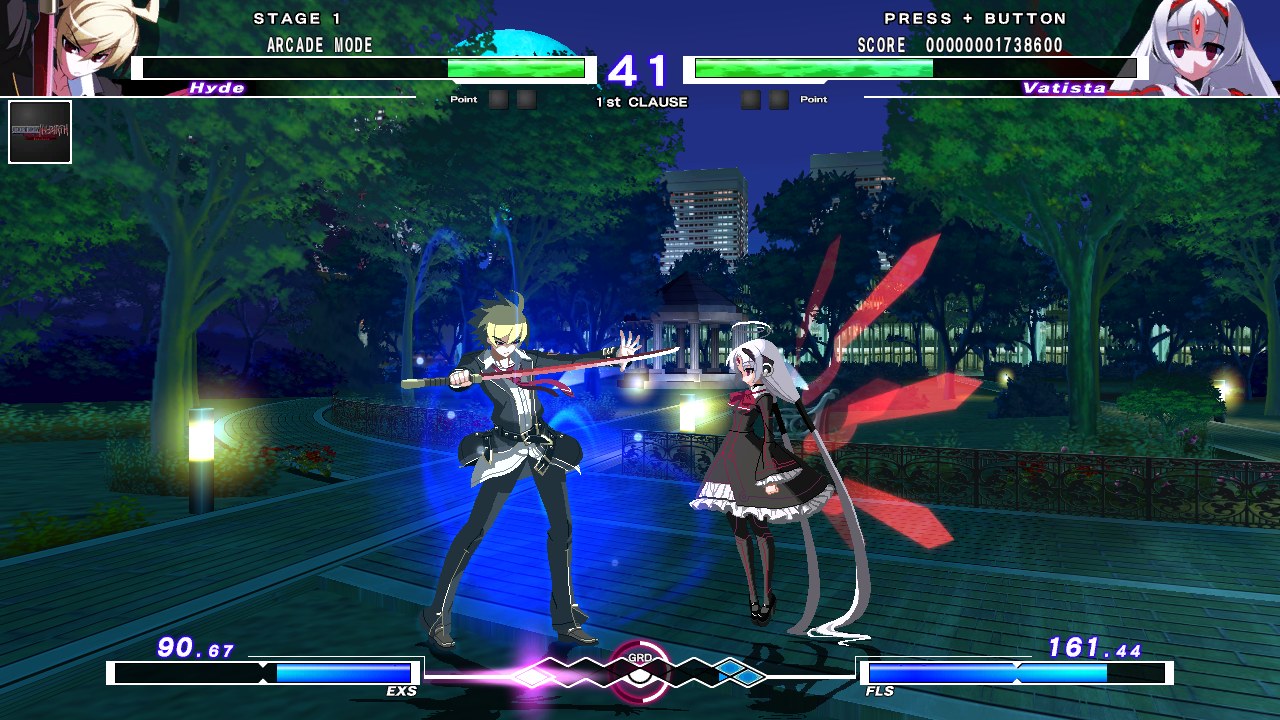 UNDER NIGHT IN-BIRTH Exe:Late[cl-r] v0.2.0 · update 1.0.3 · 60 fps | 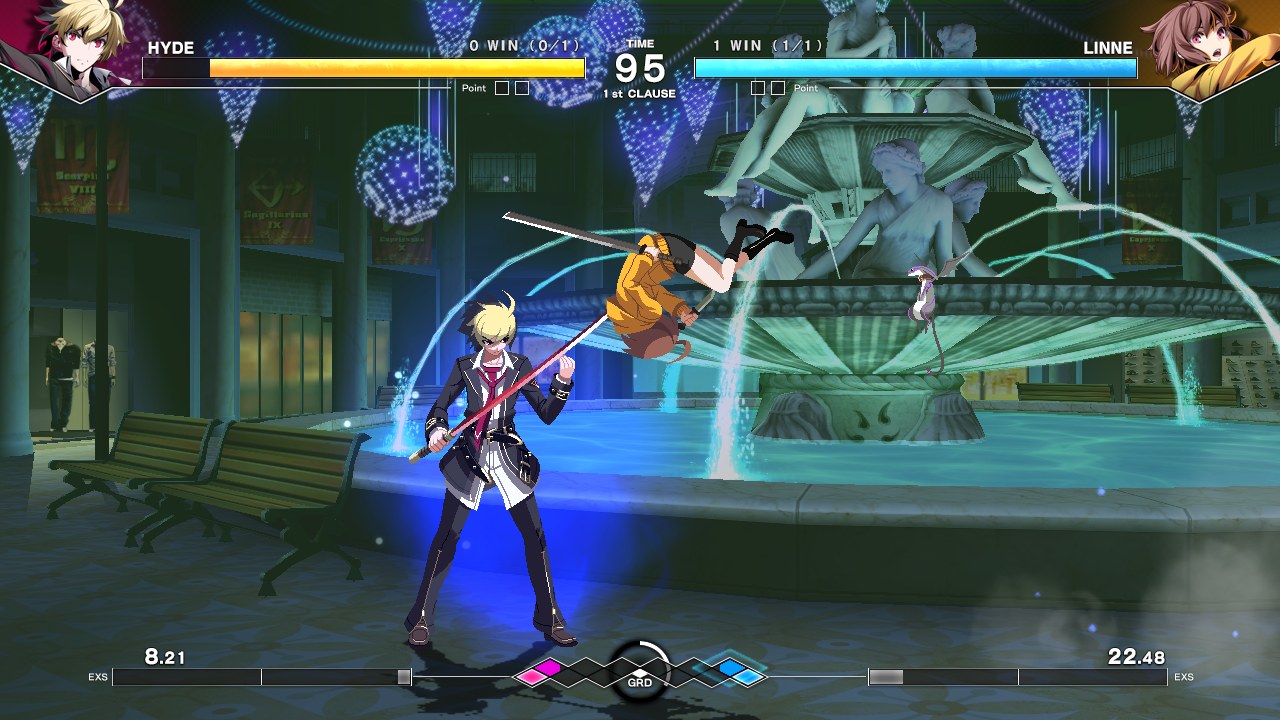 UNDER NIGHT IN-BIRTH II Sys:Celes v0.2.0 · update 1.42 · 60 fps |
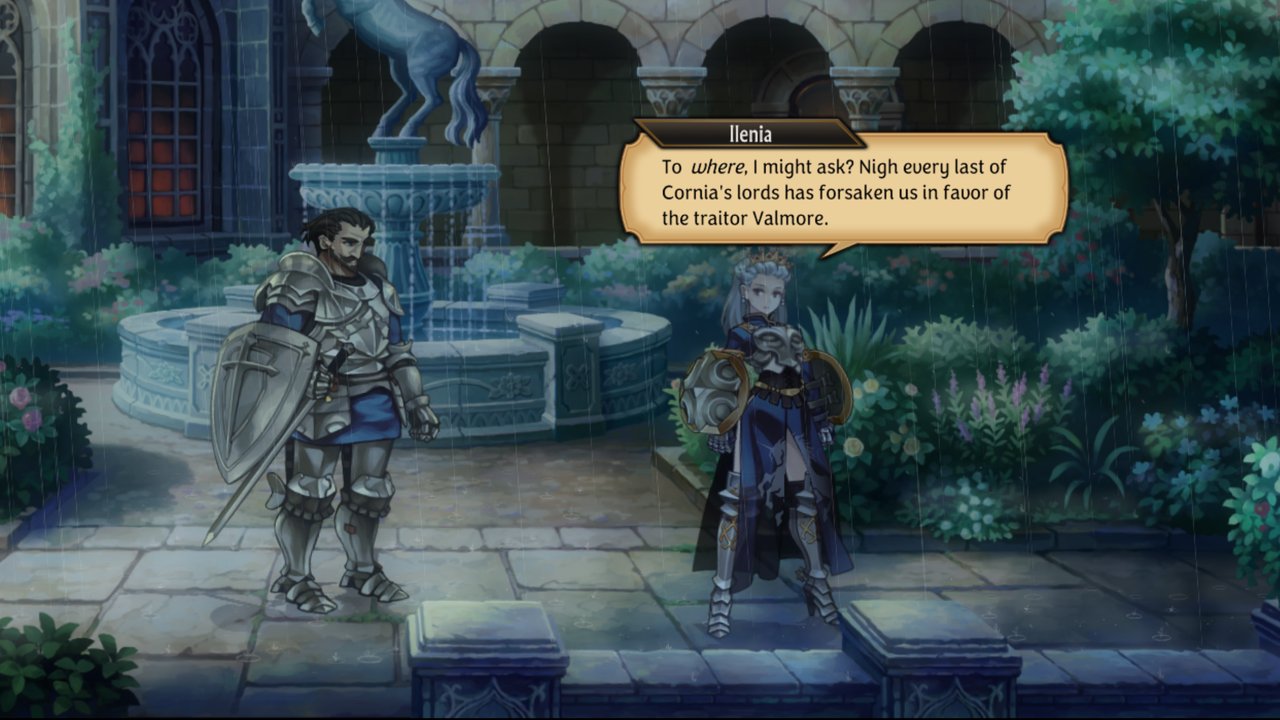 Unicorn Overlord v0.1.3 · update 1.05 · 60 fps · boots: saving and a full battle not tested yet | 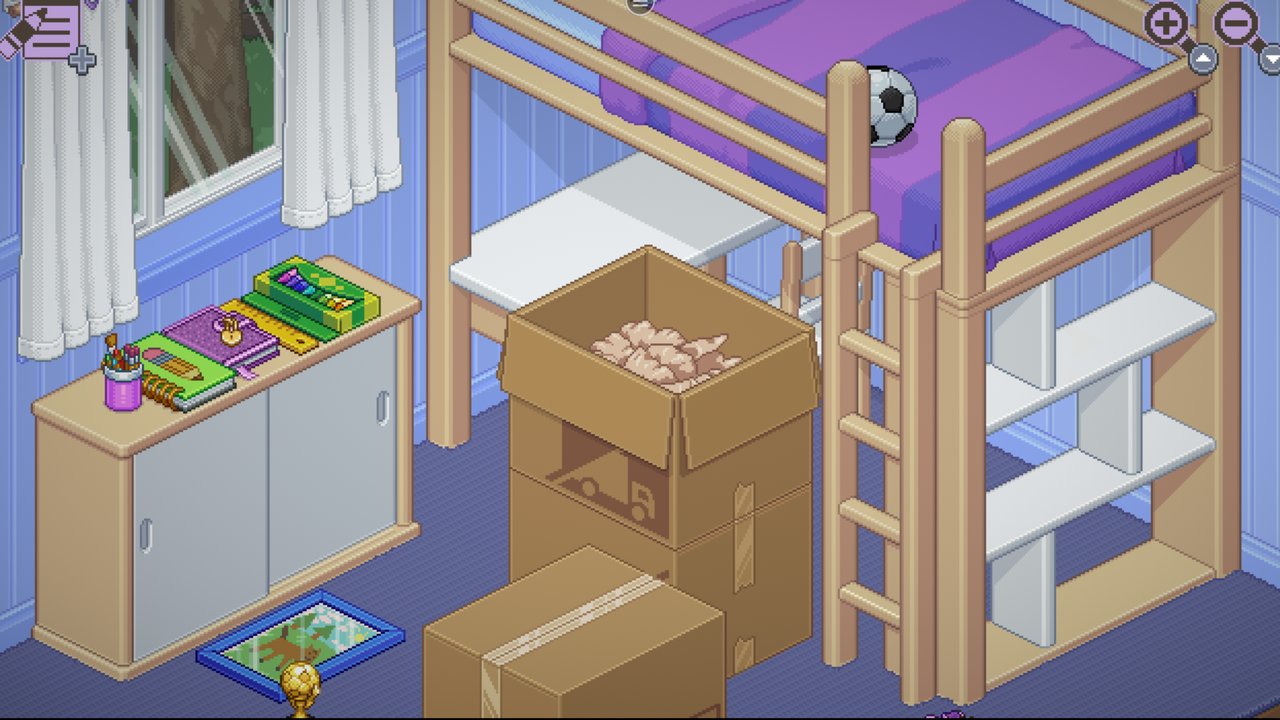 Unpacking v0.1.2 · update 2.01 · 60 fps · played by touch |
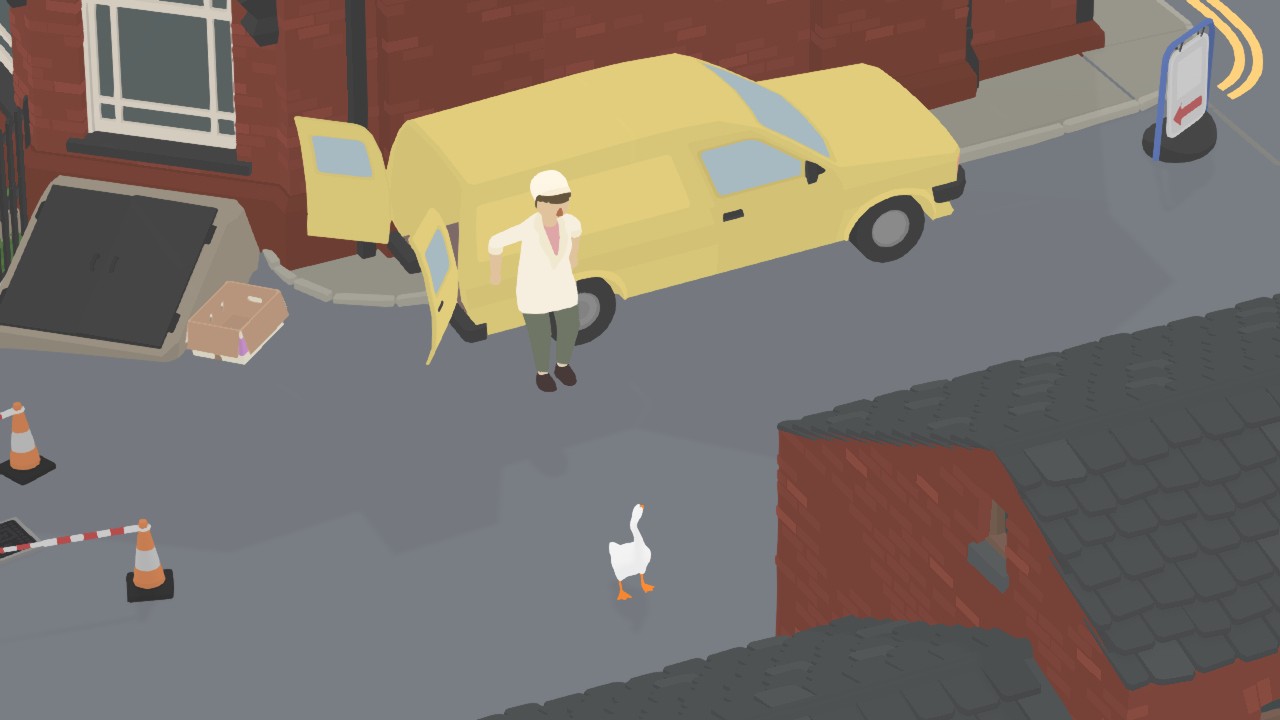 Untitled Goose Game v0.4.0 · update 1.1.2 · 60 fps | 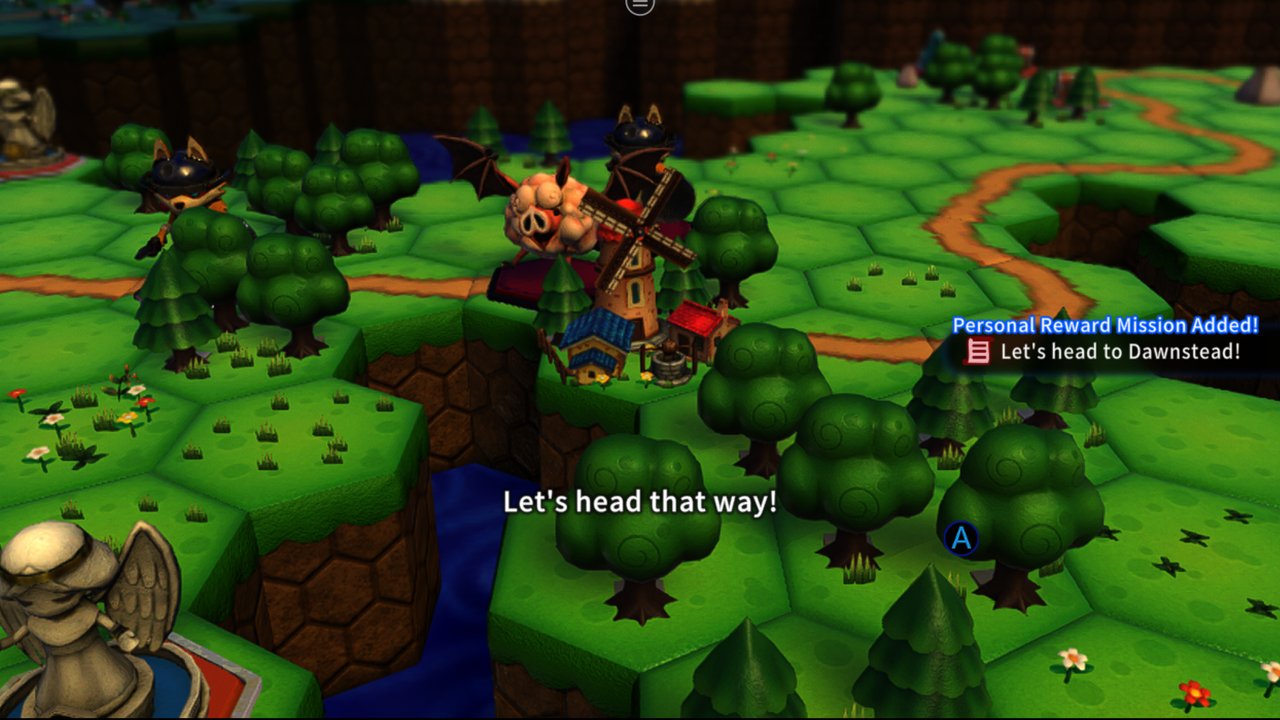 Viractal: Will You Trust Your Party? v0.1.0 · update 1.4.5 |
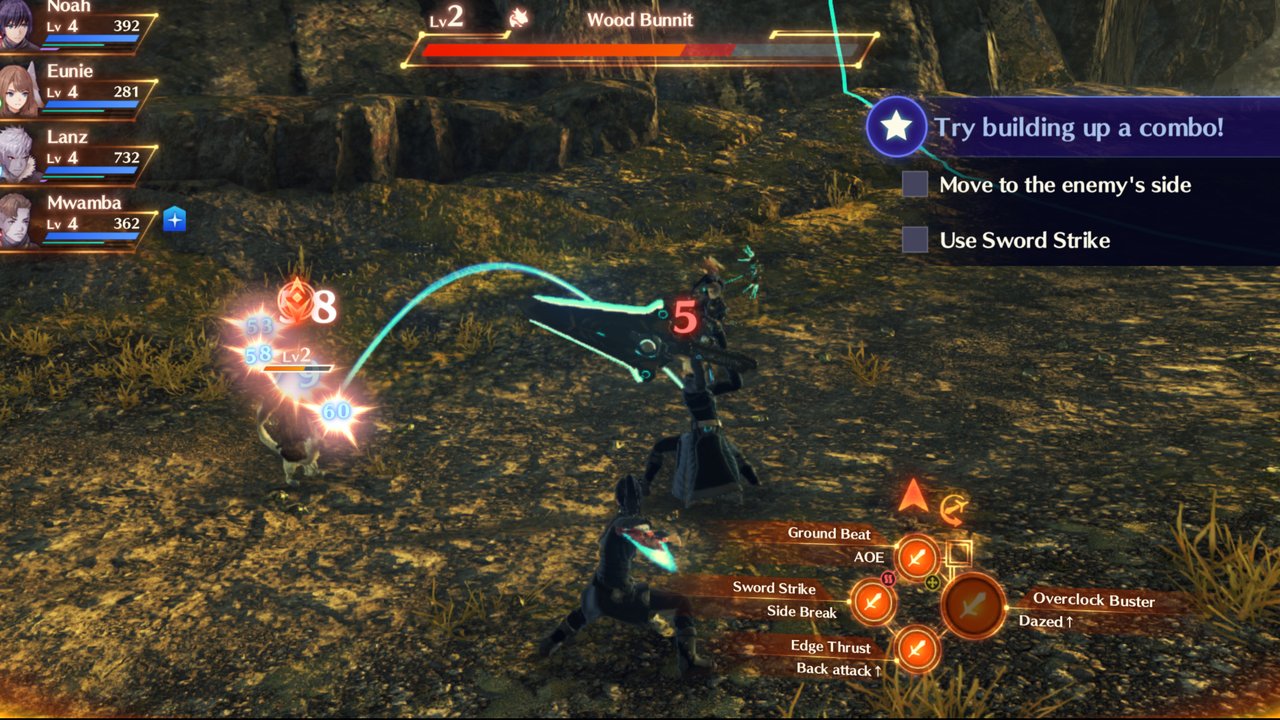 Xenoblade Chronicles 3 v0.1.0 · update 2.2.0 · 30 fps · work in progress: some effects and models don't draw yet |
The tag (v0.1.3) is the latest nx2android version the game was tested on. Older games are not tested again for each release: if a later version breaks one, a patch release fixes it. A tag newer than the latest release is the next release, and the game needs the development checkout until it ships.
A game that is not in this table is not supported yet. The games we look at next, and the ones done: docs/PORT_CHECKLIST.md.
For players: port a game without programming
- Download
nx2android-<version>-windows-x64.zip(Windows),nx2android-<version>-macos-arm64.zip(Mac with Apple silicon),nx2android-<version>-linux-x64.zip(Linux on a PC) ornx2android-<version>-linux-arm64.zip(Linux on ARM) from Releases, unzip it and start nx2android (on a Mac, see packaging/INSTALL.md first). - Setup tab: click Download missing tools (the Android NDK, the .NET SDK and platform-tools, about 1 GB, from Google and Microsoft), then set your prod.keys. Every line turns green.
- Port tab: choose the folder with the game's NSP, XCI, NSZ or XCZ files (base game, update, DLC) and click Port.
- Tick Install on the device when done with the device plugged in and USB debugging on, or copy the APK and the data folder yourself.
Pokémon Legends: Arceus and Pokémon Legends: Z-A need the device during the port, even without Install on the device when done: their shaders are in Oodle-compressed archives, which the port decodes with the game's own decoder on the device. Have platform-tools (adb) from step 2, and plug in the device with USB debugging on before you click Port.
A game played by touch: tick Touch game on the Port tab (--touch). The on-screen gamepad then starts hidden and every touch but one on the menu button goes to the game; the pause menu shows the gamepad again.
Chinese or Korean text drawn as ???: choose a TrueType font with those characters as System font on the Port tab (--shared-font, a single .ttf, not a .ttc). It goes in the data pack; the tool ships none. The tool's own text entry panel shows those characters in its title and the game's initial text, but its keyboard types only ASCII.
A game that reads system data from the console's firmware (sysdata in its profile; Mario Kart 8 Deluxe builds its Mii heads from MiiModel, title 0100000000000802) needs your console's own system content files, which the tool cannot ship. Copy them (.nca, for example NAND SYSTEM Contents/registered in DBI's MTP mode) to a folder on the PC and give it with --firmware <folder> (or porter config firmware <folder> once). Without it the host's empty stand-in is used.
A game slowed by its draw calls in busy scenes: tick Multithread replay on the Port tab (--mt-replay). The game's Vulkan commands are then recorded on a thread of their own. It stays on until you port the game again without it.
To arrange the on-screen controls, open the pause menu's Gamepad tab and choose Edit layout: drag a control to move it, pinch or use − / + to resize it. Save keeps the layout for the next launch and Cancel discards your edits. Snap to grid (off at first, and remembered) shows a square grid and snaps each control's center to it as you drag.
A controller whose A is the bottom button (Xbox labels, most Android devices' built-in controls) can have its face buttons follow their labels: the Gamepad tab's Face buttons row switches between Position (the Switch's layout, the default) and Label. It applies at once, also to the pause menu's own A and B, and each device keeps its own choice.
For the experimental external-screen controller, port from the command line with --external-display. The game moves to a connected display and the phone shows the gamepad; the sound menu selects the phone or an external output. This option requires javac and an Android SDK with a platform and build-tools (ANDROID_HOME). Android 12 or newer uses the saved native layout; Android 10–11 use the fallback controller. Support varies by device and game.
Already have the game on the device for an emulator? The app can read the game's files (its RomFS, most of its size) from that dump's folder instead of a second copy: type the dump's RomFS folder in the app's RomFS on the device field (or give it to --romfs-at) before you install, which must be the same game version as the port. packaging/INSTALL.md says how.
A game that crashes with "AllocateAddressRegion … refused (0x1803)" in its log needs more address space: port it again with a larger Extra address space on the Port tab (--alias-headroom on the command line). packaging/INSTALL.md says more.
The step-by-step guide is packaging/INSTALL.md. You need your own game files and prod.keys, dumped from your own Switch; the tool never ships or downloads either. NSZ and XCZ files are decompressed during the port (into the build folder's tmp/, deleted once extracted).
Saves
The game's pause menu (Game tab) has Export save and Import save: an export is a folder in Android/data/<package>/files/saves/ on the device, the save's files as a console's save tools copy them, so a save from a console imports the same way. The app's Saves tab moves them between the device and the PC.
An import replaces the save the game has; the app exports that one first on the device (a folder ending -before-import). Uninstalling the app deletes its saves and its exports: copy them to the PC first.
For developers
Running from the repository, the command line, the repository layout, building the bundle, tests and commit messages: docs/DEVELOPMENT_GUIDE.md. How it is put together: docs/ARCHITECTURE.md.
Keys and game files
nx2android decrypts your game files with your prod.keys while it ports them, as Switch emulators do. This repository and its releases contain no keys, no game files and nothing extracted from them, and the tool never downloads either. Dump both from your own Switch, and don't share them or the APKs and data packs built from them.
Nintendo's takedown notices so far have gone to whoever hosts a project (13 Switch emulator repositories on GitHub in February 2026), not to players. Whether decrypting your own games for your own use is allowed depends on where you live.
License
MIT, as nxnative (see nxnative/LICENSE). Third-party code keeps its own license.
Comentarios (0)
Inicia sesión para dejar un comentario.
Sé el primero en comentar sobre este juego.