
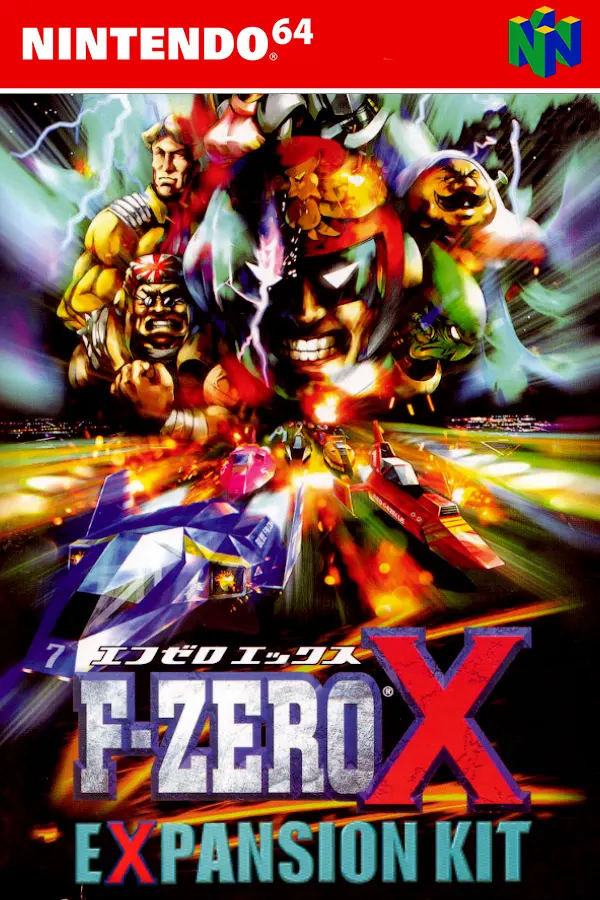
F-Zero X Expansion Kit
Port nativo de F-Zero X Expansion Kit para PC.
F-Zero X Expansion Kit
Port nativo basado en inspectredc/fzerox-expansion-kit.
README del repositorio



F-Zero X Expansion Kit
This is a WIP Matching Decompilation for the F-Zero X Expansion Kit.
This repo does not include any assets or assembly code necessary for compiling the ROM. A prior copy of the game is required to extract the required assets.
Installation
1. Install build dependencies
Windows
For Windows 10, install WSL and a distribution by following this Windows Subsystem for Linux Installation Guide. We recommend using Debian or Ubuntu 22.04 Linux distributions.
Linux (Native or under WSL / VM)
The build process has the following package requirements:
- make
- git
- build-essential
- binutils-mips-linux-gnu
- python3
- pip3
- libpng-dev
Under Debian / Ubuntu (which we recommend using), you can install them with the following commands:
sudo apt update
sudo apt install make cmake git build-essential binutils-mips-linux-gnu python3 python3-pip clang-format-14 clang-tidy
MacOS
Install Homebrew and the following dependencies:
brew update
brew install coreutils make pkg-config tehzz/n64-dev/mips64-elf-binutils
2. Clone the repository
Create your own fork of the repository at https://github.com/inspectredc/fzerox-expansion-kit. Then clone your fork where you wish to have the project, with the command:
git clone https://github.com/<YOUR_USERNAME>/fzerox-expansion-kit.git
This will copy the GitHub repository contents into a new folder in the current directory called fzerox-expansion-kit. Change into this directory before doing anything else:
cd fzerox-expansion-kit
3. Install python dependencies
The build process has a few python packages required that are located in /tools/requirements-python.txt.
To install them simply run in a terminal:
python3 -m pip install -r ./tools/requirements-python.txt
- Depending on your python version, you might need to add --break-system-packages, or use venv.
4. Update submodules & build toolchain
git submodule update --init --recursive
make toolchain
5. Prepare a base ROM
Copy your dumped Disk to the root of this new project directory, and rename the file to reflect the version and dumped extension you are using. ex: baserom.jp.ndd
Then run the following command to generate a baserom.jp.z64dd file:
make setup
Note that for other disk extensions that aren't .ndd (e.g. .d64/.mame), you will need to set the DISK_EXT variable as follows in this step:
make setup DISK_EXT=d64
- Please ensure that the resulting baserom.jp.z64dd file matches the checksum in fzerox-expansion.jp.md5
6. Make and Build the ROM
To start the extraction/build process, run the following command:
make init
This will create the build folders, a new folder with the assembly as well as containing the disassembly of nearly all the files containing code.
this make target will also build the ROM. If all goes well, a new ROM called "fzerox-expansion.jp.z64" should be built and the following text should be printed:
Calculating Rom Header Checksum... build/fzerox-expansion.jp.z64dd
fzerox-expansion.jp.z64dd: OK
If you instead see the following:
Calculating Rom Header Checksum... build/fzerox-expansion.jp.z64dd
fzerox-expansion.jp.z64dd FAILED
This means that something is wrong with the ROM's contents. Either the base files are incorrect due to a bad ROM, or some of the code is not matching.
From now on you should be able to build the rom by running make.
Comentarios (0)
Inicia sesión para dejar un comentario.
Sé el primero en comentar sobre este juego.