

Earth Defense Force 2017 (EDF2027)
Port nativo de Earth Defense Force 2017 (EDF2027) para PC.
Earth Defense Force 2017 (EDF2027)
Port nativo basado en su ficha de origen.
README del repositorio
EDF2027: EDF 3 recompilation from the 360 version (v0.3.0-beta)
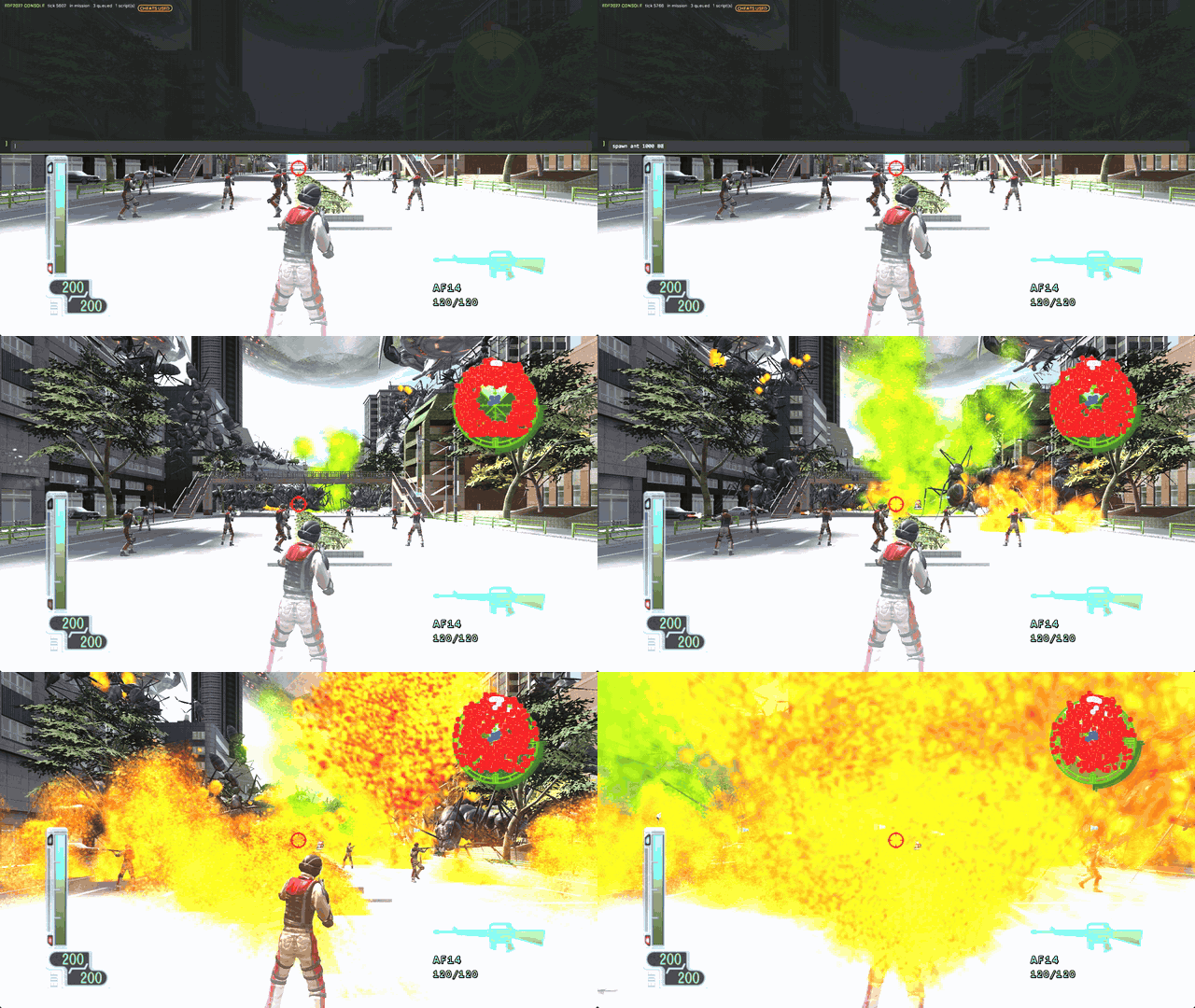
The in-game console (`) spawning 1,000 ants in Mission 1.
A native Windows port of the Xbox 360 game Earth Defense Force 2017 (USA/Europe), made by static recompilation with the ReXGlue SDK. The game's PowerPC code is translated to C++ ahead of time, and the port's own Direct3D 12 renderer draws the frame.
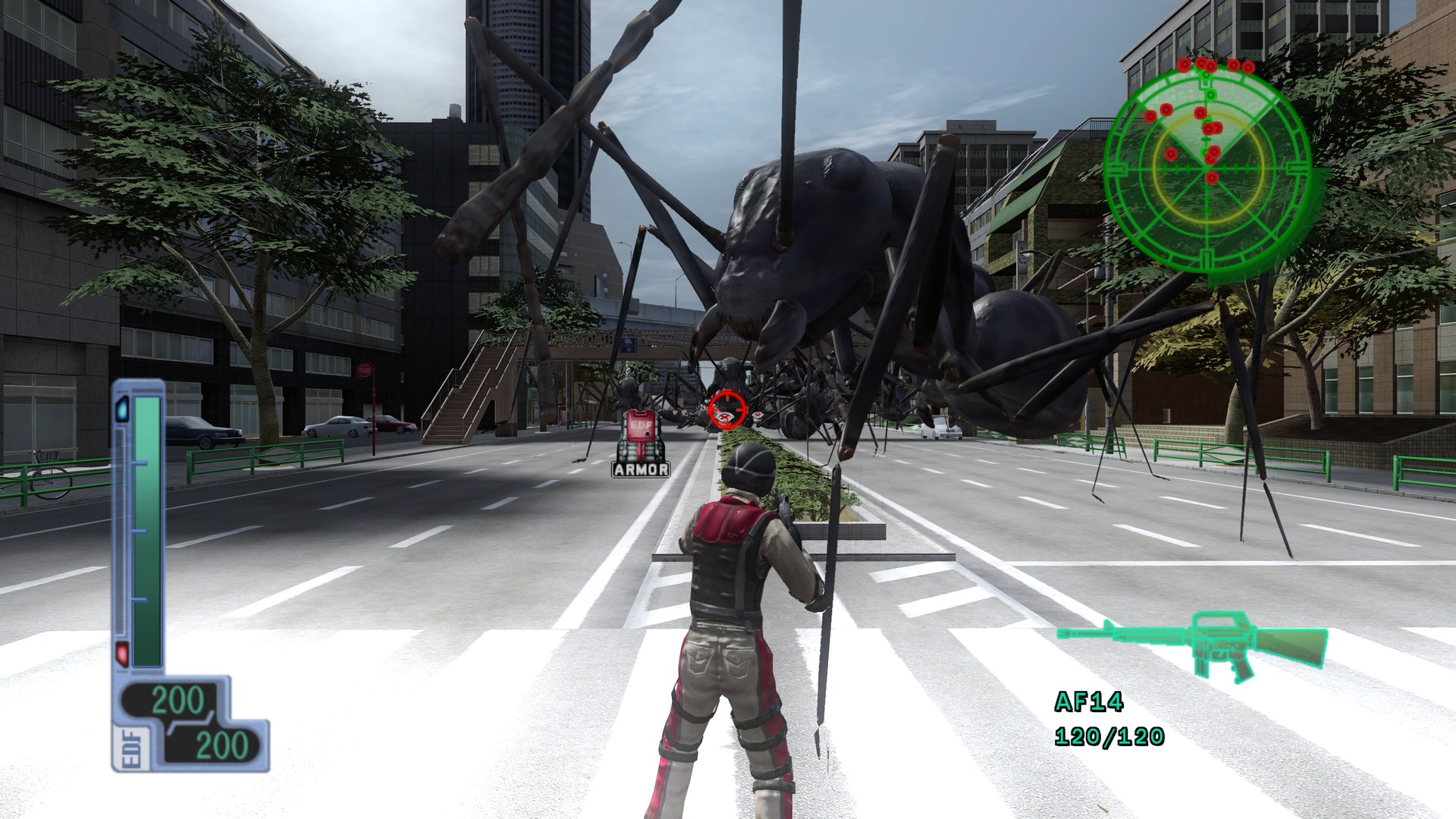
Mission 1 at 2560x1440 with FSR Native AA (shown at 1920x1080).
No game data is included. You need your own dump of the disc as an .iso
(title id 445007D3). The tested dump is 7,835,492,352 bytes, SHA-1
3F5DADC9BD11399E3EF260018A058F420EAFB1F6; other dumps of the same release
should work too.
Features
- Native Direct3D 12 renderer, with the original renderer (Classic) and Direct3D 11 as fallbacks.
- High frame rates: 60 (default), 120, 144, 165, 240 or uncapped, with the simulation kept at 60 Hz and the frames in between interpolated.
- Faster recompiled code: a simulation step takes about 25% less time than with the stock translation, with identical results.
- In-game console: spawn hundreds of enemies, collapse buildings, run scripts (docs/console.md).
- Low input latency: median input-to-photon 18 ms instead of 42 ms.
- AMD FSR 3.1 anti-aliasing, any resolution and aspect ratio (21:9 and 32:9 Hor+, HUD kept in 16:9).
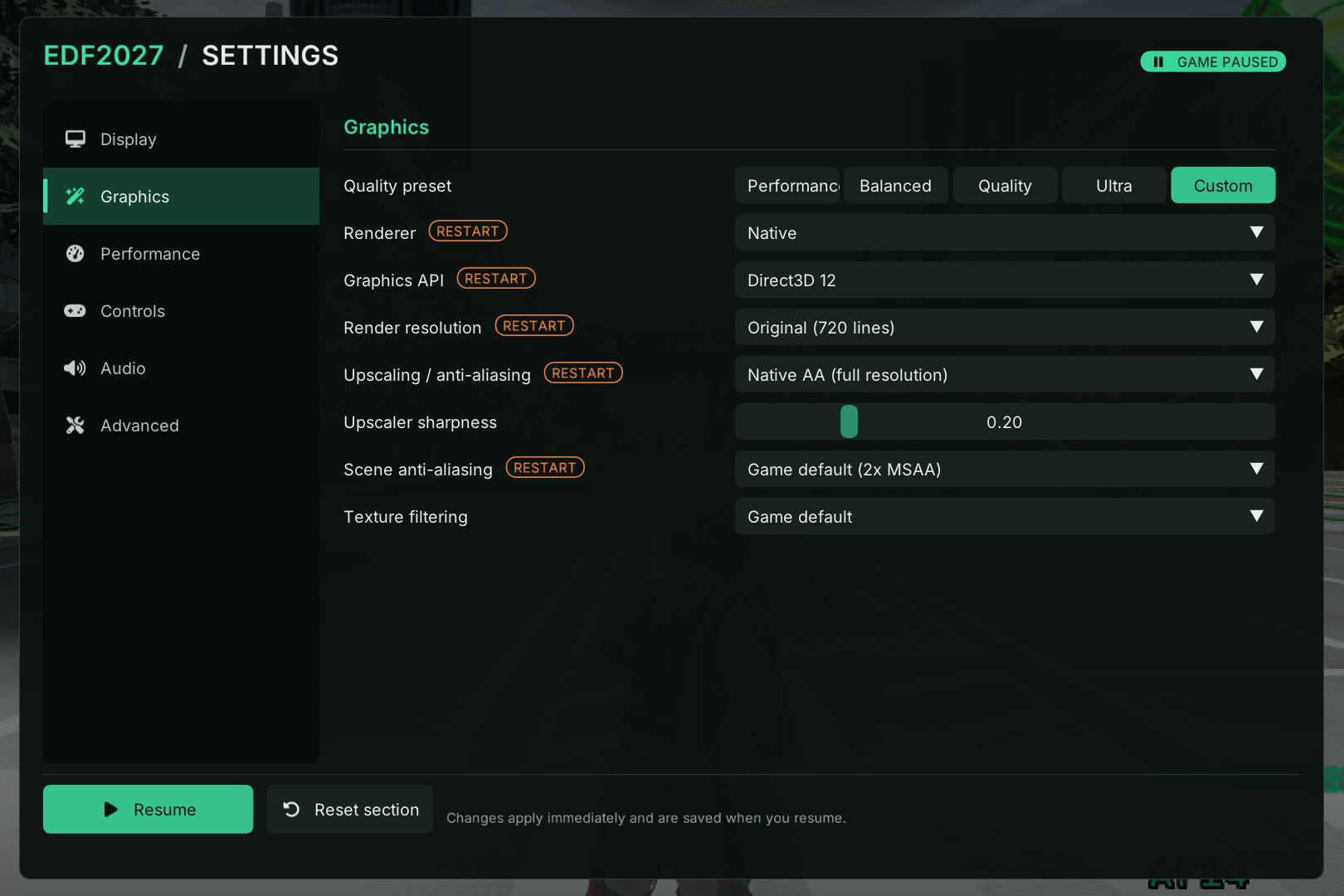
- Live settings menu (F1), controllers via SDL3 or XInput, native keyboard and mouse with rebindable keys, optional manual reload.
- Built-in disc extraction and quick loading.
Requirements
- Windows 10 or 11, 64-bit, and a Direct3D 12 GPU.
- A CPU with AVX2 and FMA (Intel Haswell / AMD Zen or newer). For older CPUs, see building without x86-64-v3.
- About 6 GB of free disk space.
Quick start
- Unzip the release and run
edf2027.exe. Keep the DLLs next to it. - On the setup screen, pick your
.iso(or an extracted folder containingdefault.xex). It is extracted to%APPDATA%\edf2027\game\. - Press Start (Enter) twice at the title screen.
- Press F1 at any time for the settings.
Settings are saved to %APPDATA%\edf2027\edf2027.toml; delete it to run setup
again.
Saves are in %APPDATA%\edf2027\<profile>\445007D3\00000001\EDFXSave\
(<profile> is a 16-digit hex folder such as B13EBABEBABEBABE). The layout is
Xenia's, so a Xenia save can be carried over: start the game once and save, then
close it and copy EDFXSave from Xenia's content\<profile>\445007D3\00000001\
over this one. Saves are not imported automatically.
Settings and keys
| Key | |
|---|---|
| F1 (pad: Back + Start) | Settings menu. Pauses the game; most settings apply live. |
| F2 | Performance overlay |
| ` | Console (docs/console.md) |
| F4 / F3 / F9 | ReXGlue settings / debug overlay / log console |
| Esc | Pause menu (Start). Quit from F1 > Quit game |
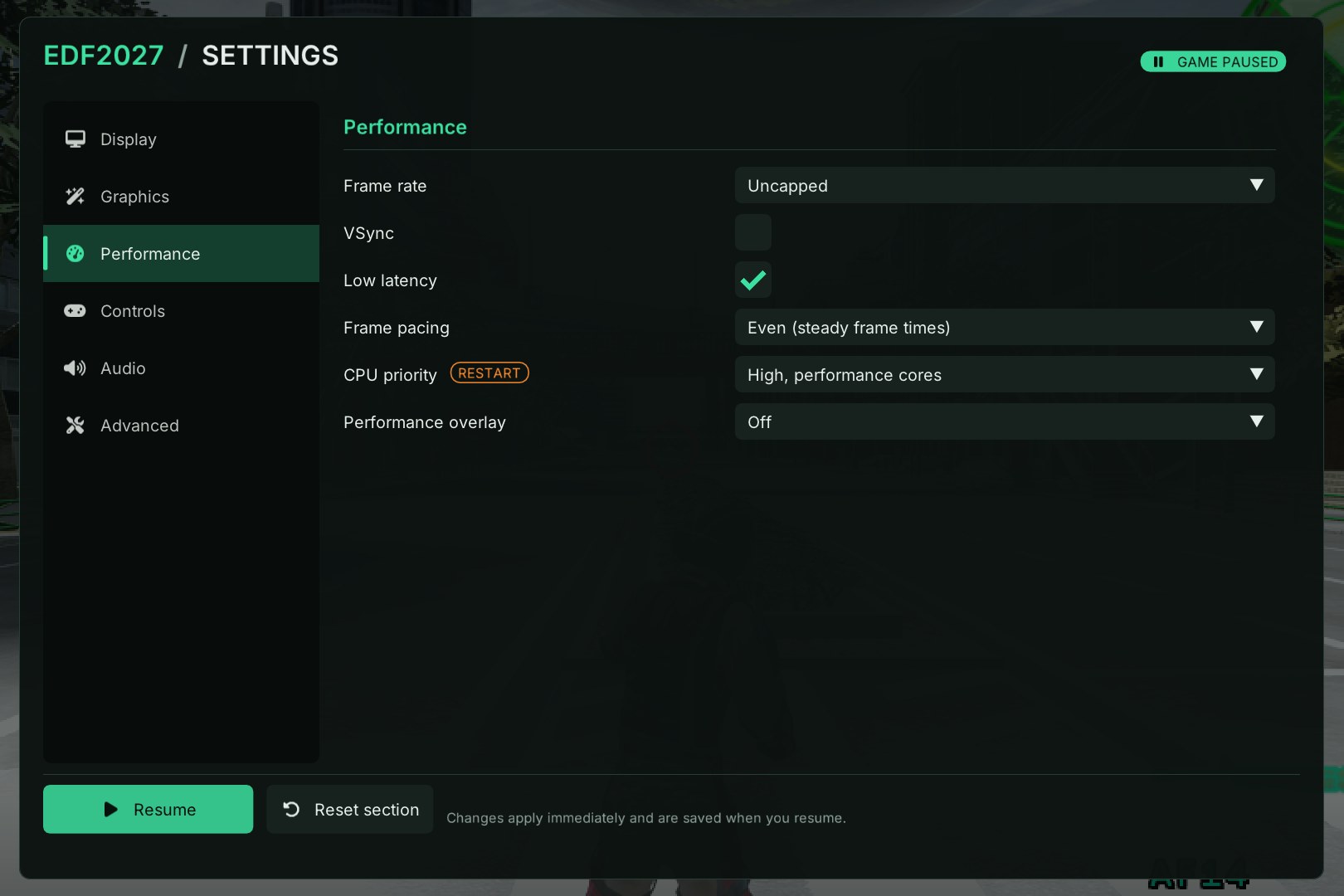
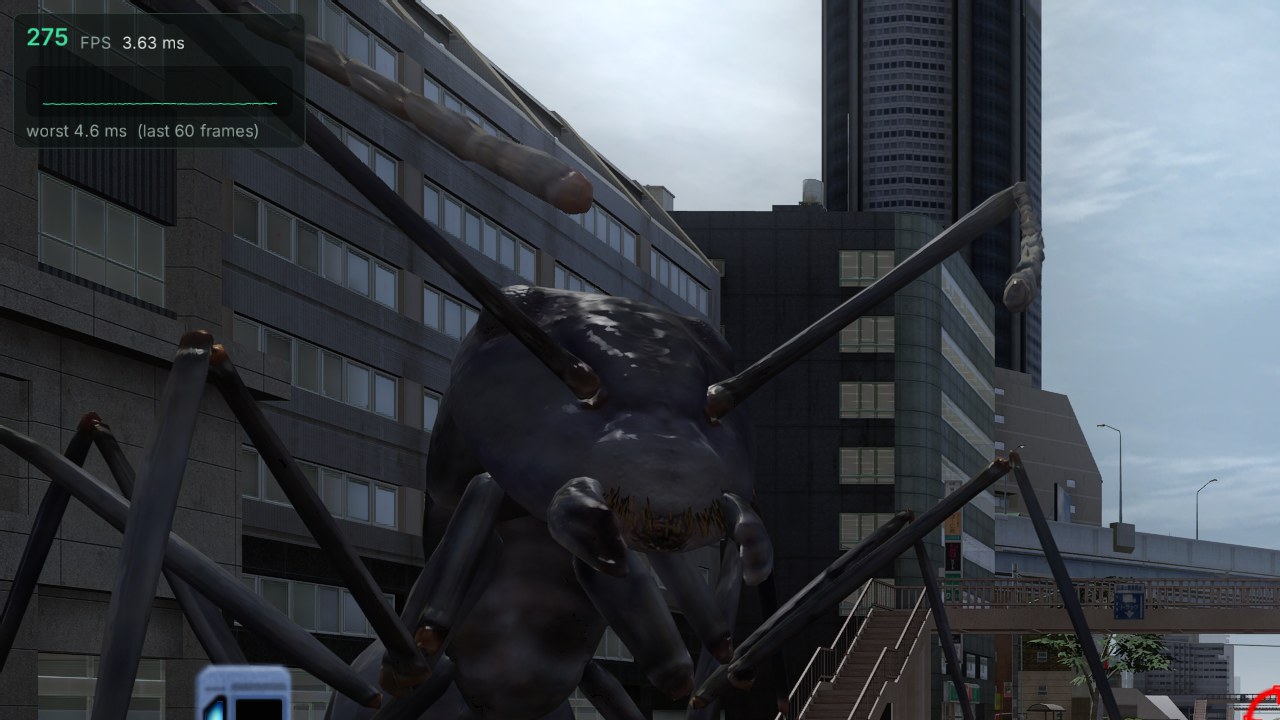
The performance overlay (F2), uncapped at 2560x1440 with FSR Native AA.
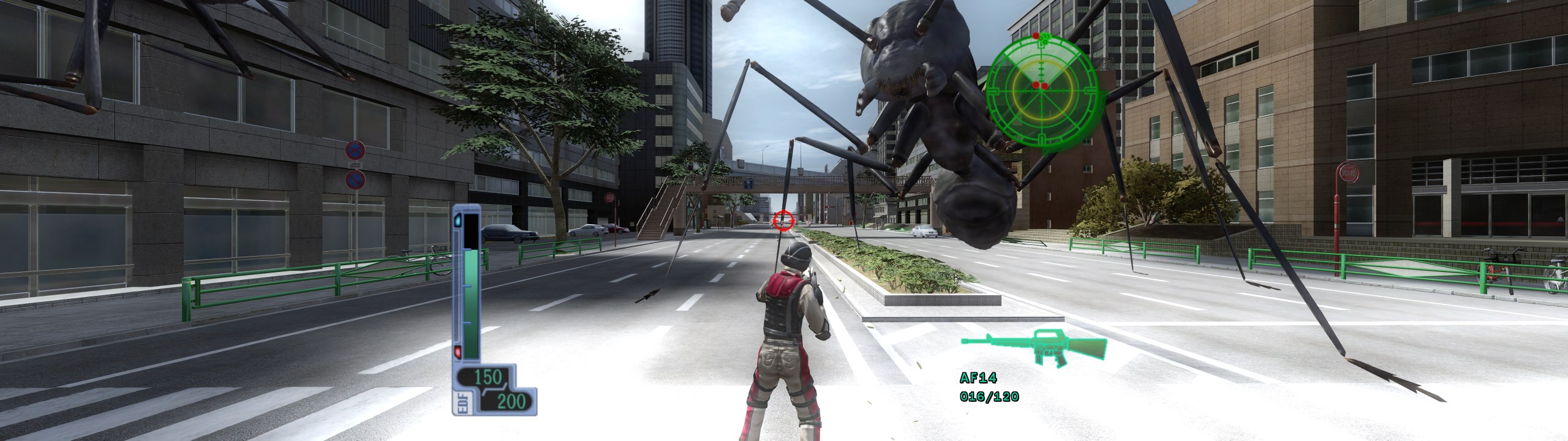
A 32:9 window at 5120x1440: a wider view, with the HUD in the centred 16:9 area.
Every setting, the frame-rate and latency options, and the command line are described in docs/settings.md.
Controls
Any SDL3 gamepad works out of the box (XInput is an option in F1). Keyboard and mouse are native, with raw mouse aim, and use the game's Technical control type.
| Key | Action | Key | Action |
|---|---|---|---|
| W A S D | Move | Mouse | Aim |
| Left mouse / X | Fire | Right mouse / Z | Weapon zoom |
| Space | Jump / roll, confirm | Middle mouse / Q | Next weapon |
| E | Enter vehicle | Backspace | Cancel in menus |
| Arrows | Menu navigation | R | Pad X |
| Enter | Start / pause | Tab | Back: retire |
| F / C | L3 / R3 | G | Reload (optional) |
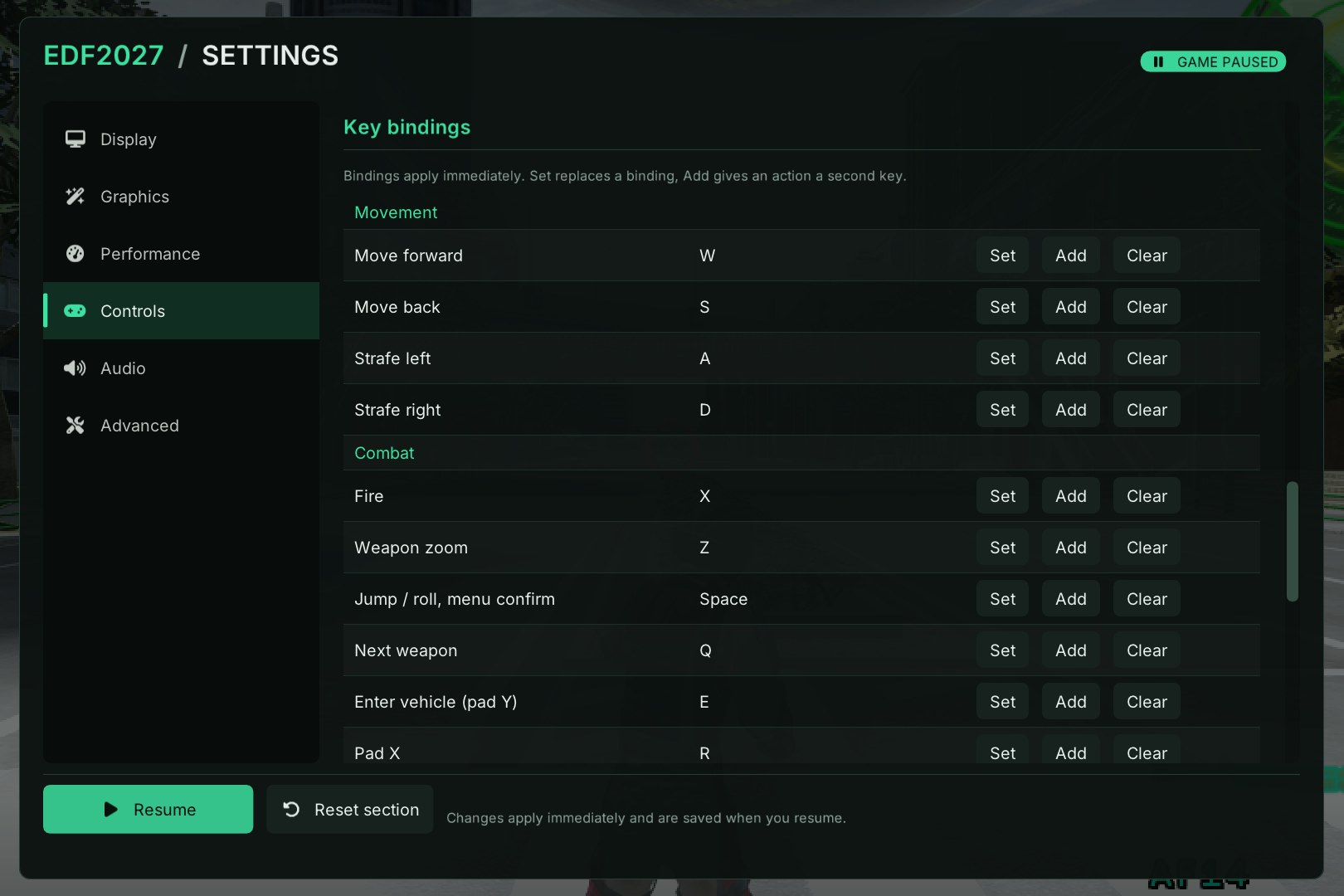
Everything can be rebound in F1 > Controls.
Troubleshooting
- Black window or GPU error: try Graphics > Renderer > Classic, then the Direct3D 11 fallback.
- Missing DLL:
rexruntime.dll,amd_fidelityfx_dx12.dlland the bundled Visual C++ DLLs must be next toedf2027.exe. - "Not Earth Defense Force 2017": only the USA/Europe release is supported.
- Bug reports: each run writes a log to
logs\next to the executable (or%APPDATA%\edf2027\logs), and a crash writes a.dmpthere. Attach both.
Building from source
Windows only, with clang from Visual Studio 2026 and the ReXGlue SDK 0.10.0:
set REXGLUE_SDK=C:\path\to\sdk\win-amd64
build.cmd
Prerequisites, presets, codegen, tests and packaging are in docs/building.md.
Licenses
LICENSES/ contains the licenses of the bundled components (ReXGlue SDK, SDL3,
Dear ImGui, AMD FidelityFX SDK, SDL_GameControllerDB, Inter and Font Awesome).
The port's own code is provided as-is. The game and its data remain the
property of D3 Publisher and Sandlot.
Comentarios (0)
Inicia sesión para dejar un comentario.
Sé el primero en comentar sobre este juego.