

Dragon Ball GT: Final Bout
Port nativo de Dragon Ball GT: Final Bout para PC.
Dragon Ball GT: Final Bout
Port nativo basado en su ficha de origen.
README del repositorio
Dragon Ball GT: Final Bout Recompiled
Play Dragon Ball GT: Final Bout on PC with higher internal resolution, adaptive widescreen, online multiplayer, and an optional English voice mod using recordings from Dragon Ball Z: Budokai Tenkaichi 3.
Download v1.0.1 for Windows x64
Features
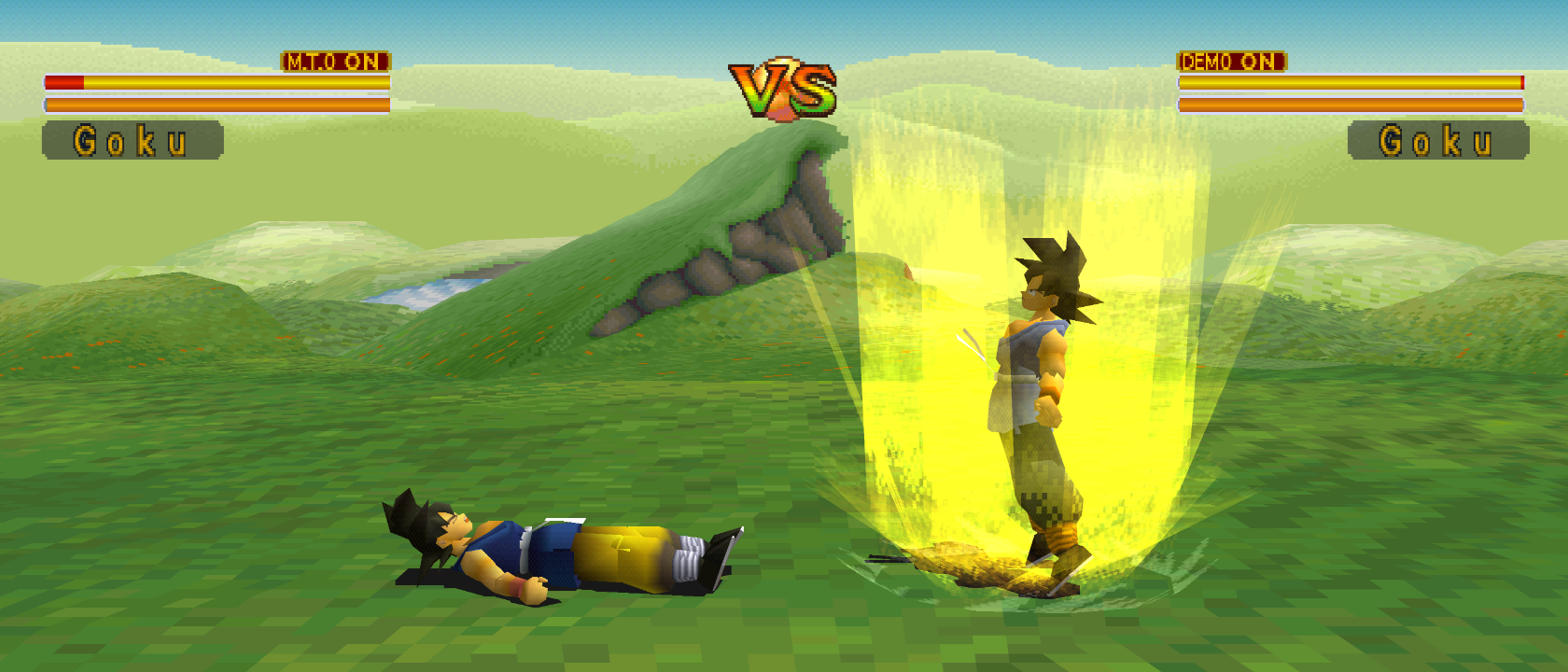
- Adaptive widescreen: combat framing follows your window from 4:3 through 21:9, with repositioned HUD elements and expanded stage backgrounds.
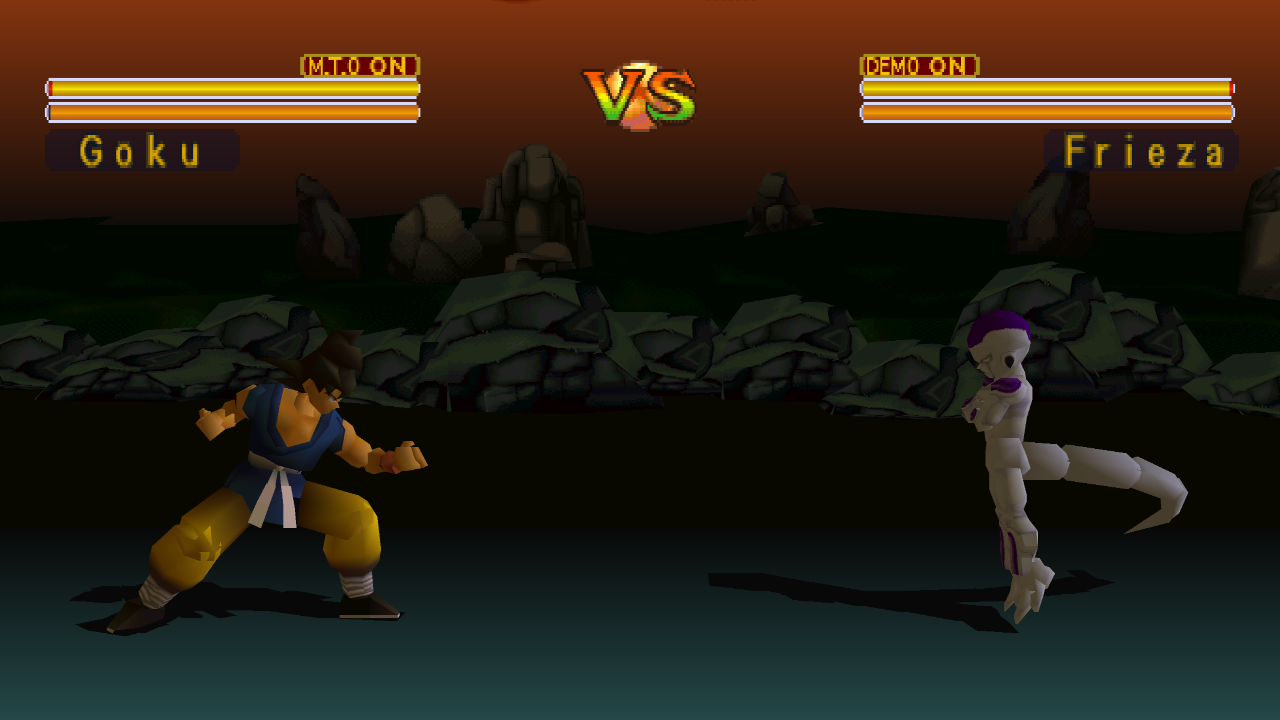
- FuniDub: English character voices drawn from your own USA Budokai Tenkaichi 3 ISO, covering introductions, combat grunts, attack calls and victory lines. Import once; subsequent launches reuse the local cache.
- Netplay powered by recomp-net: two-player online lobbies and LAN / direct IP play, plus local versus with separate controller ports.
- Internal Resolution: enabled at 4x for fresh settings, with 1x through 32x choices in Mods, subject to GPU texture and memory limits. Existing saved choices are preserved. Controller configuration and save states remain accessible from the launcher.
Getting started
- Download the Windows x64 ZIP from the release page and extract it completely.
- Run DragonBallGTFinalBout_Recompiled.exe.
- Select your own USA Final Bout disc image (SLUS-00493) when prompted. Use a CUE + BIN image and keep its files together.
- Choose your controller in the launcher and press PLAY.
The release includes OpenBIOS and the tools needed for local setup. You do not need to install a compiler, Python or a retail PlayStation BIOS. The first run may take longer while game overlays are compiled and cached.
No Final Bout disc data or Budokai Tenkaichi 3 recordings are included.
Widescreen
Open Mods → Display → Widescreen, enable it, and set Aspect ratio to Adaptive. Resize the window to change the combat view, or choose fixed 16:9. Original 4:3 framing is the default; menus and movies retain their original presentation.
FuniDub voices
Open Mods → Audio → FuniDub, enable it, and select your own USA PS2 Budokai Tenkaichi 3 ISO (SLUS-21678). The launcher extracts and prepares the replacement pack locally, with progress and cancellation available. Keep the source selection saved so future launches can reuse the prepared pack.
FuniDub uses existing recordings, including suitable generic lines and grunts; it is not a word-for-word translation, and mouth animation may not match every line's length. Some cues keep their original voices. Music and movies remain original. Disable the mod to return to the original audio.
FuniDub uses separate save-state slots; memory cards remain shared. See the FuniDub guide for coverage and cache details.
Netplay
Choose NETPLAY in the launcher, then Online Netplay for lobbies or LAN / Direct IP for a direct connection. The host creates a lobby, the other player joins, and the host presses PLAY once both players are ready. Online service access may ask you to sign in with Discord; direct IP needs no account.
Both players should use the same release and supported disc image. If you use FuniDub, each player prepares it locally from their own donor ISO and uses the same voice selection. The lobby checks compatible game and mod content; it does not transfer game data or voice recordings.
Help and development
This first release has had focused gameplay, widescreen, audio and two-player checks. Some scenes, effects and progression routes remain untested; occasional visual or stall issues may still occur. Report problems with your settings and reproduction steps in Issues.
For source builds, see Building. Detailed validation notes and widescreen notes are available for contributors.
Built with PSXRecomp, recomp-ui, and recomp-net. This is an unofficial fan project, unaffiliated with the original rights holders.
Comentarios (0)
Inicia sesión para dejar un comentario.
Sé el primero en comentar sobre este juego.