
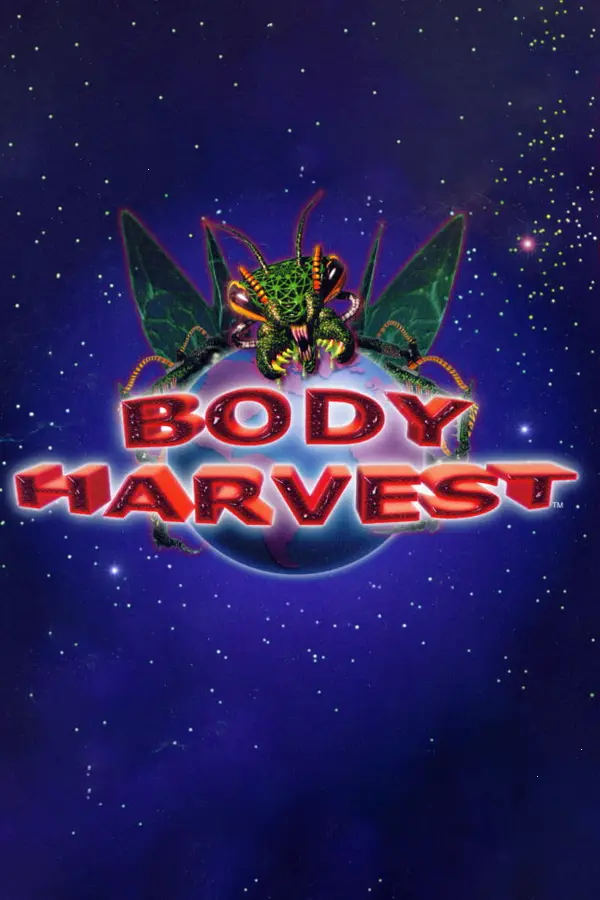
Body Harvest (Recompiled)
Port nativo de Body Harvest (Recompiled) para PC.
Body Harvest (Recompiled)
Port nativo basado en jaytheham/body-harvest-decompilation.
README del repositorio
Body Harvest: Recompiled
Body Harvest: Recompiled is a native port of Body Harvest made with N64: Recompiled, using RT64 as the renderer.
This repository and its releases do not contain game assets. You need your own copy of the game to play.
Table of Contents
Installation
-
Download the file for your system from the latest release:
System File How to run Windows BodyHarvestRecompiled-<version>-Windows.zipExtract, run BodyHarvestRecompiled.exeLinux x64 / ARM64 BodyHarvestRecompiled-<version>-Linux-X64.tar.gz/-Linux-ARM64.tar.gzExtract, run ./BodyHarvestRecompiledLinux Flatpak BodyHarvestRecompiled-<version>-Linux-X64.flatpakflatpak install --user BodyHarvestRecompiled-<version>-Linux-X64.flatpak, then start it from your app menumacOS BodyHarvestRecompiled-<version>-macOS.zipExtract, open BodyHarvestRecompiled.appmacOS: the app is not notarized by Apple, so macOS blocks it the first time. Open it once, then go to System Settings → Privacy & Security and click Open Anyway.
-
On first start, click Load ROM and select your Body Harvest ROM.
-
Click Start Game.
The ROM
- Only the North American (NTSC-U) N64 release of Body Harvest works. This is not an emulator; other games and versions are rejected.
.z64,.n64and.v64files are all accepted; byte order is converted automatically.- Check your file: SHA-1
bbb6666f5014a473747ee4145f036d9fb25d7348. - The ROM is copied into the game's data folder (see below) as
bh.us.z64, so you only select it once.
System Requirements
A GPU supporting Direct3D 12.0 (Shader Model 6), Vulkan 1.2, or Metal Argument Buffers Tier 2 is required by the RT64 renderer.
Builds are provided for Windows (x64), Linux (x64 and ARM64, plus a Flatpak) and macOS (Intel and Apple Silicon, macOS 11.0 or newer).
If you have issues with crashes on startup, make sure your graphics drivers are fully up to date.
Features
Easy-to-Use Menus
Graphics settings, input mappings, and audio settings can all be configured with the in-game config menu. The menus can all be used with mouse, controller, or keyboard.
Widescreen
Levels are rendered in widescreen when the Aspect Ratio graphics setting is Expand. The intro, title screen and menus stay at the original 4:3.
FAQ
Where are the ROM, saves and settings stored?
- Windows:
%LOCALAPPDATA%\BodyHarvestRecompiled - Linux:
~/.config/BodyHarvestRecompiled - macOS:
~/Library/Application Support/BodyHarvestRecompiled
Saves are in the saves subfolder.
Can you run this project as a portable application?
Yes, if you place a file named portable.txt in the same folder as the executable then this project will run in portable mode. In portable mode, the ROM copy, save files and config files are placed in the same folder as the executable.
Building
Building is not required to play. Instructions on how to build this project can be found in BUILDING.md.
Libraries Used and Projects Referenced
- N64Recomp for statically recompiling the game's code to run natively
- RT64 for the project's rendering engine
- N64ModernRuntime for replacing the original N64 runtime libraries
- RecompFrontend for menus and input handling
- Harvest Moon 64: Recompiled and Zelda 64: Recompiled as project templates
Comentarios (0)
Inicia sesión para dejar un comentario.
Sé el primero en comentar sobre este juego.