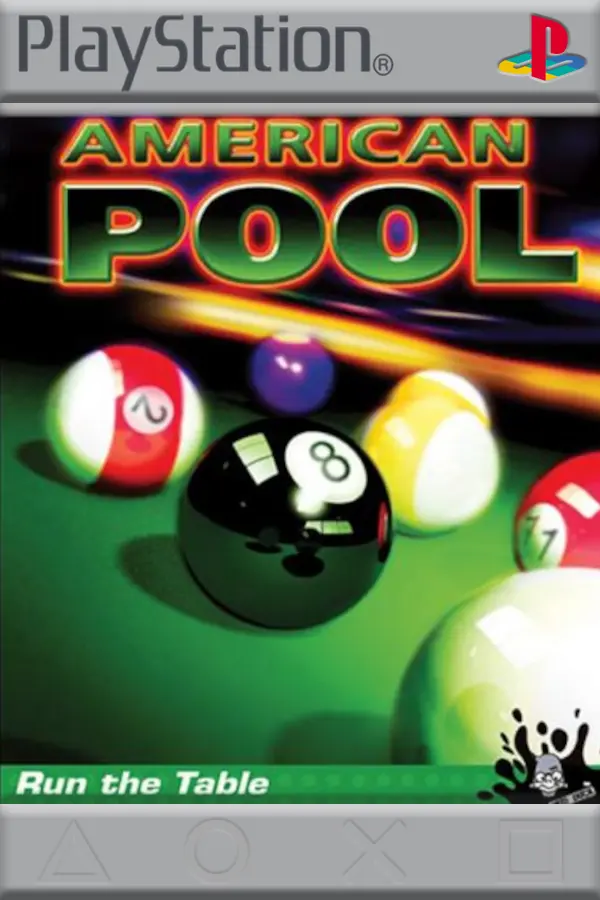
American Pool
Port nativo de American Pool para PC.
American Pool
Port nativo basado en su ficha de origen.
README del repositorio
American Pool PC port
A native Windows version of the PlayStation game American Pool (SLUS-01488). It runs the game's own logic natively on Windows, with no emulator and no BIOS, and adds sharper graphics and a number of quality-of-life improvements.
You need your own copy of the game. The port reads the graphics, sound and data from a disc image that you make from your own original disc.
Download
⬇ Download the latest release (american-pool-pc.zip)
All releases are on the Releases page.
- Download
american-pool-pc.zipand unzip it anywhere. - Start
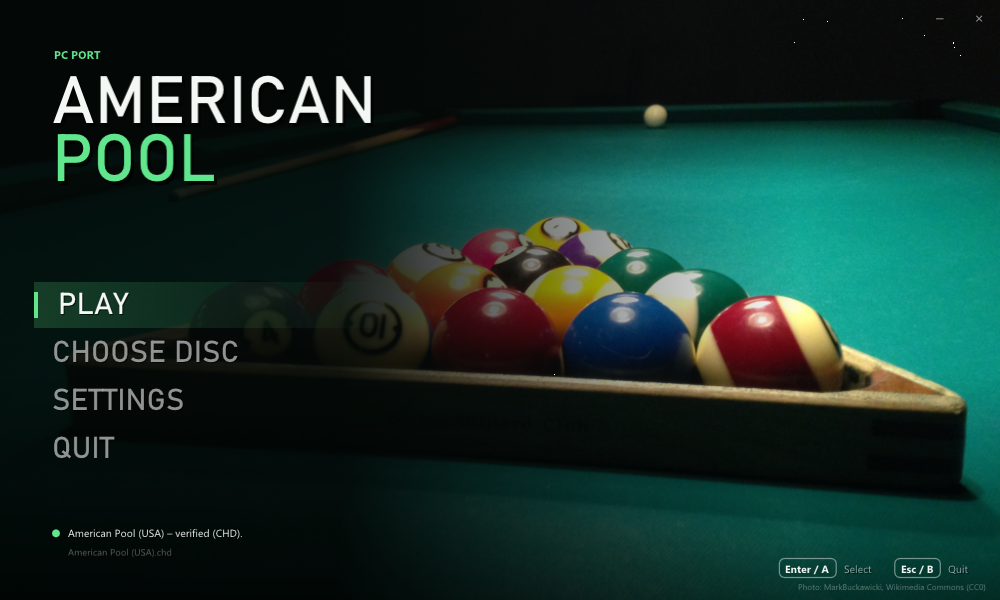
american_pool.exe(Windows 10 or later; no installation). - Click CHOOSE DISC and pick your disc image, or drop it on the window.
.bin/.cue,.chdand.isowork. The launcher checks the image against the known dump of American Pool (USA). - Click PLAY.
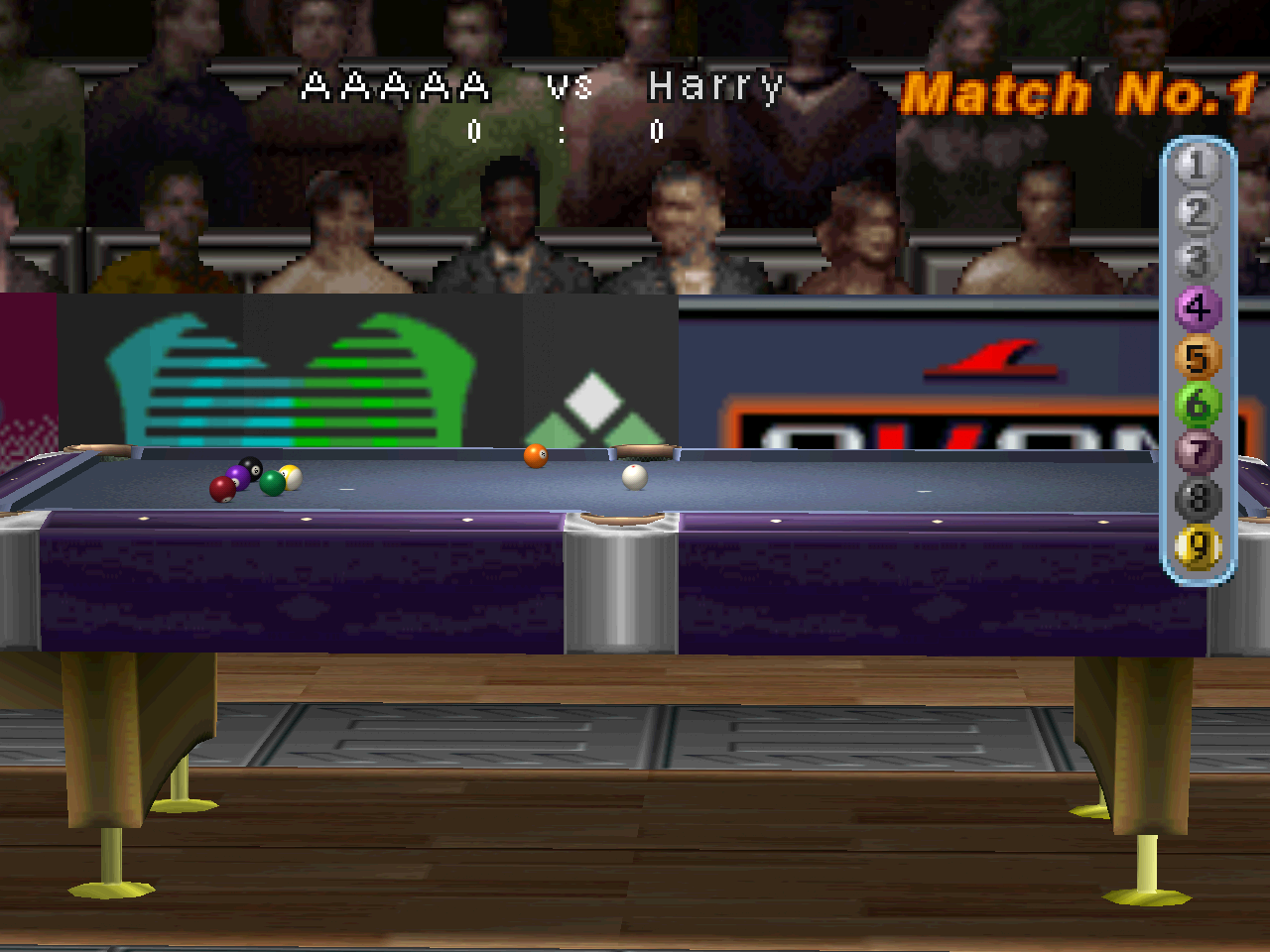
In-game picture: American Pool running in this port at 4× internal resolution. The game's graphics shown here are © their respective owners.
Disclaimer
- You must own the game. To play, you need a dump (disc image) of your own original American Pool (USA) disc. This project does not provide, and will not help you find, game files.
- This repository contains no game files: no code, graphics, sound, music, video or data files from the game, and no BIOS. It holds only this README, the third-party licence list and pictures: our banner, the launcher (our own, with a public-domain photo), plus the box cover and an in-game picture, which are © their respective owners and shown only to identify the game.
- No game assets are distributed. The release contains the port's own program and the licences of the open-source libraries it uses. Every graphic, sound and video is read at run time from your own disc image. The program is the game's logic rebuilt for Windows; it includes the small tables the code needs (menu texts, table layouts: about 30 KB) but none of the game's assets.
- American Pool is a trademark of its owner. This is a non-commercial fan project and is not affiliated with or endorsed by DigiCube, Mud Duck Productions or Sony.
Improvements over the original
All of these can be changed under SETTINGS (and most of them in the game with F1).
Graphics
- Higher internal resolution, up to 4× (1280 × 960), with the HUD and menus kept pixel-exact.
- Precise vertices (PGXP-like): no PS1 "wobble", and perspective-correct textures on the table, cloth and cue.
- Smooth 3D textures: bilinear filtering of 3D surfaces only, so text and 2D graphics stay sharp.
- Round balls: the balls are redrawn as sharp, shaded spheres with their numbers and stripes, instead of the original's low-resolution ball pictures.
- Fixes for the original's 3D glitches: no cracks across the cloth or at the pockets when the camera moves, and the gold feet of the table legs no longer disappear behind the floor.
- Picture filters: sharp pixels, bilinear, CRT, or a soft-TV filter (GTU-like) that smooths the whole picture, HUD included.
- Window or borderless full screen, any window size, 4:3 or stretched, vsync.
Gameplay
- Fast forward (Triangle / Y): one press skips the computer's turn, the rolling balls after your own shot, or the lag (banking). The game runs as fast as it can until it is your turn or the balls stop.
- Skip the intro logos.
- Quit from the title screen with B / Esc.
Comfort
- Launcher: a resizable splash window that remembers its size; choose and verify the disc, change every setting, with mouse, keyboard or controller.
- In-game settings with F1 (or Select + Start).
- Controls: keyboard or XInput controllers (Xbox and compatible), two players, every button remappable, automatic mapping.
- Sound: master, music and effects volume; the music keeps its pace even if a frame is slow.
- Memory card in a
.mcdfile (the same format as DuckStation and other emulators), so saves can move between them. - Disc images:
.bin/.cue,.chd(compressed) and.iso.
Controls
Plug-and-play with modern controllers!
| PS1 | Keyboard (player 1) | Controller |
|---|---|---|
| D-pad | Arrow keys | D-pad or left stick |
| Cross | X | A |
| Circle | C | B |
| Square | Z | X |
| Triangle | S | Y |
| L1 / R1 | Q / E | LB / RB |
| L2 / R2 | 1 / 3 | LT / RT |
| Start | Enter | Start |
| Select | Backspace | Back |
Player 2 uses I J K L and the numeric keypad by default. Everything can be changed under SETTINGS → CONTROLS.
In the game: Esc goes back to the launcher, F1 (or Select + Start) shows the settings, Triangle / Y fast-forwards.
Files
Everything stays in the program's folder:
settings.ini: the settings.saves/memcard1.mcd: the memory card (the path can be changed under SETTINGS → SAVES).american_pool.log: a log for troubleshooting.
FAQ
Do I need a BIOS? No. Everything the BIOS and Sony's libraries do on a PlayStation is written anew in the port.
Which version of the game? American Pool (USA), SLUS-01488. Other dumps of the same game may work; the launcher tells you if your image is not the known one.
Is the source code available? No. The port is built from a decompilation of the game, which is not published.
Credits
- Launcher photo: Billiards_Rack.JPG by MarkBuckawicki, CC0 1.0 (public domain).
- Built with Dear ImGui,
libchdr (with zstd, LZMA SDK,
miniz and dr_flac) and stb_image.
Their licences are in THIRD_PARTY.md and in the
licensesfolder of the release.
Comentarios (0)
Inicia sesión para dejar un comentario.
Sé el primero en comentar sobre este juego.