

Port nativo
Alley Cat
Port nativo de Alley Cat para PC.
Alley Cat
Port nativo basado en su ficha de origen.
README del repositorio
Alley Cat (x86-64 recomp)



A recompilation of Alley Cat (Bill Williams, SynSoft/IBM, 1984) from its original DOS executable for x86_64 platforms.
[!IMPORTANT] About 99% of the code is LLM-generated and only roughly reviewed. If you have concerns about AI-generated code, avoid this project.
| CGA (default) | PCjr (-pcjr / Ctrl-P) |
|---|---|
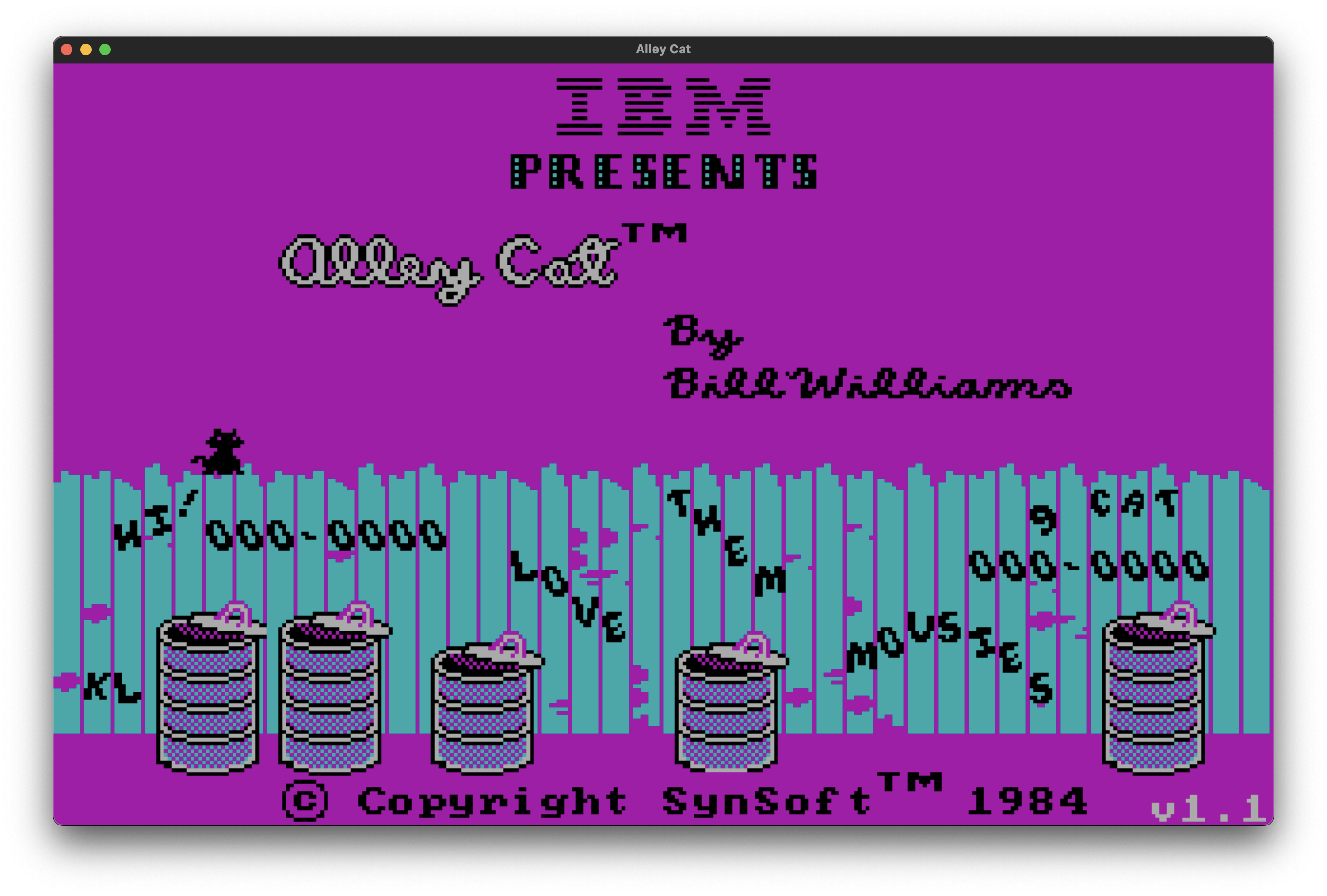 | 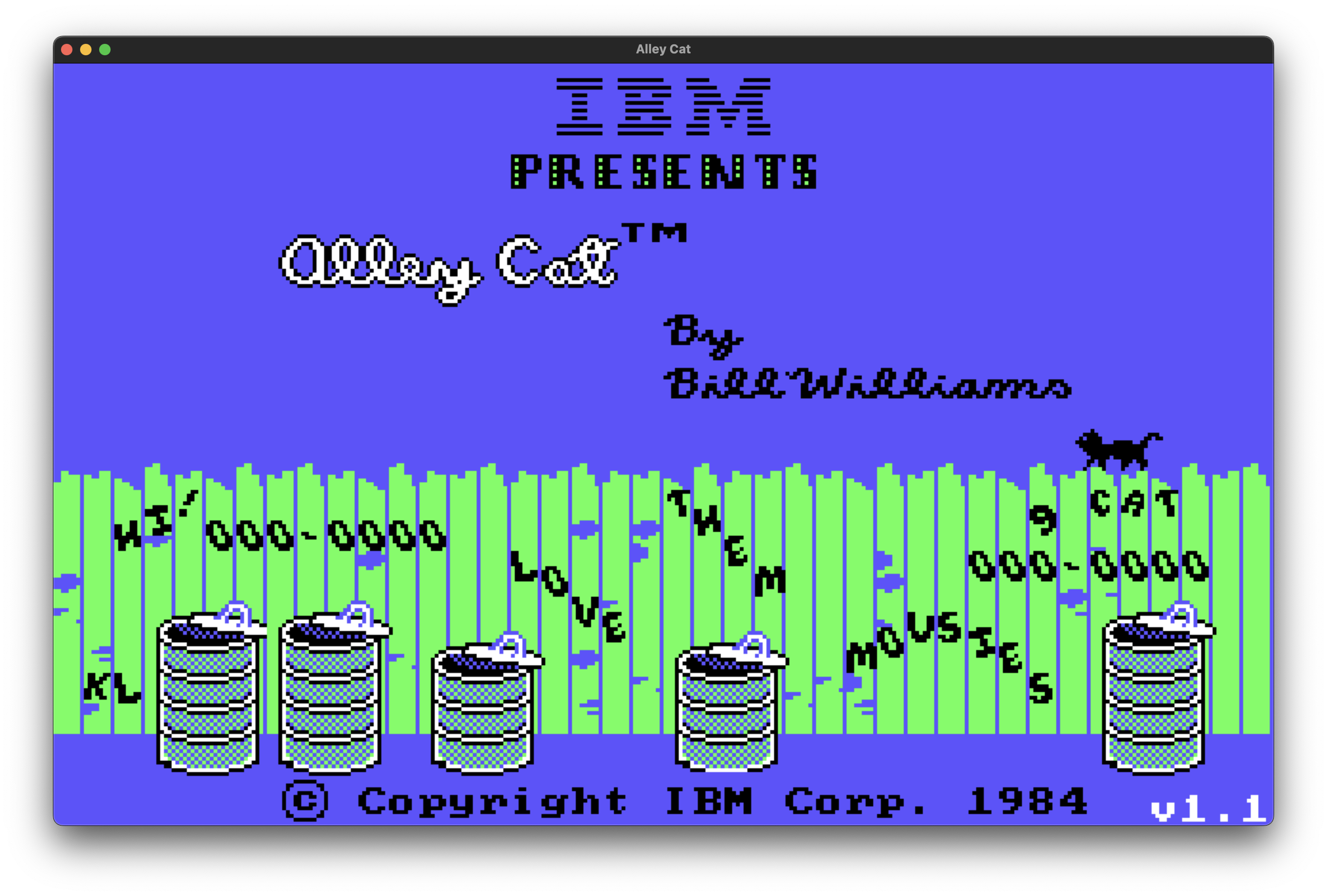 |
Platforms and downloads
| Platform | Latest release | Package to choose |
|---|---|---|
| Web | 1.3 | Play in your browser |
| Windows x64 | 1.3 | windows-x86_64 ZIP |
| Linux x64 | 1.3 | linux-x86_64 archive |
| macOS Intel (x64) | 1.3 | macos-x86_64 ZIP |
| macOS Apple Silicon (ARM64) | 1.3 | macos-x86_64 ZIP — runs under Rosetta 2 |
The macOS build is not signed or notarized: allow it under Privacy & Security or run xattr -dr com.apple.quarantine <folder>.
Controls
- In the options menu,
K,H,TandA(or 1 to 4) choose the skill level. The skill sets the starting difficulty; the game raises it as you complete levels. - Use the cursor keys to move the cat and jump.
Alt(PC) orOption(MacOS) performs special actions:- Room 6 (milk bowls, sleeping dogs): hold it next to a bowl to drink from it. A full bowl takes several sips, and the room has 12 bowls.
- Room 7 (hearts cat room): drops a picked-up gift on the nearest shelf at the cat's position. A rival cat that walks into a gift takes it and stays away for a while. Each completed room adds one gift, up to 8.
Ctrl-S: turns the sound on and offCtrl-R: returns to the title screenEsc: pauses the game whie playing; quits the game on the title screen.
New (not in the original game):
F10,Ctrl-WandCtrl-Q: quits at any timeCtrl-L: adds a life, up to9Ctrl-K: infinite lives (counter gets set to 0)Ctrl-I: invincibility against the dog, the cat head in the garbage cans and the rival cats in the hearts cat room; nothing is thrown from the windowsCtrl-P: toggles the IBM PCjr colors and the CGA colors. With-pcjron the command line, the game starts directly with the PCjr colors.Alt-EnterorF11(Cmd-EnterorCmd-F11on macOS): toggles fullscreen. The game starts in fullscreen by default. With--windowon the command line, it starts in a window.
Building
See BUILDING.md for requirements, build steps, the source layout and how the port works.
License
Comentarios (0)
Inicia sesión para dejar un comentario.
Sé el primero en comentar sobre este juego.